
.svg)
.svg)
.svg)
.svg)
.svg)


.svg)
%20(1).jpg)
.jpg)
Our Apps Have Driven
5X AOV | 2X Conversions | $30M+ Additional Revenue
5X AOV | 2X Conversions | $30M+ Additional Revenue
.svg)


5.0 (3000+ Reviews)


Shopify Apps





.svg)

If you've ever wished you could add more flexibility to your Shopify store without messing up your theme code — metafields are your new best friend. Whether you're looking to add ingredient lists, size charts, dynamic messages, or custom delivery instructions, Shopify metafields make it all possible.
In this guide, we'll break down what metafields are, how to set them up, and how tools like Kite, Easy Bundle Builder, Checkout Wiz, and others can plug into your metafield game to personalize and power up your Shopify store.
At their core, Shopify metafields are custom fields that allow you to store additional information about your products, collections, customers, orders, and more.
Think of them as Shopify's way of saying, "Here's your sandbox—go build something cool." You can use metafields to:
Metafields were once the domain of developers. But Shopify has come a long way — now, even non-techy merchants can use metafields directly in the Shopify admin.
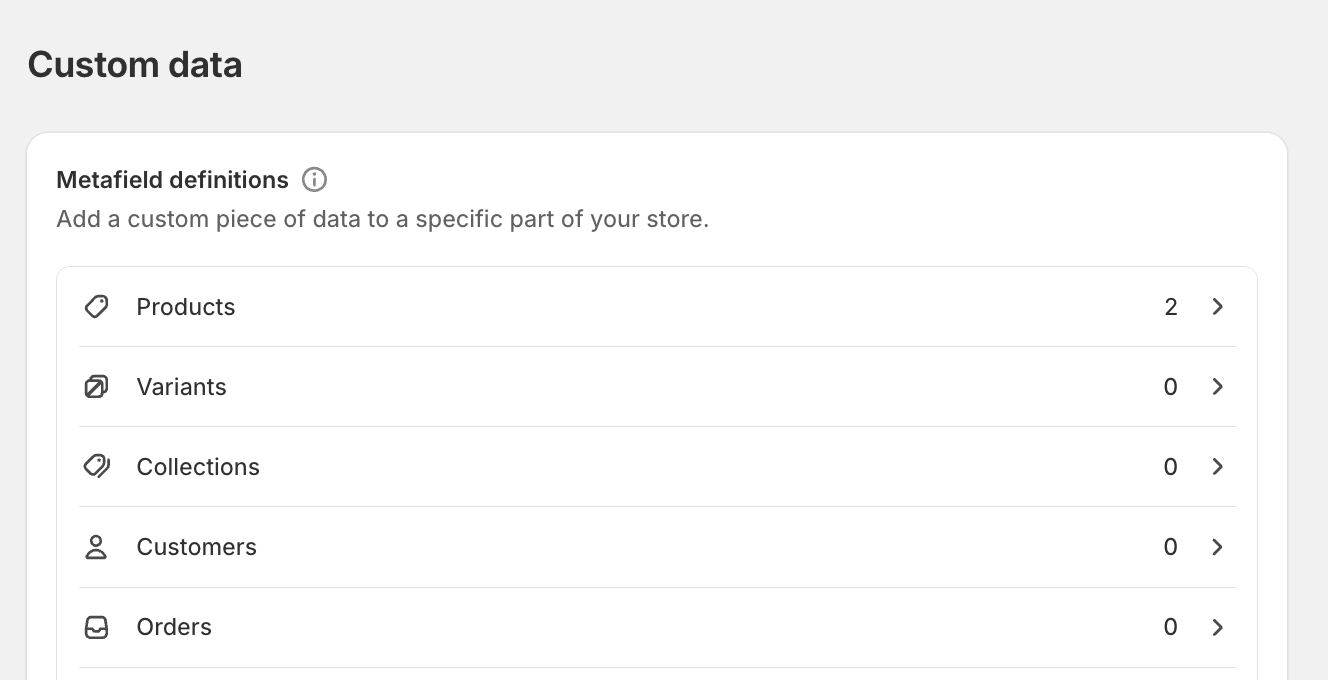
Shopify lets you apply metafields across different resource types. Here's a quick breakdown:
Add custom info like fabric type, expiration dates, or even internal tags. Great for detailed product storytelling.
Use these for custom collection banners, SEO fields, or specific landing page messages.
Internal use cases shine here — think of storing gift notes, delivery preferences, or membership tags.
Metafields = custom fields.
Metaobjects = reusable content blocks (think blog post-style data objects).
You'll likely use both — metafields for context, metaobjects for structure.
Definitions are templates that help ensure consistency (e.g., always using a date format or single-line text).
For large catalogs, metafields can be added in bulk using Shopify's bulk editor or tools like Matrixify.
For developers, Liquid lets you render metafields like this:
Need to trigger metafields during quiz logic? Byte lets you capture customer preferences and store them via metafields for later use across product recommendations and custom checkouts.

Once your metafields are in place, it's time to show them off.
If you're using an Online Store 2.0-compatible theme, just connect your metafields via the theme customizer under "Dynamic sources."
Need a custom layout? Liquid gives you full control to pull and style metafields however you like.
Add a metafield to collect personalized gift notes. With GiftLab, you can even pair these notes with wrapping preferences or delivery instructions, enhancing the unboxing experience.
Use metafields to dynamically describe what's in a "Build Your Own Box" bundle. Easy Bundle Builder reads these fields to generate custom checkout flows.
Tag specific orders with metafields like "High Priority" or "Gift Included." Sync this with Giftkart campaigns to reward VIP customers with store credits.
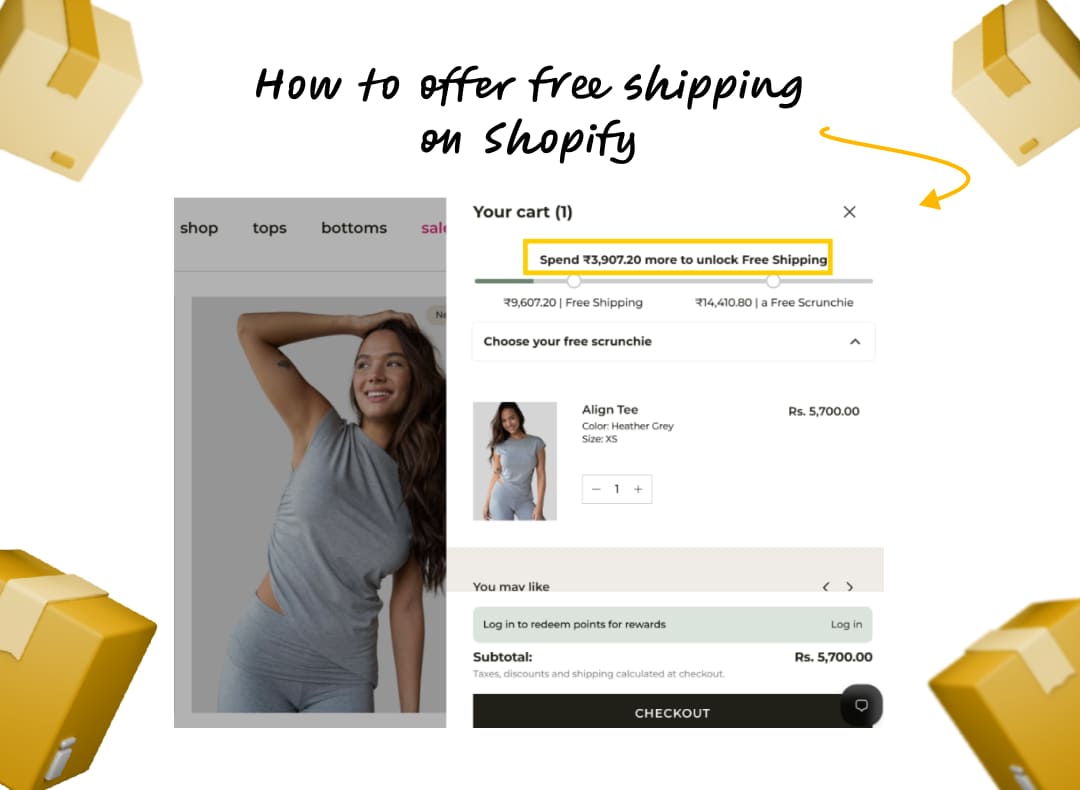
Want to tell a shopper they're eligible for a free gift? Use metafields to show real-time messages based on cart conditions powered by Kite.
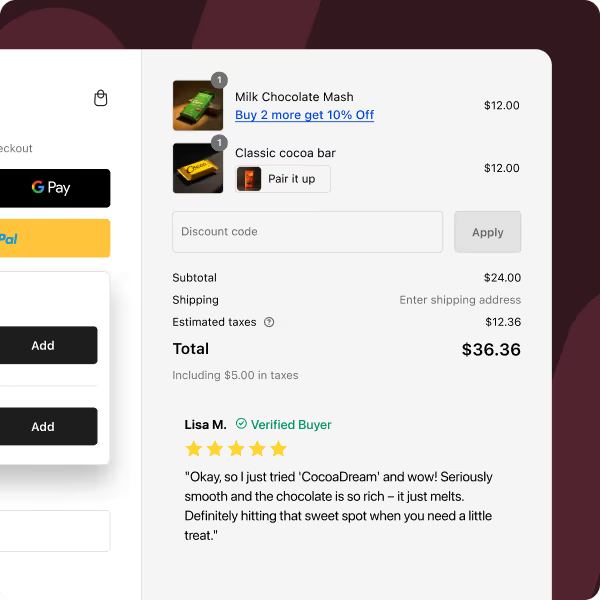
Customize your thank-you page or checkout with metafield-backed components like estimated delivery time or quiz-based suggestions using Checkout Wiz.
While Shopify's built-in metafield editor has come a long way, using third-party tools can make bulk editing, automation, and integration much easier — especially for stores managing hundreds or thousands of SKUs.
Here are some of the top-rated Shopify apps for metafields:
Formerly Excelify, Matrixify is great for importing/exporting metafields at scale. Especially handy if you're managing thousands of products or custom bundles.
One of the OGs in the metafields space. It offers a clean UI, validation rules, bulk editing, and JSON support — great for developers and advanced merchants.
Ideal for stores that need custom field types like image pickers or WYSIWYG editors. It's theme-aware and beginner-friendly.
A quiz-builder that does more than collect preferences — it can store quiz responses as metafields, which you can then use in personalized post-purchase flows, email segmentation, or upsell logic.
Enables you to build mix-and-match or dynamic bundles while syncing bundle logic to product or cart-level metafields for advanced logic and analytics.
Shopify Plus brands operate at scale, which means personalization and operational efficiency need to scale too. That's where metafields become a secret weapon.
Here are a few high-impact ways Plus stores are using metafields:
Shopify Plus stores with Checkout Extensibility can display metafield-backed delivery times, VIP status, or gift notes at checkout using tools like Checkout Wiz.
Brands use order metafields to flag special handling (e.g., fragile items, regional fulfillment preferences) — these values are passed via API to fulfillment centers.
With metaobjects + metafields, brands can create highly dynamic landing pages tailored to campaigns or customer segments — without needing a dev team.
Through apps like Byte, Plus stores deliver guided product journeys and use metafields to store answers, trigger dynamic offers, or personalize future emails.
Combining metafields with apps like GiftLab and Giftkart, Plus stores allow gift senders to leave custom notes, select delivery dates, or even hide prices — elevating the unboxing experience.
💡 Pro Tip: Shopify Plus APIs allow bulk metafield edits at lightning speed — perfect for scaling personalization across multiple storefronts or international markets.
custom.delivery_time for cleaner dataShopify metafields are an absolute game-changer for brands that want to break free from template constraints and deliver personalized, scalable content. Whether you're a store owner looking for no-code tweaks or a developer building dynamic sections, metafields give you the power to do more — smarter.


.avif)


