.svg)
.svg)
Our Apps Have Driven
5X AOV | 2X Conversions | $30M+ Additional Revenue
5X AOV | 2X Conversions | $30M+ Additional Revenue


5.0 (3000+ Reviews)


Shopify Apps





.svg)


.svg)










.avif)
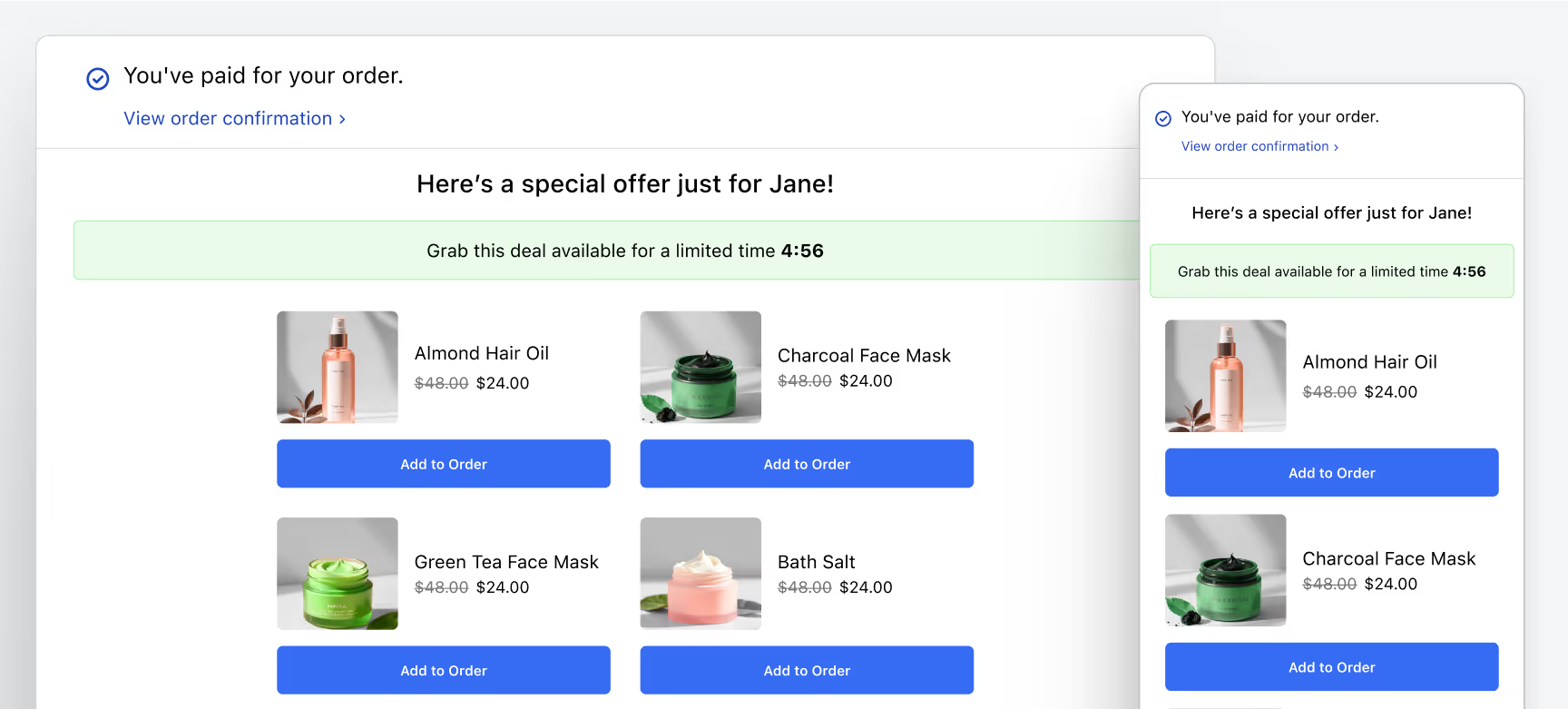
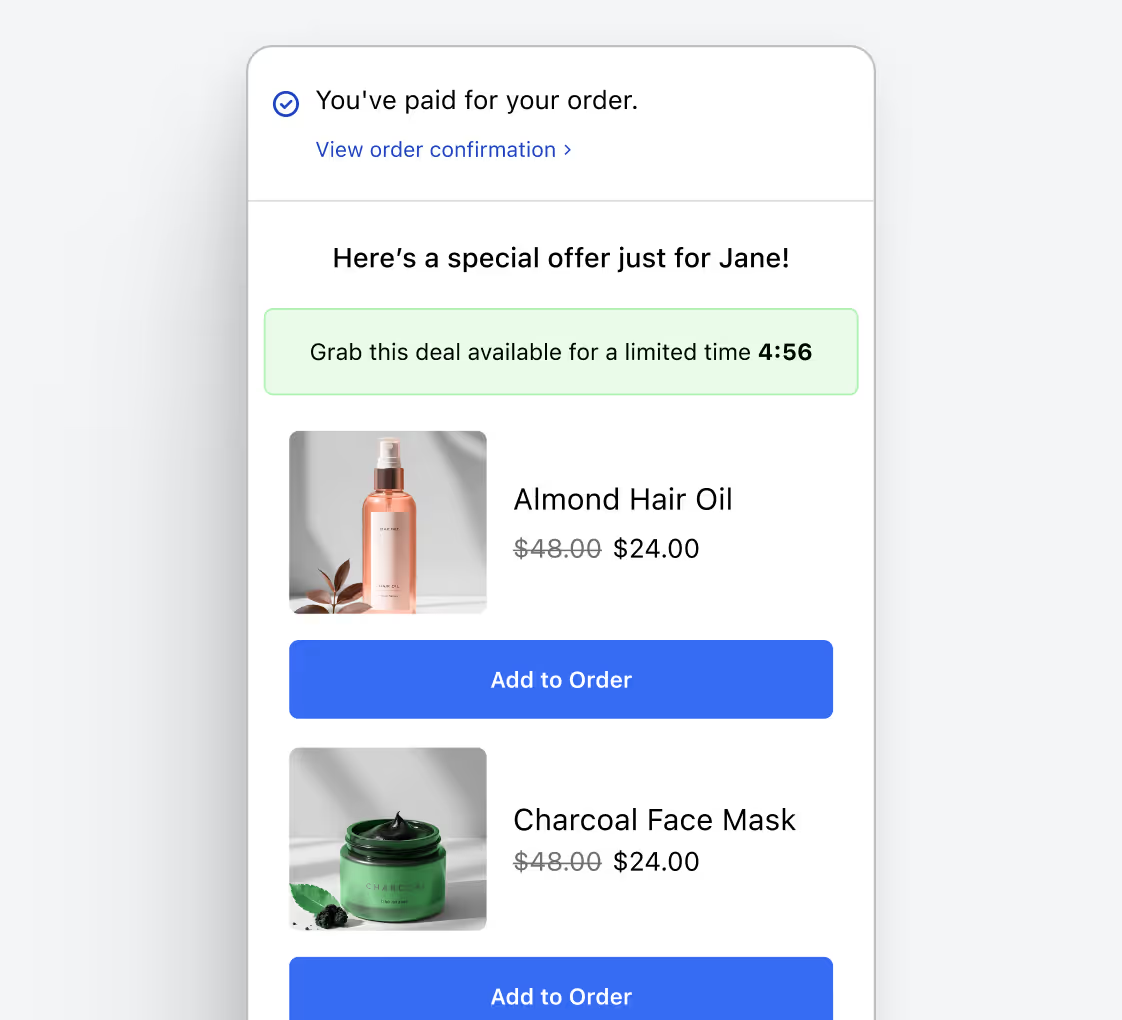
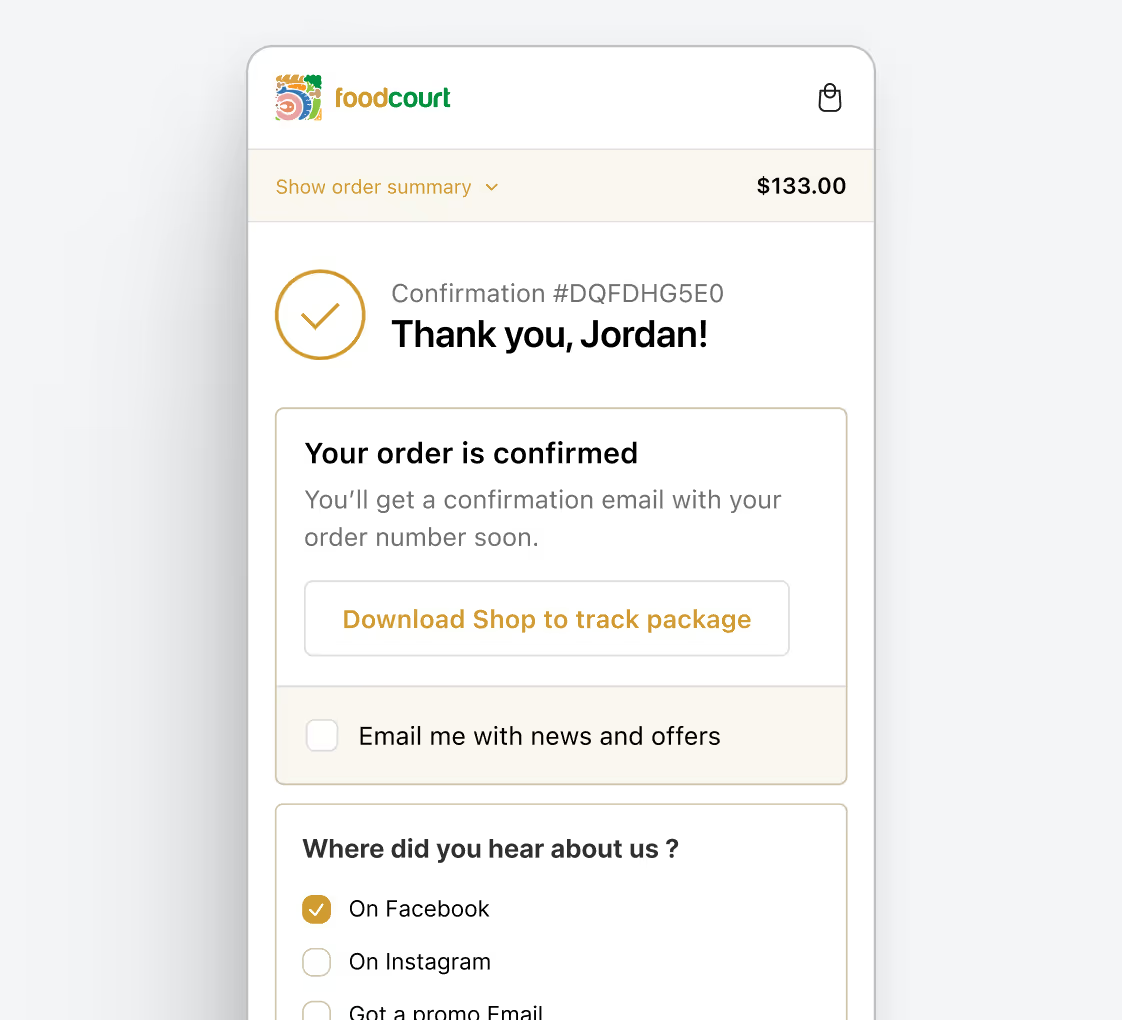
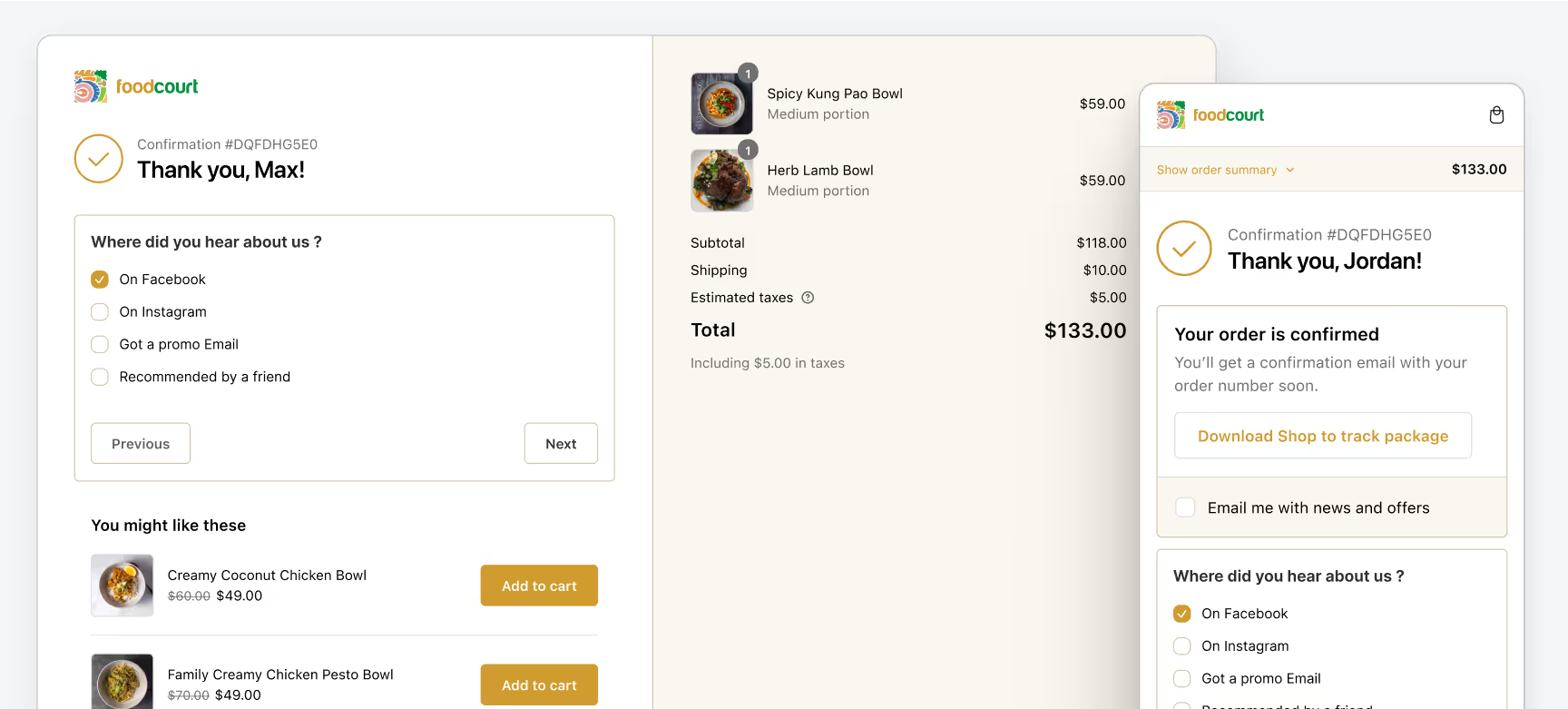
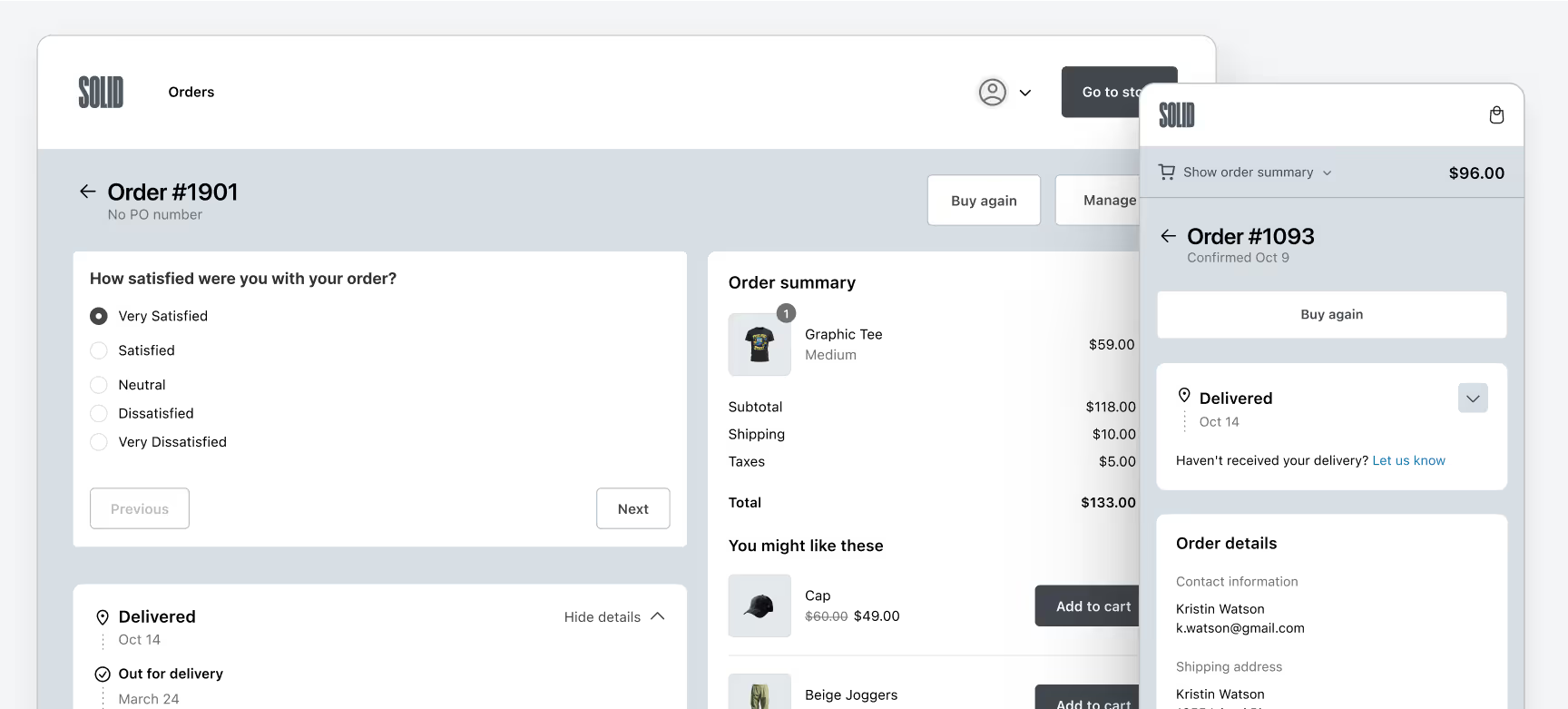
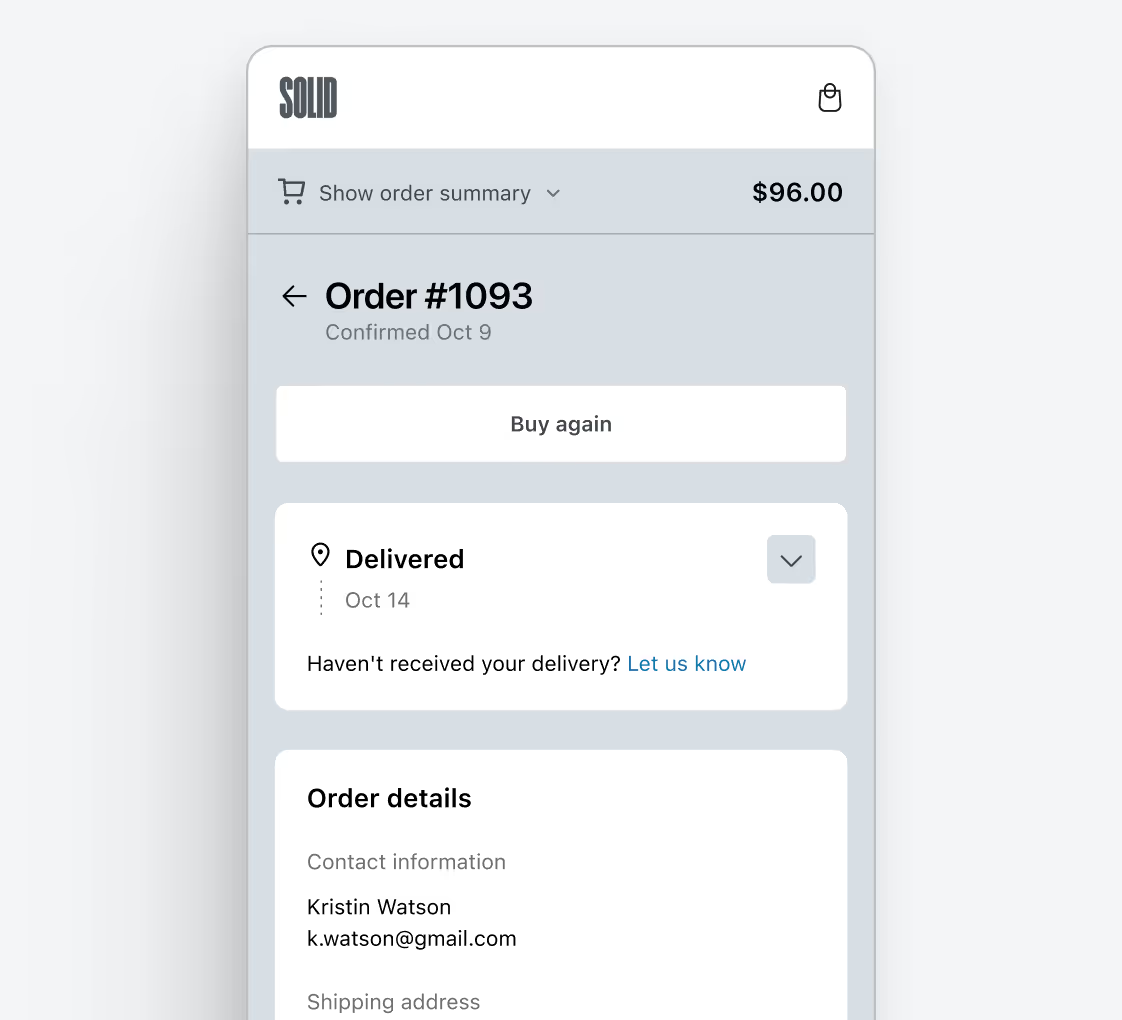
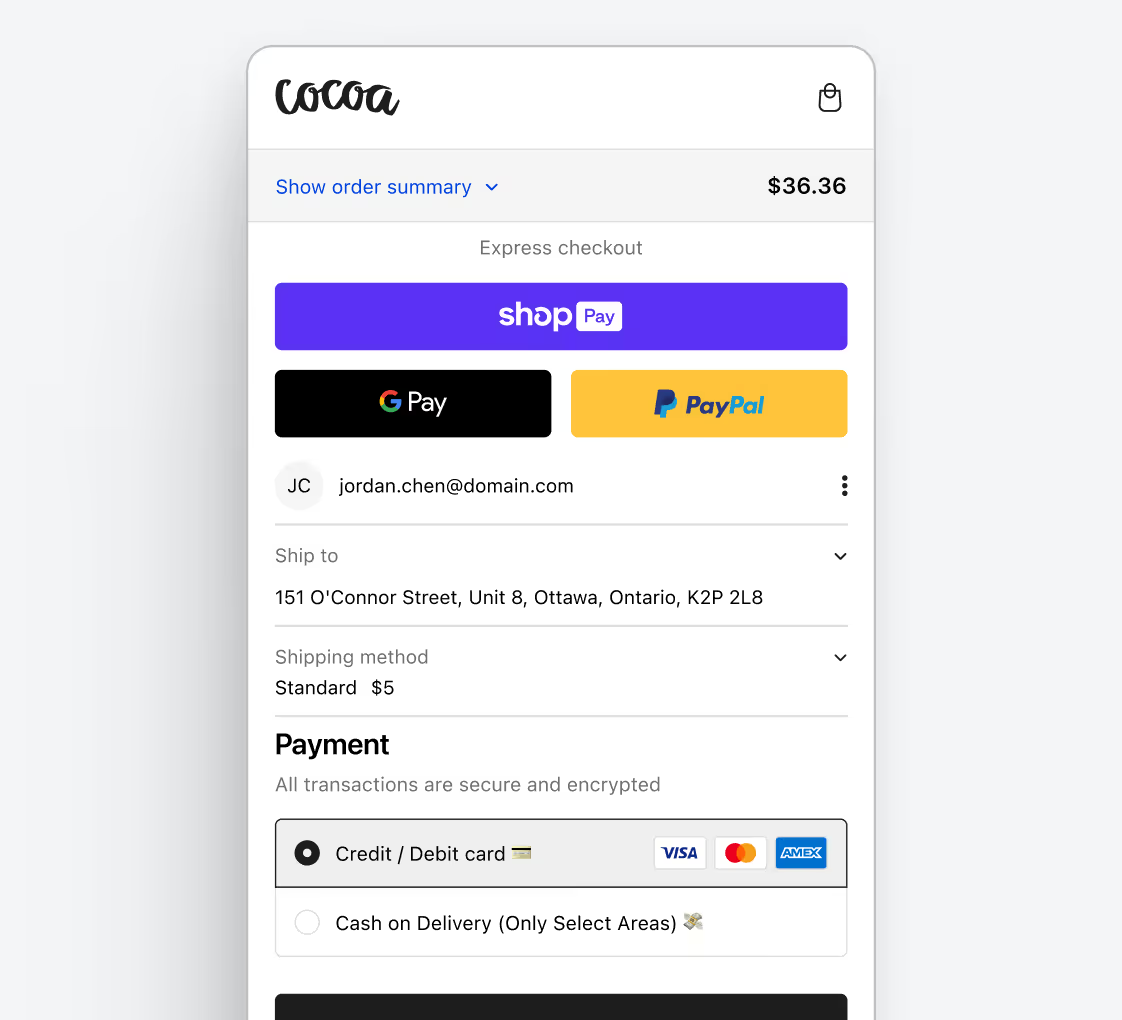
Checkout Wiz has driven checkout conversion rates to as high
as 60% for Shopify Plus stores
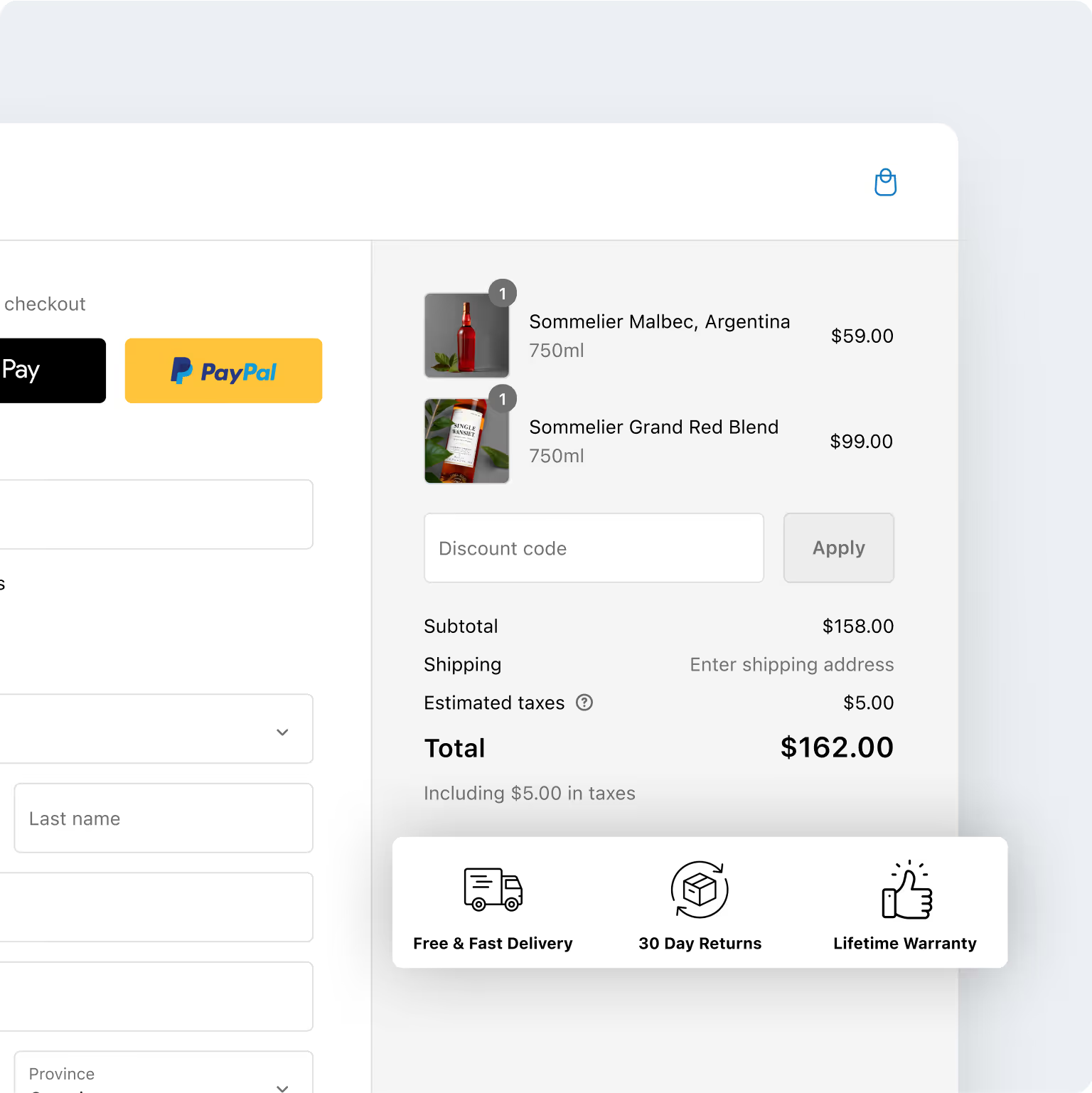
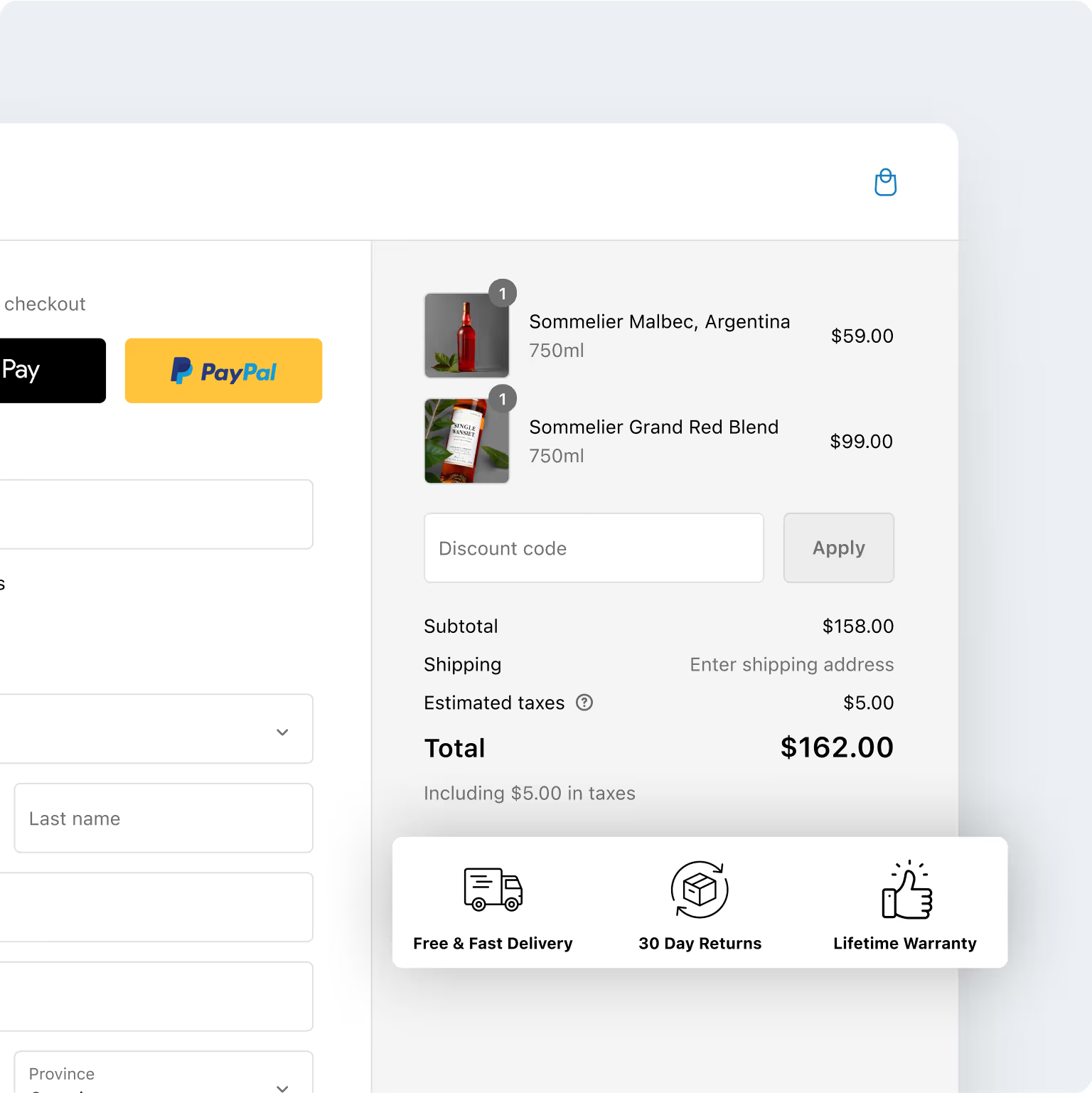
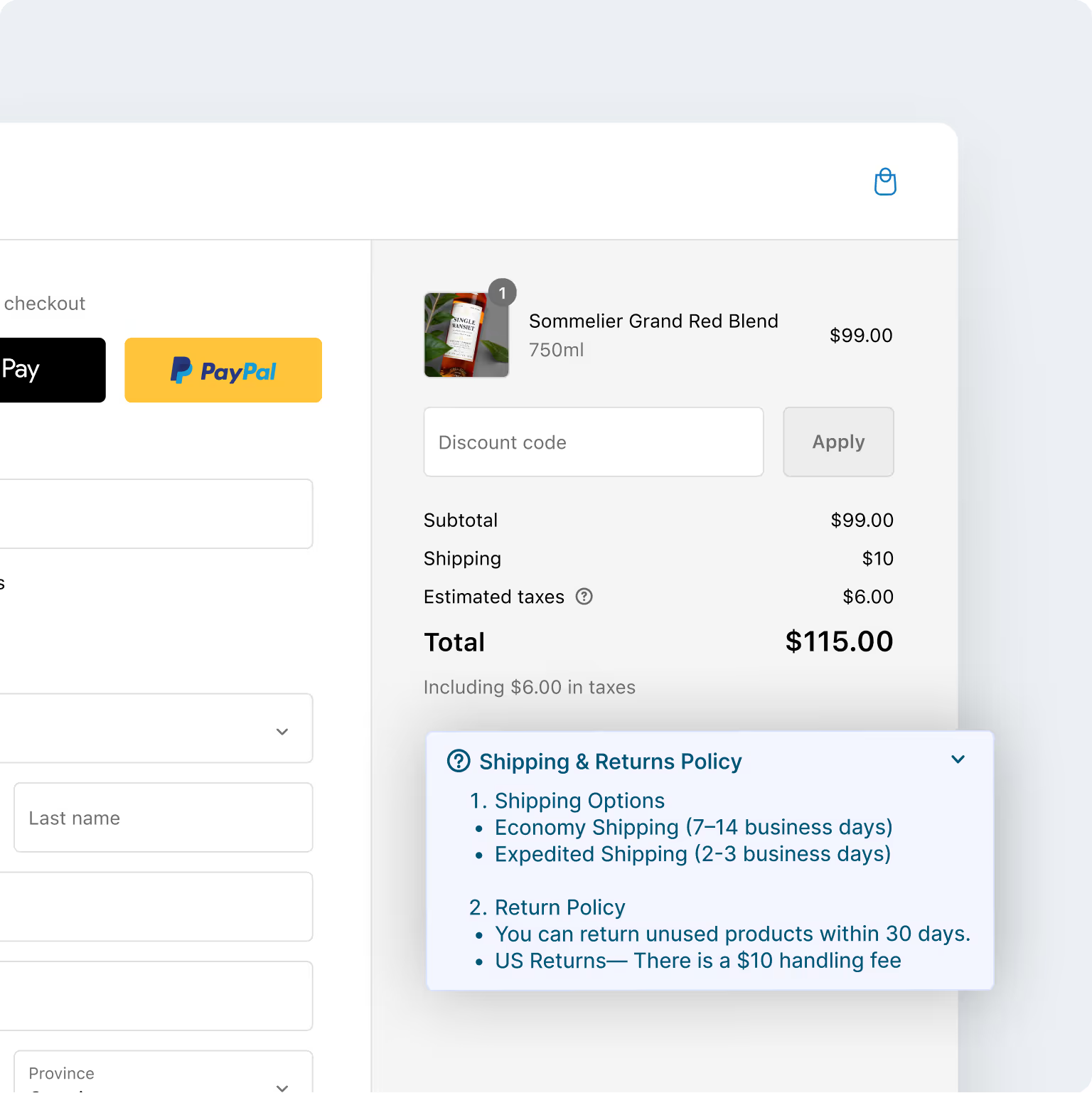
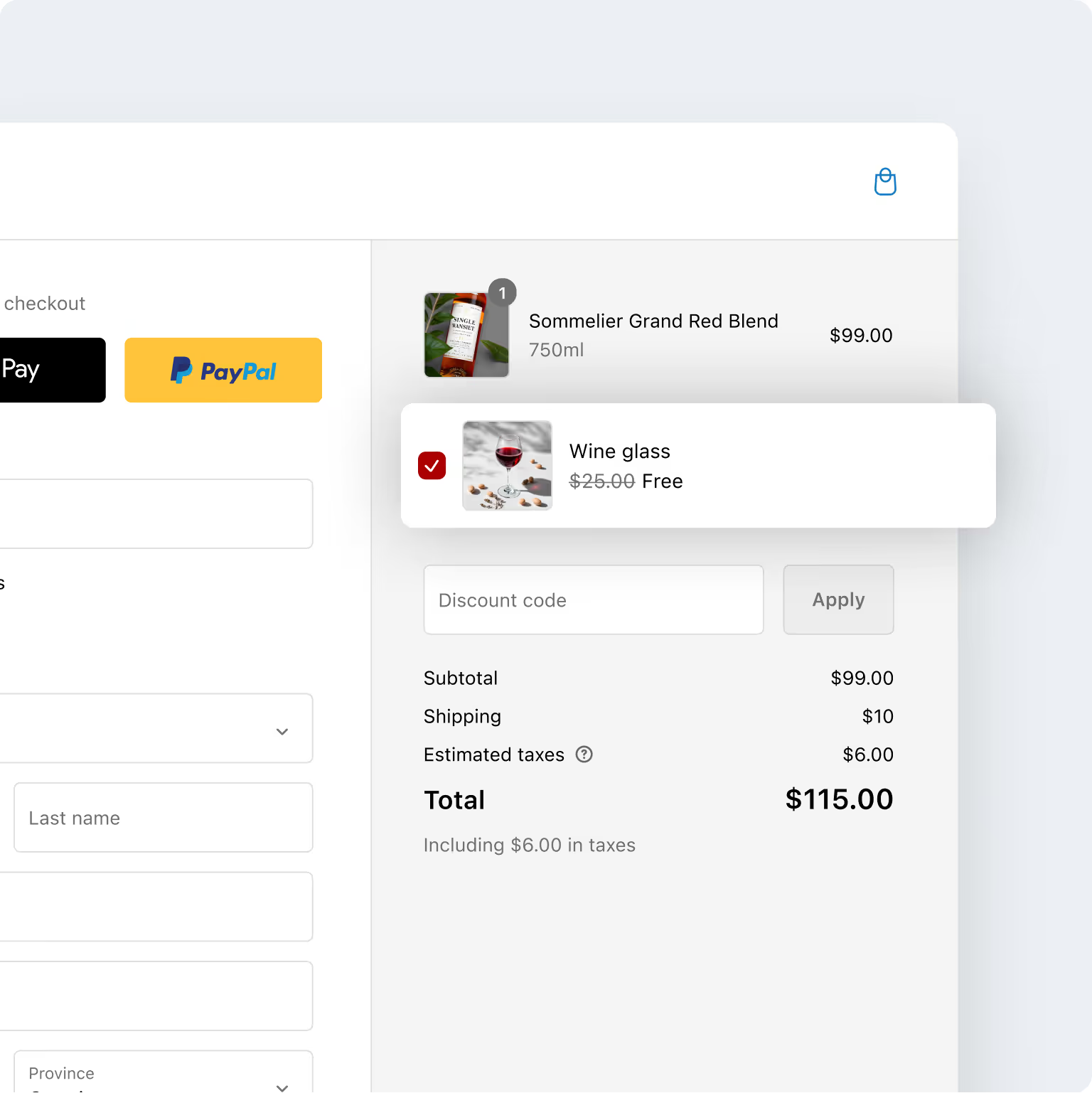
Checkout Wiz users have witnessed a significant increase in AOV & generated millions via checkout upsells.
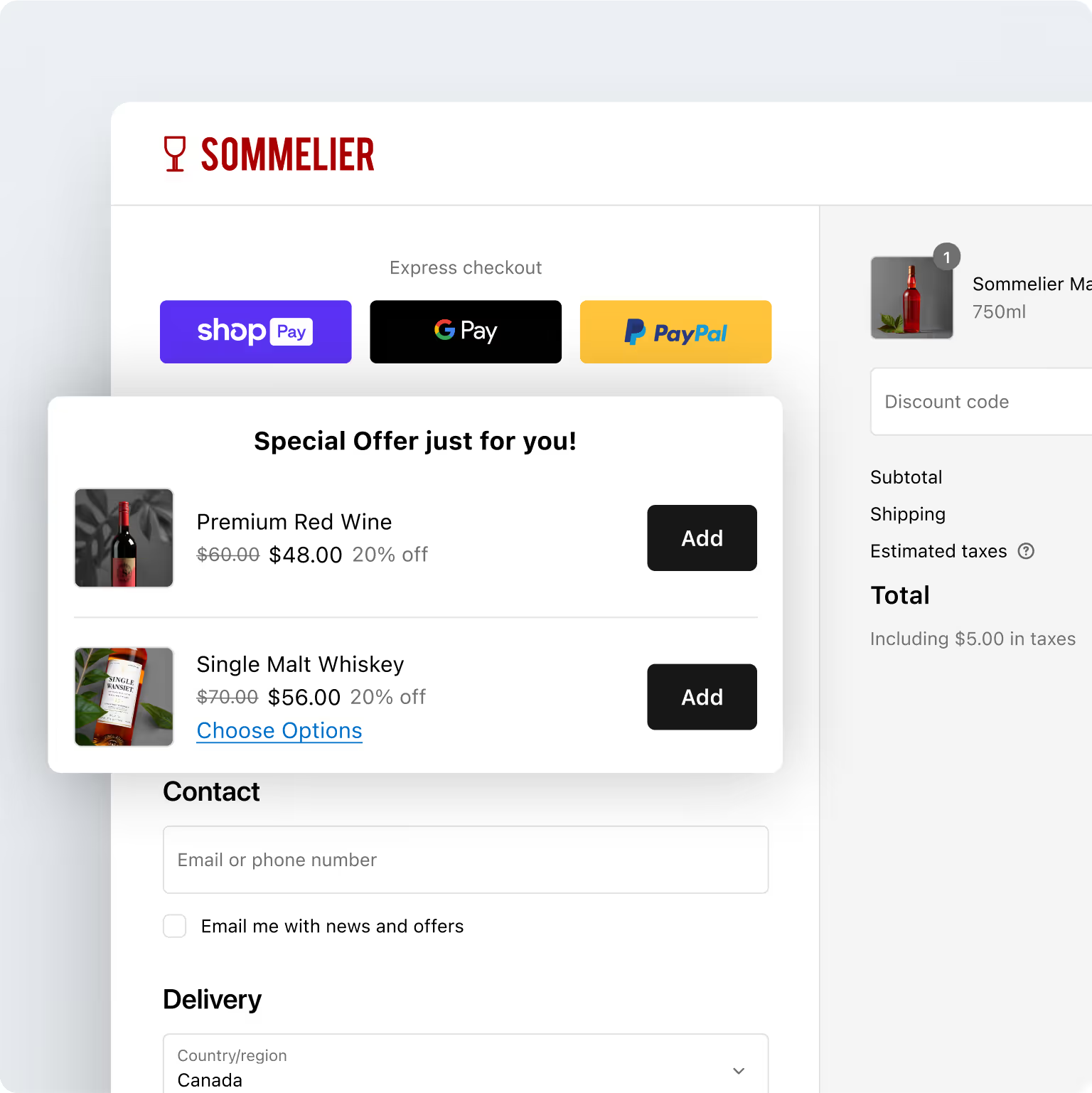
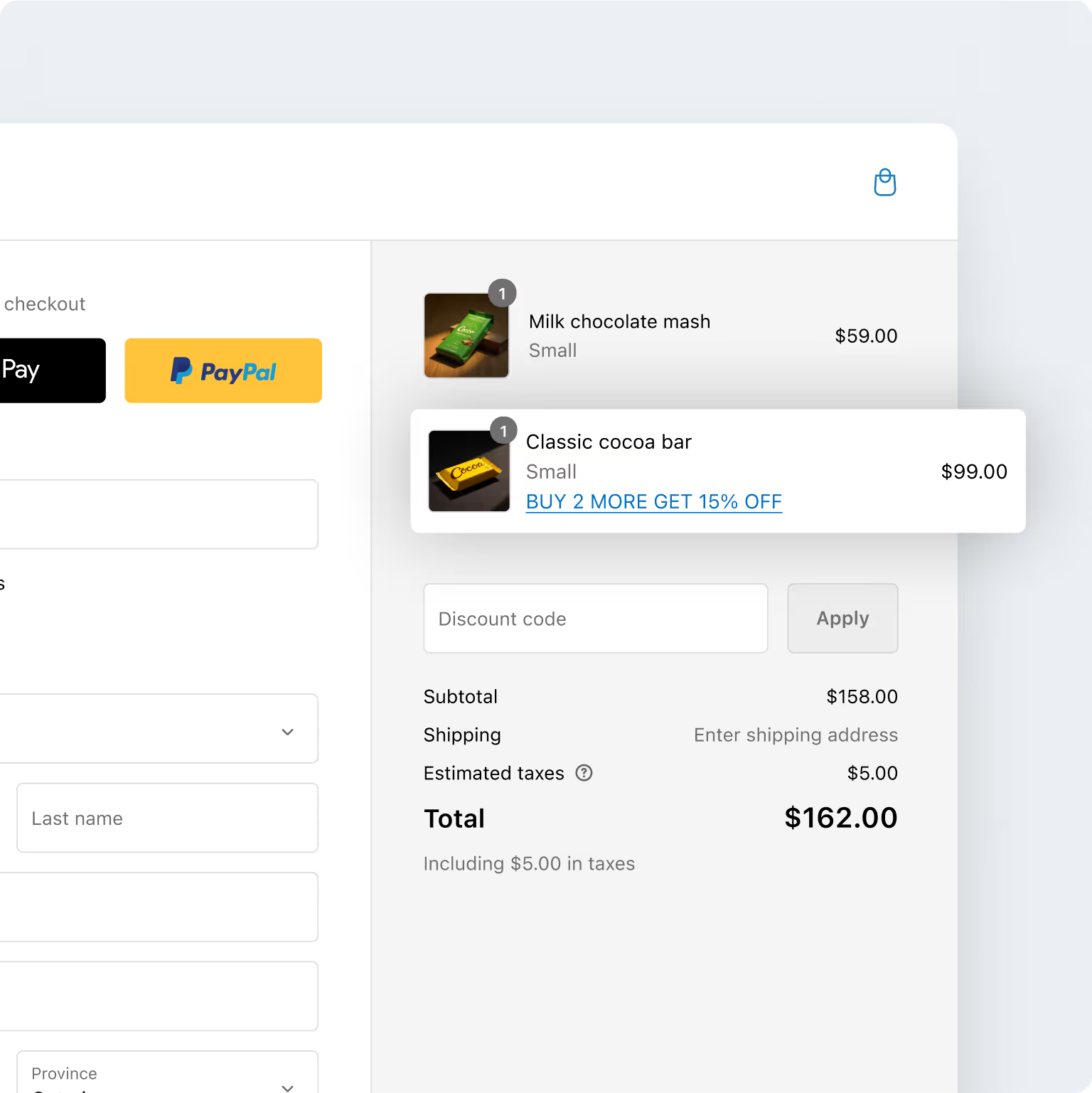
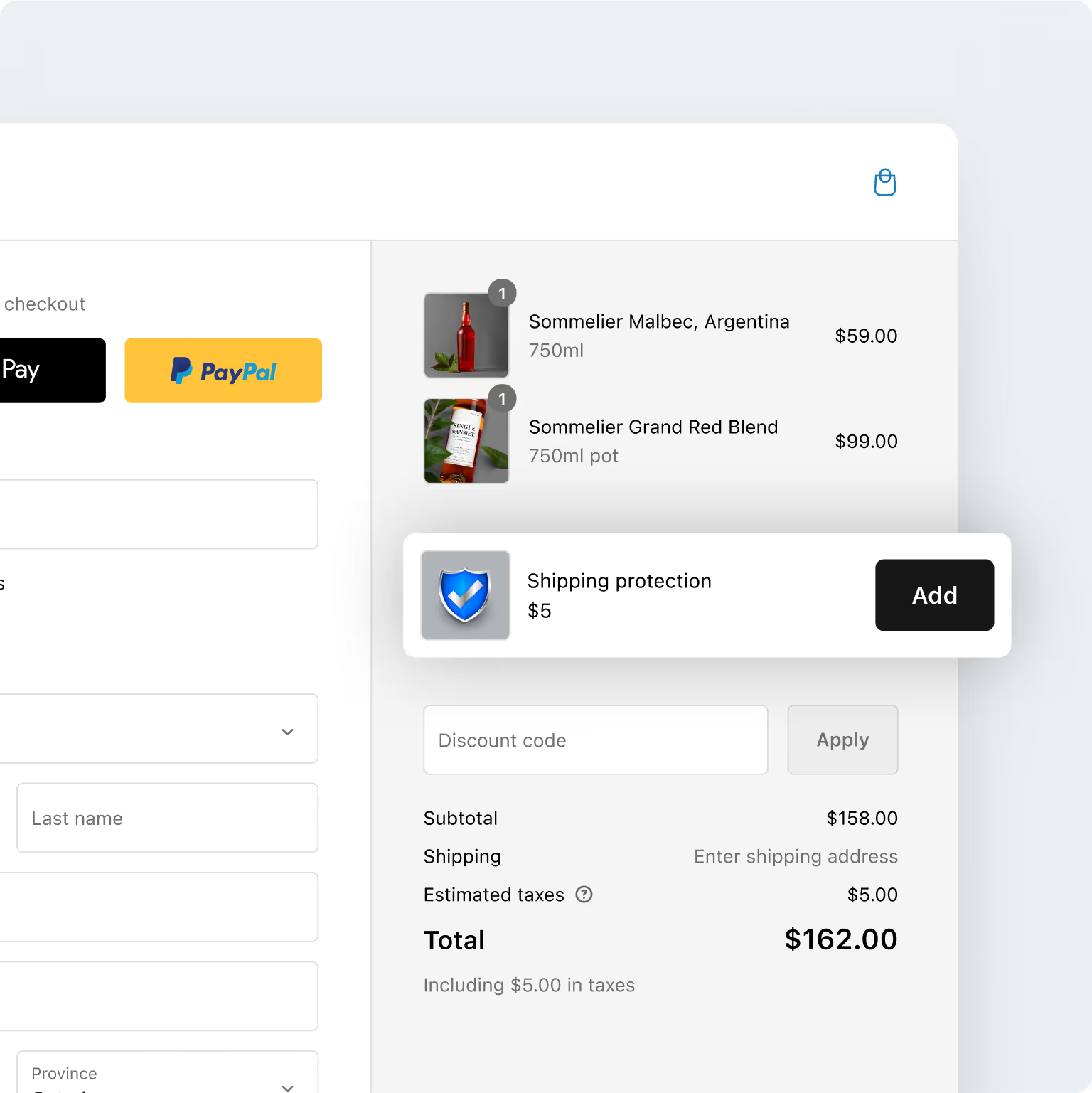
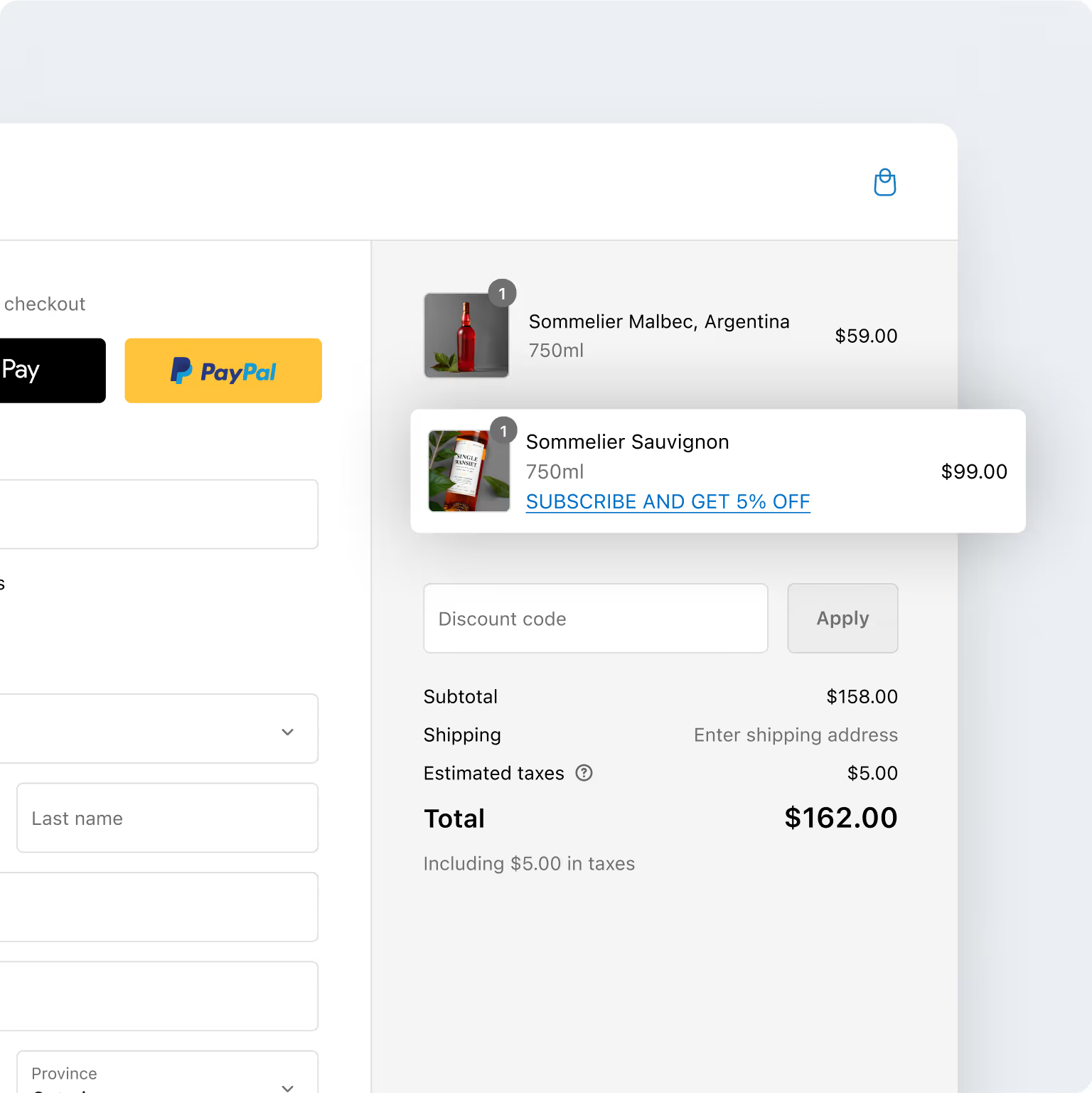
Shopify checkout optimization that’s backed by hard data
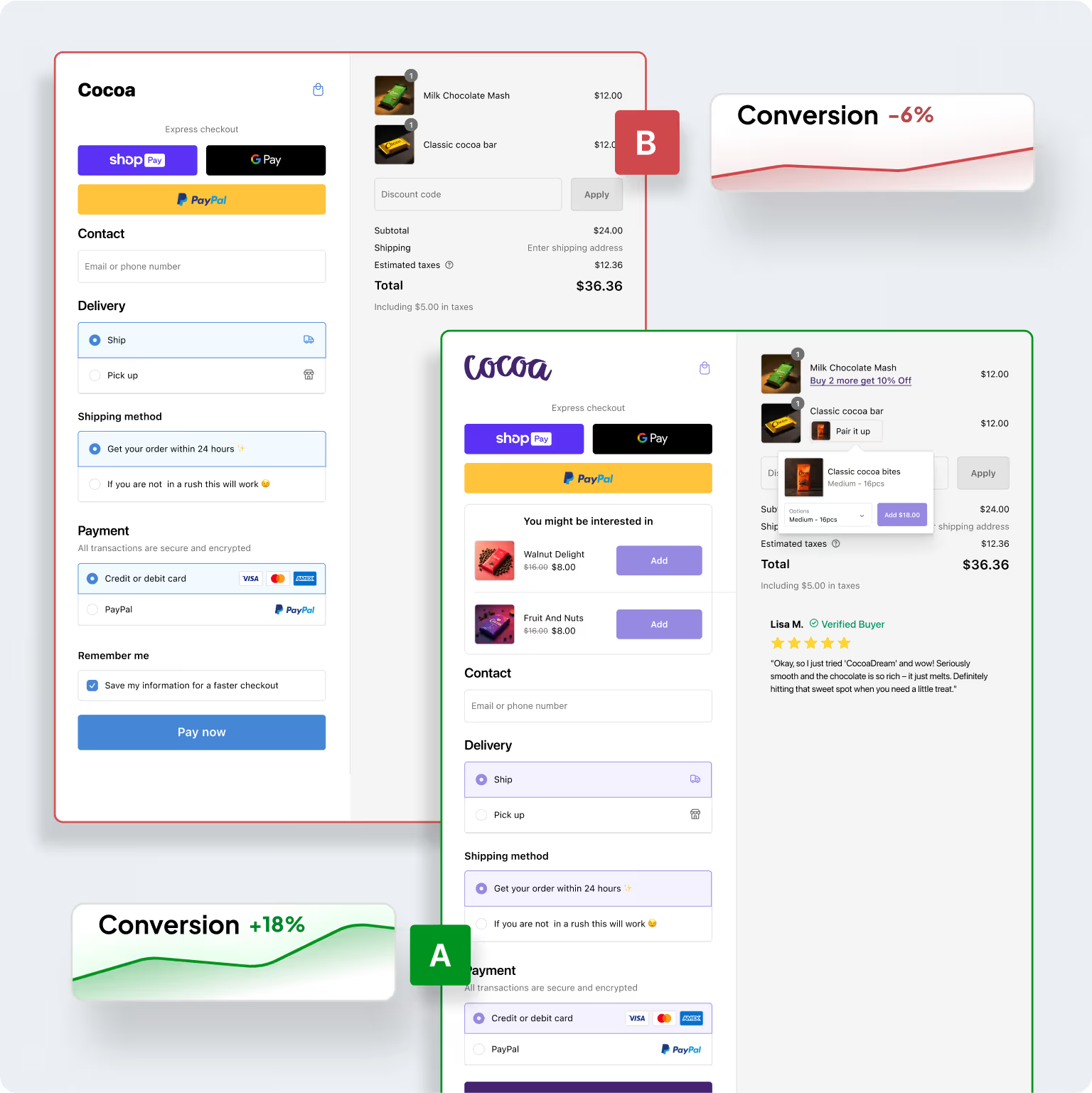
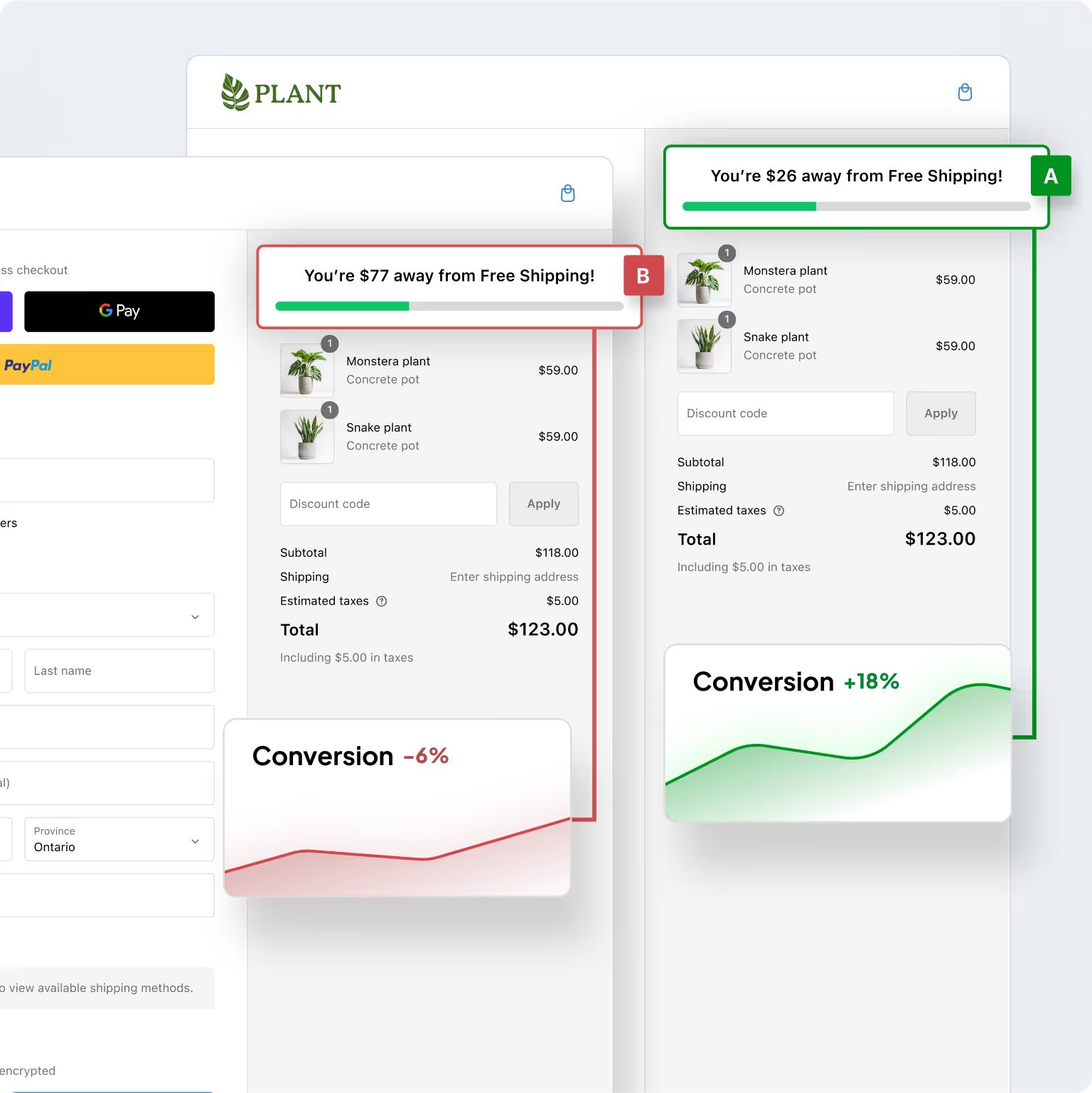
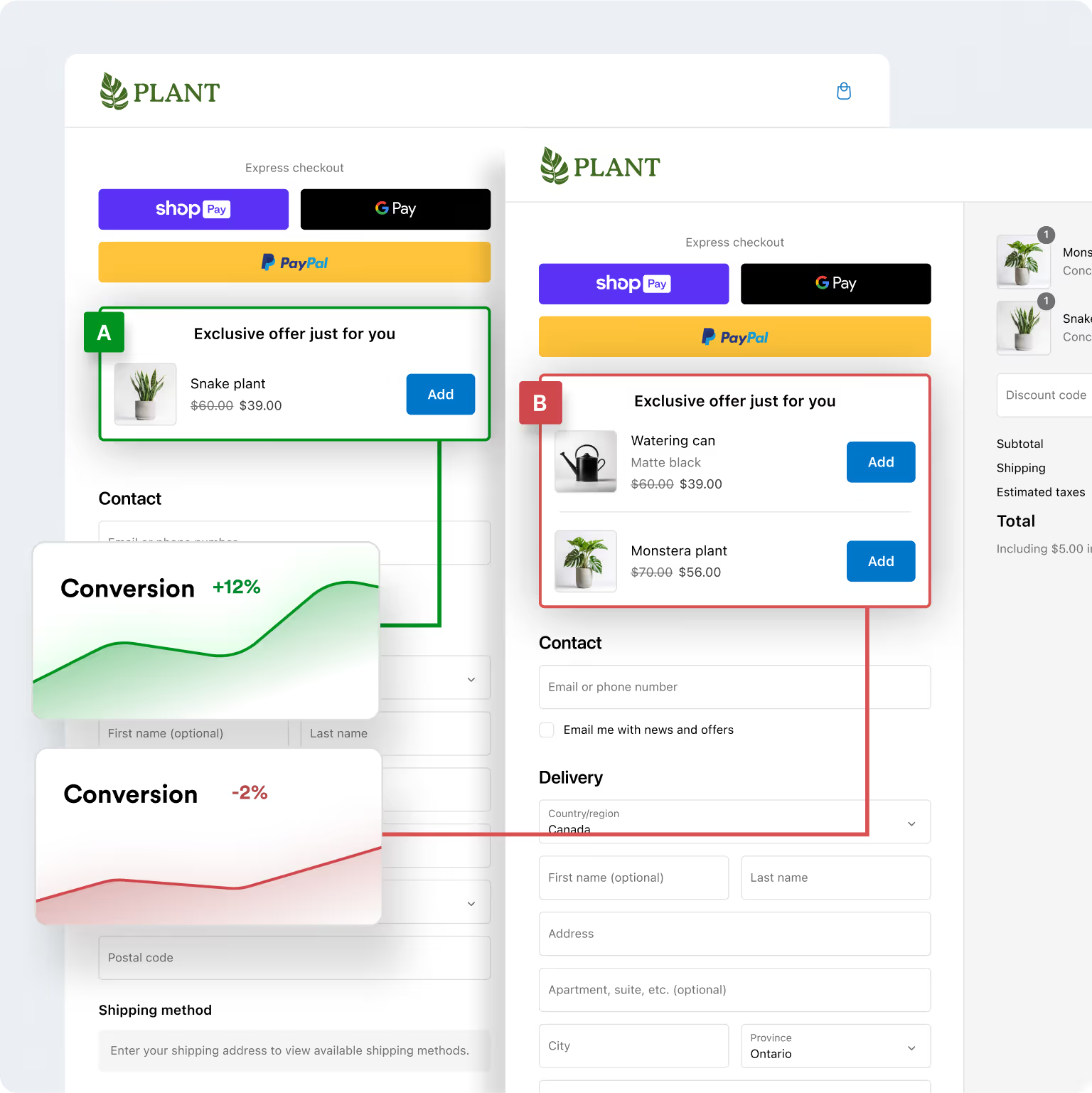
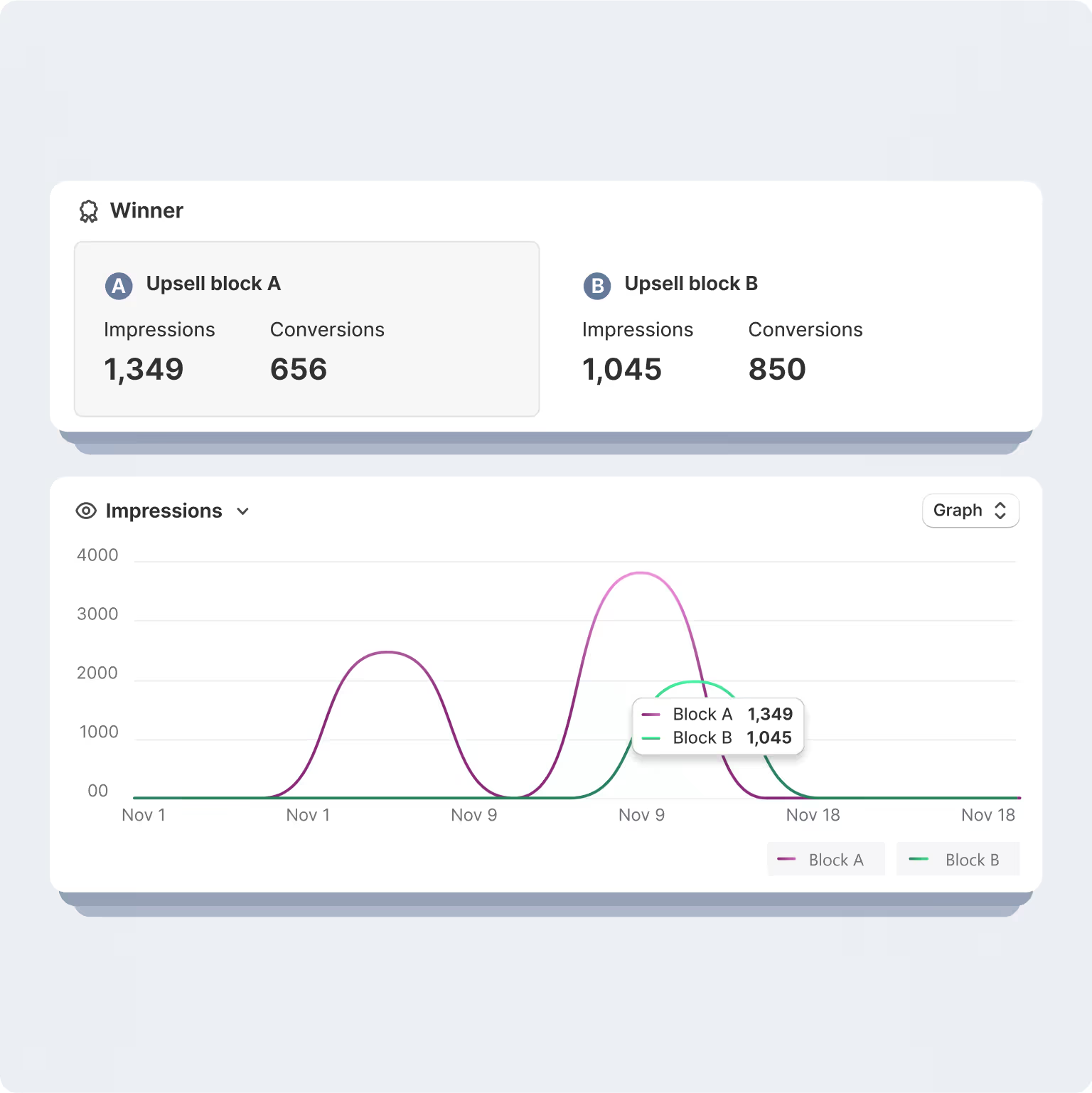
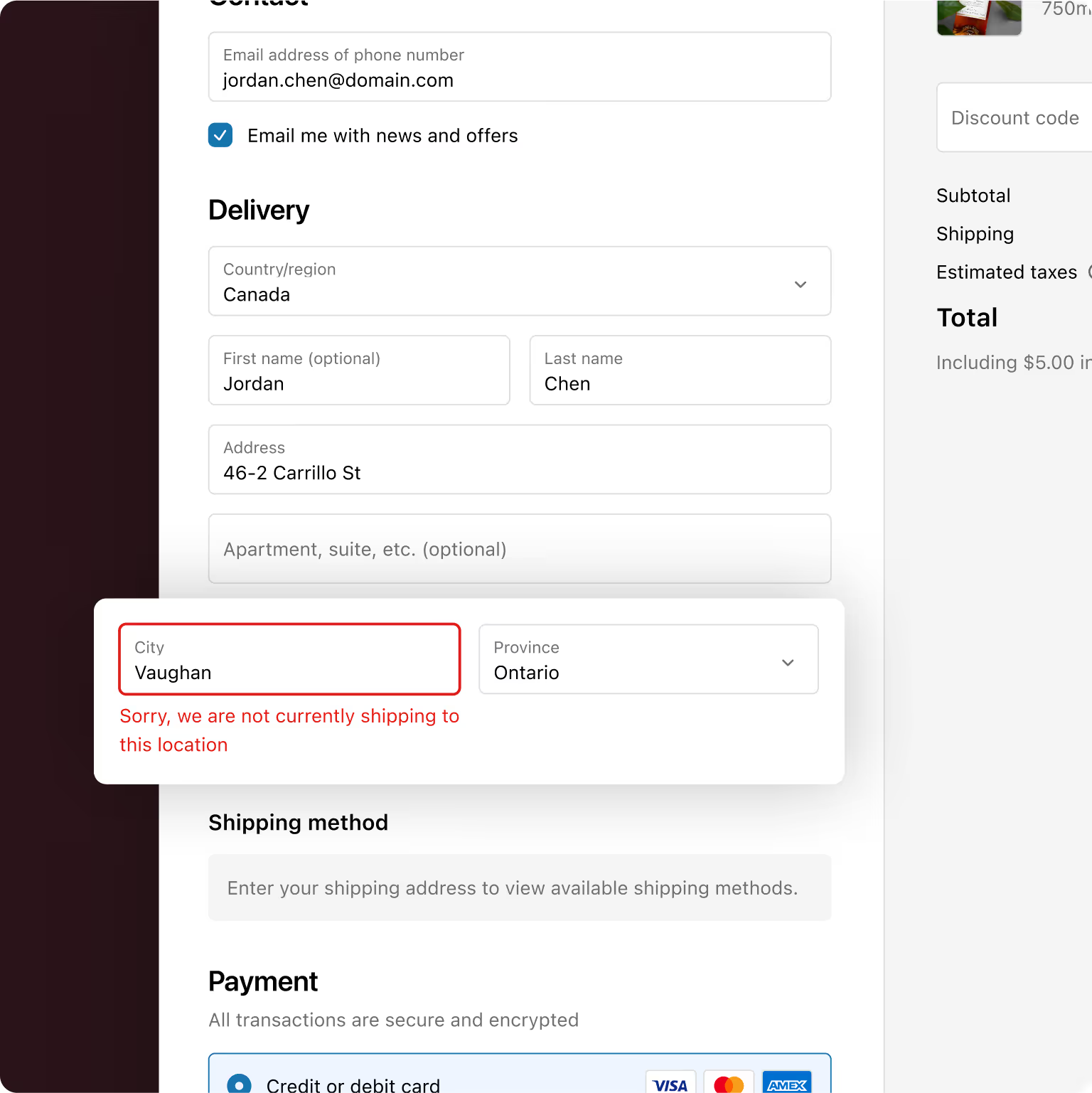
Make Quick Operational Shopify Checkout Customizations
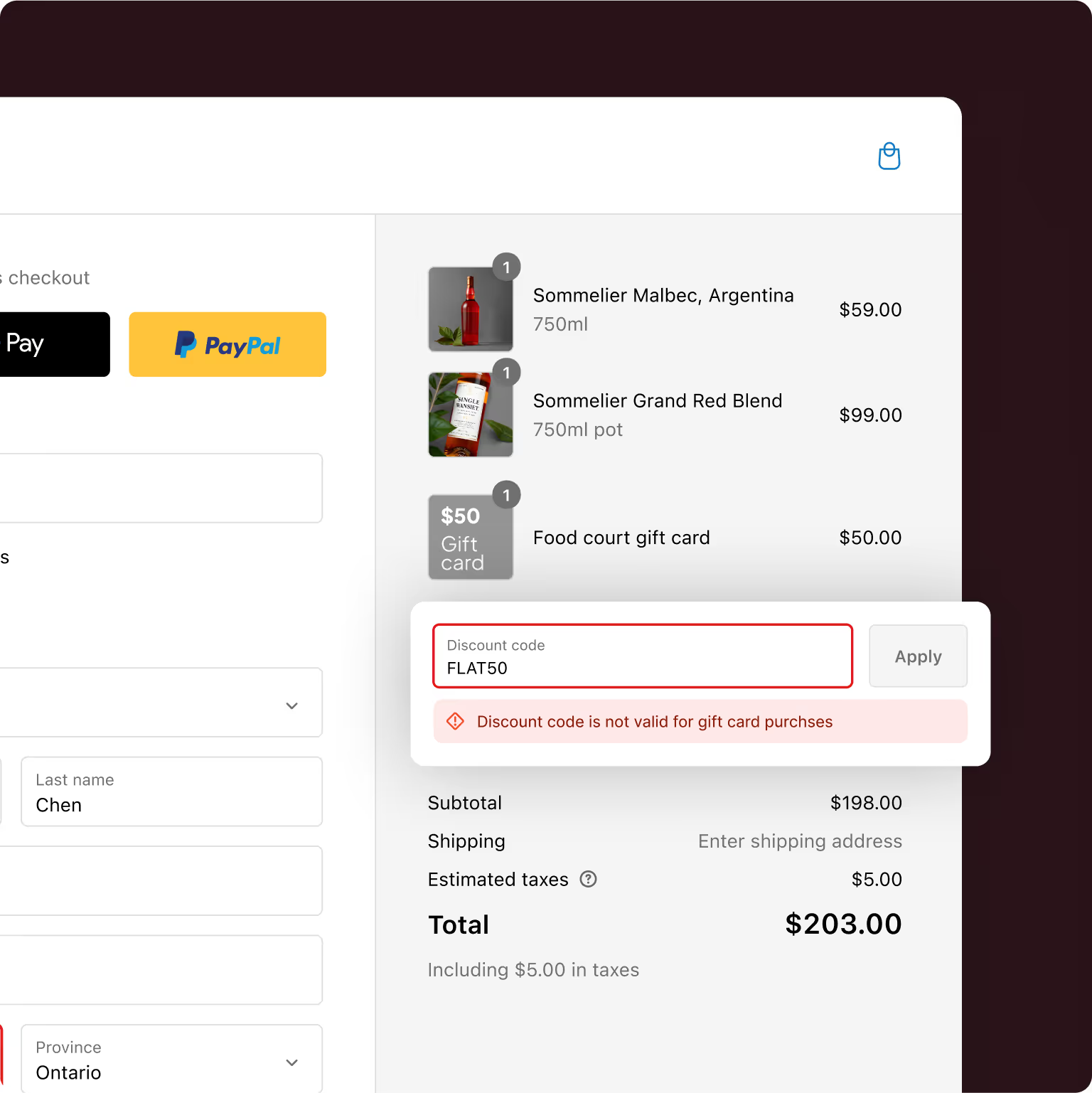
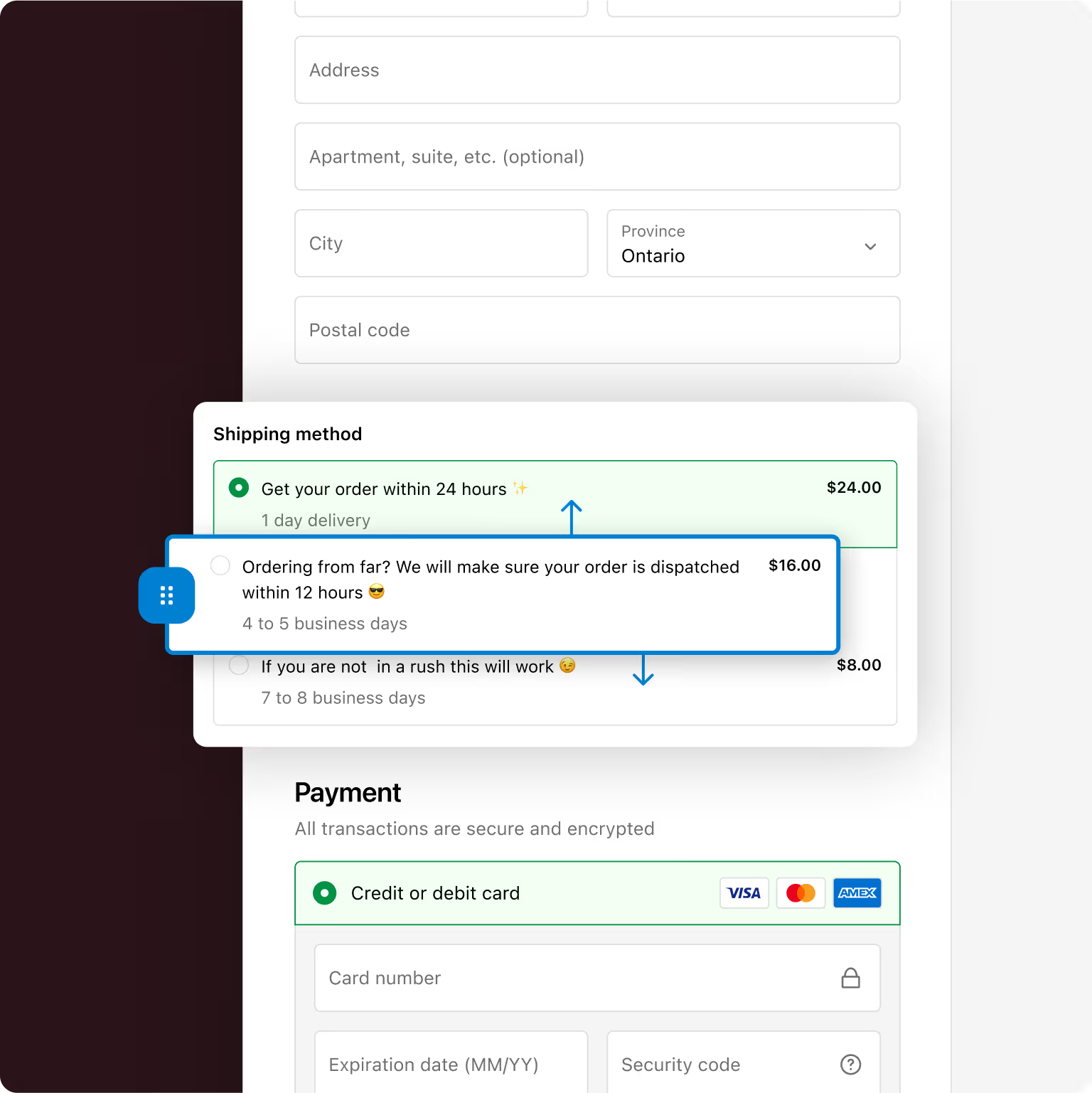
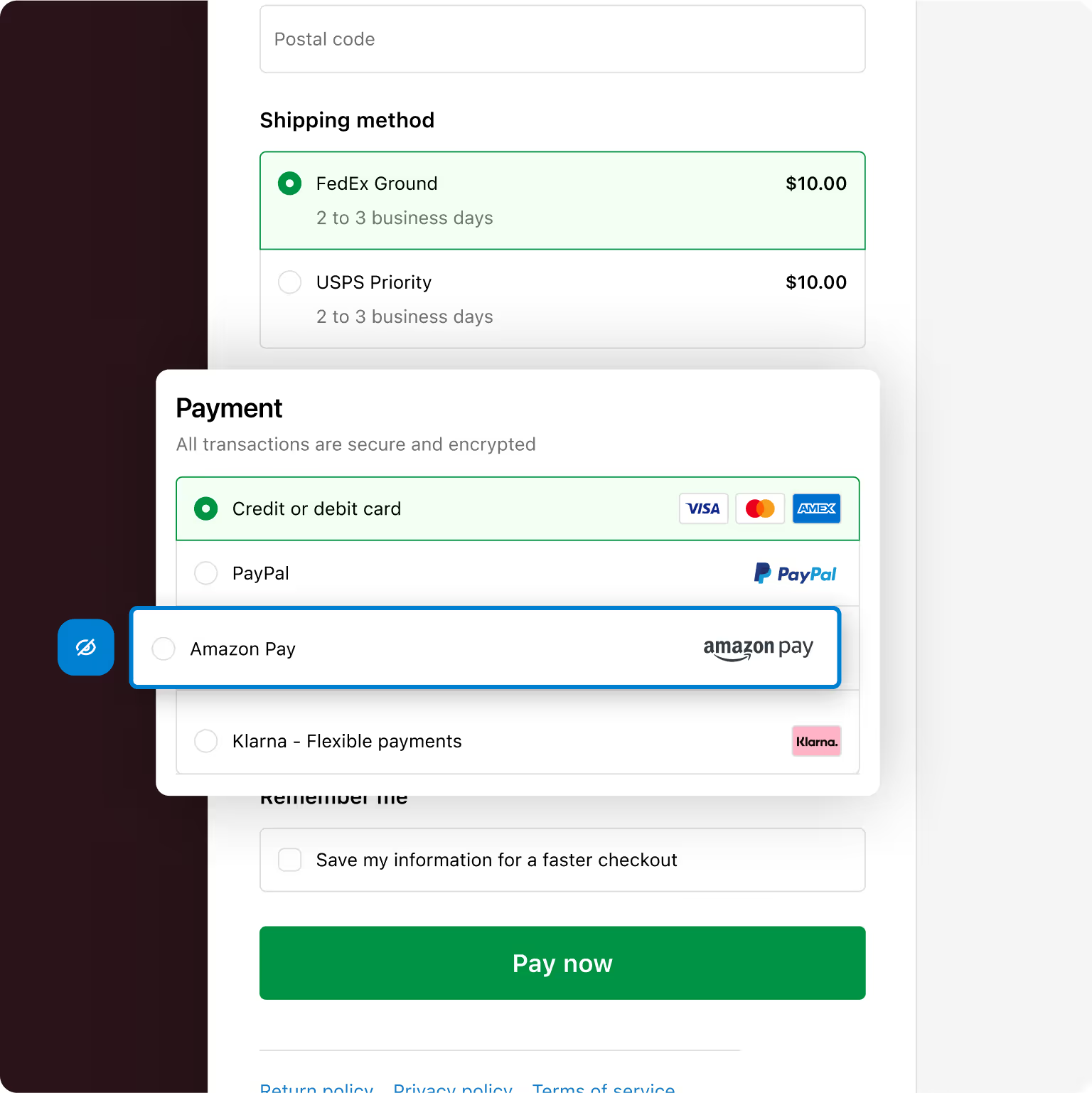
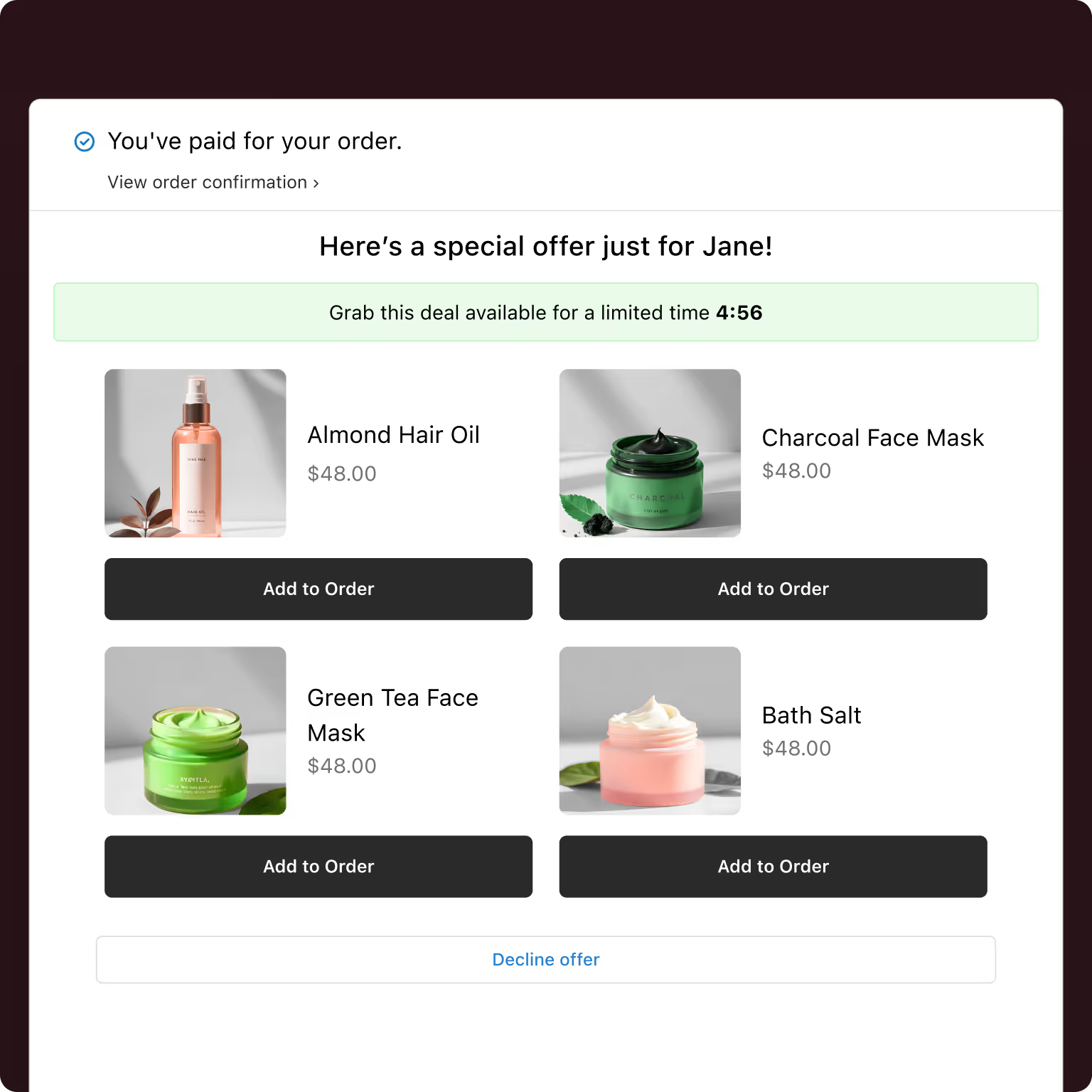
Make the most of your post-purchase page, thank you page &
order status page.
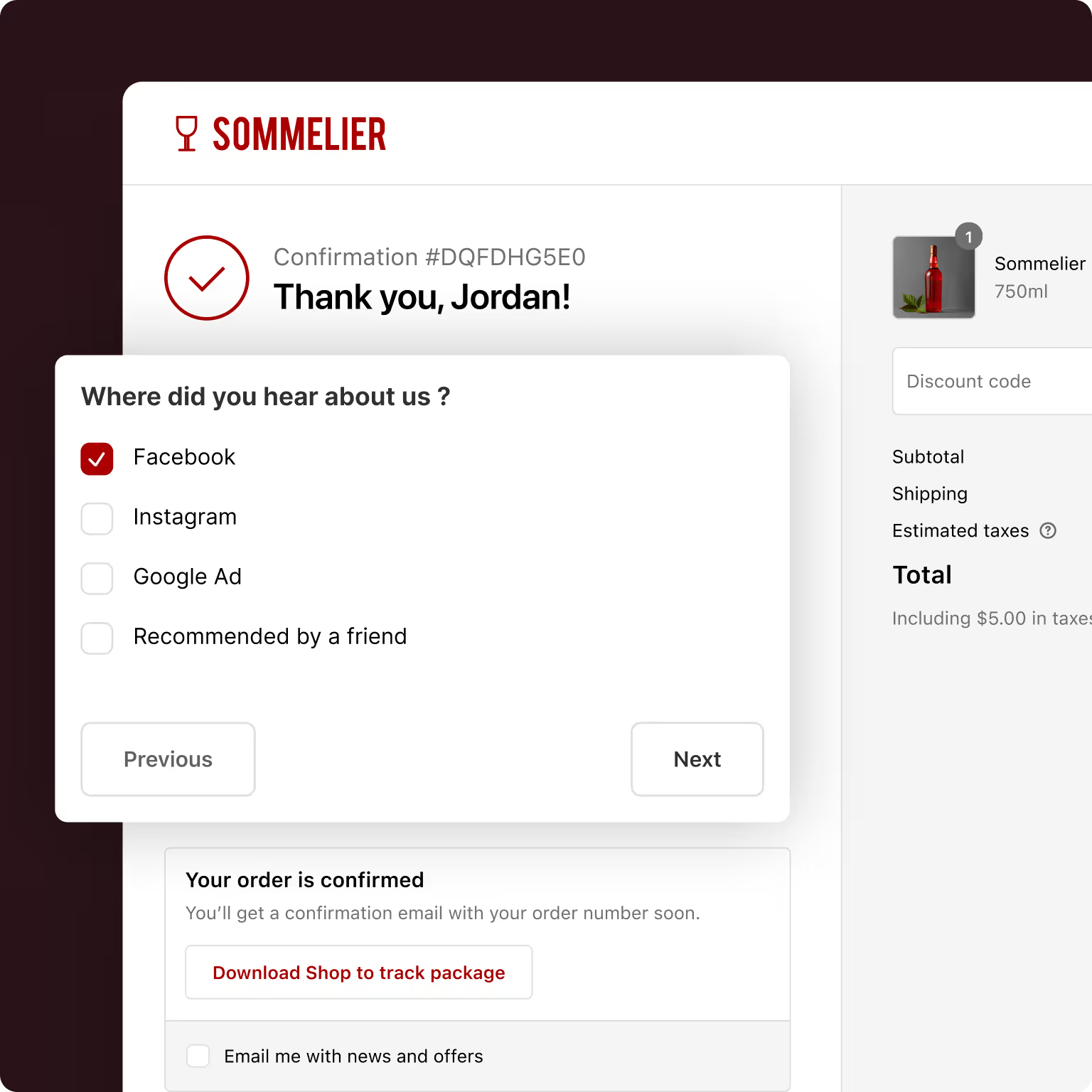
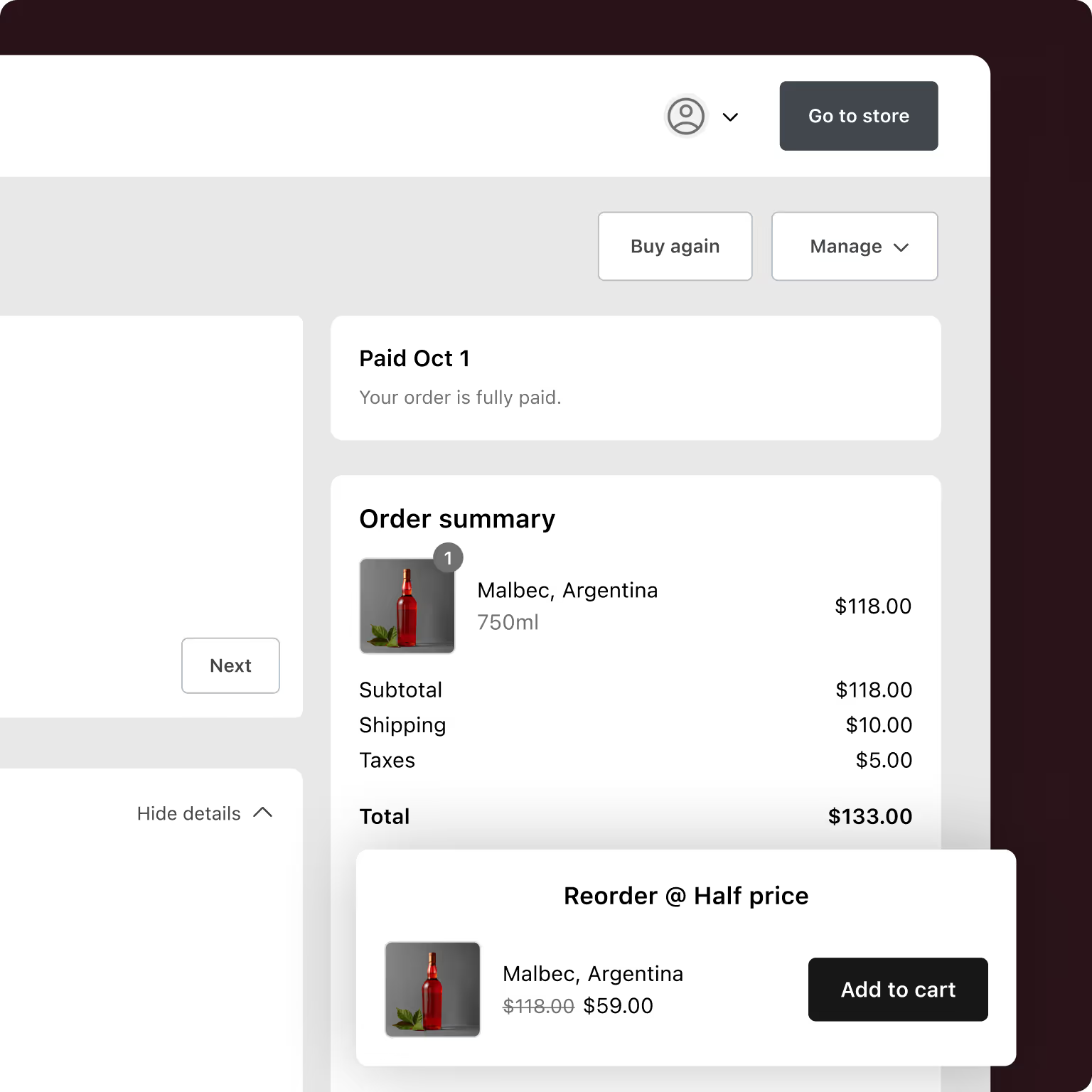
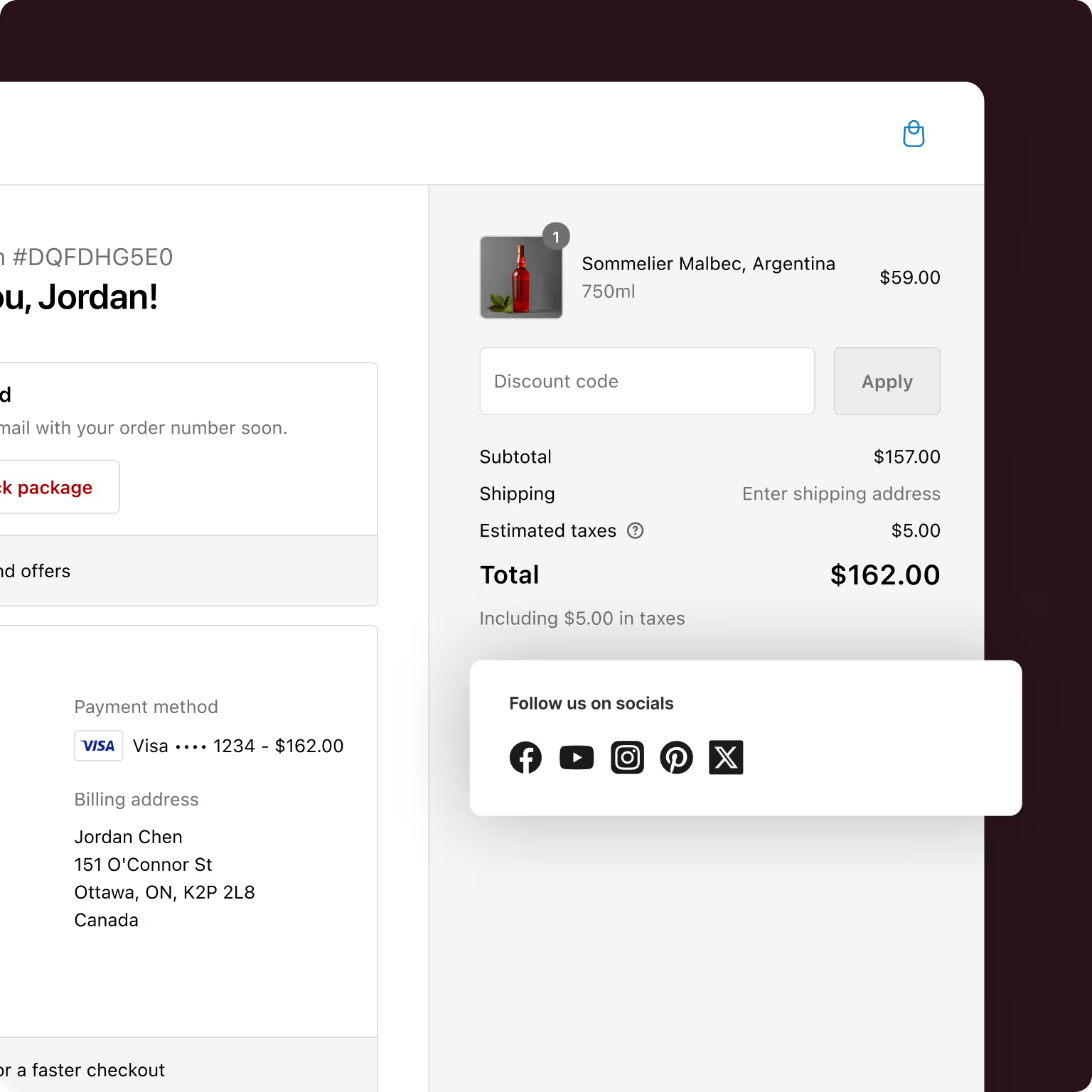
.avif)
.svg)
.svg)

Increase checkout conversion rate by
16%
with checkout A/B testing

Generated additional revenue of
$889k
with checkout upsells

Achieved a checkout conversion rate of
47%
checkout optimization
.avif)
Generated additional revenue of
$74,000
with checkout upsells
Learn from checkout customizations by
top DTC brands
%203%20(2).avif)

.avif)






Explore the practical possibilities with extensions for your Shopify Plus store.
.svg)
Learn how to utilize post-purchase surveys on your Shopify Plus Store.
.svg)
Learn how to run powerful A/B Tests on different checkout blocks.
Yes, Shopify Checkout Customization is possible, but the level of customization depends on your Shopify plan. On the basic plans, you can make limited changes like adding your logo, changing colors, and adjusting fonts through the theme editor. For advanced changes, such as adding custom fields, editing the layout, or applying unique branding - you’ll need Shopify Plus or an app like Checkout Wiz, which allows you to create a more personalized and conversion-focused checkout experience without complex coding.
You can customize the checkout button on Shopify by changing its color, text, and style through your theme settings. For more advanced Shopify Checkout Customization, such as adding animations, modifying placement, or displaying dynamic messages, apps like Checkout Wiz can help you make these changes without editing theme code directly.
Yes, you can add custom fields to Shopify checkout to collect extra information from customers. This is generally available only on Shopify Plus using checkout extensibility, or with third-party apps. Checkout Wiz makes it easy to add custom fields like delivery instructions, gift notes, or personalization requests - helping you gather the exact details you need while keeping the checkout process smooth.
Optimizing your Shopify checkout page involves simplifying the steps, making the design clean, adding trust badges, and clearly displaying shipping and payment options. With Shopify Checkout Customization, you can also streamline the experience by showing only relevant fields and using auto-fill where possible. Checkout Wiz offers features like one-page checkout, field management, and upsell options to help improve conversion rates.
Checkout extensibility in Shopify is a new framework that allows developers and merchants (especially on Shopify Plus) to safely customize the checkout experience using apps and APIs. This approach replaces checkout.liquid and offers more flexibility for Shopify Checkout Customization - letting you add custom UI components, branding, and logic while staying compatible with Shopify’s updates.
Shopify has rolled out one-page checkout as part of its updated checkout experience. On supported stores, you can enable it in your checkout settings. If your store doesn’t yet have access or you want more control over the layout, apps like Checkout Wiz can help you implement one-page checkout along with other Shopify Checkout Customization features.
You can edit checkout page text in Shopify by going to Settings → Checkout → Checkout language → Edit checkout content, then change the strings you want and save. For more complex Shopify Checkout Customization like conditional text, personalized messages, or promotional banners - Checkout Wiz provides easy tools to manage and display custom text without editing code.
To add a logo on the Shopify checkout page, go to Settings → Checkout → Customize and upload your logo in the branding section. This is one of the simplest forms of Shopify Checkout Customization and is available to all Shopify plans.
On Basic plans or higher, you can add a favicon to your store (it won’t be checkout-specific unless you’re on Shopify Plus). As part of Shopify Checkout Customization, go to Online Store → Themes → Customize → Theme settings → Logo/Favicon, upload or select your image, and save. This helps maintain brand consistency during the shopping experience.
You can customize your Shopify checkout page by updating the branding, colors, and typography from your admin settings. For advanced Shopify Checkout Customization, such as adding upsells, custom fields, one-page layouts, or banners - Shopify Plus or an app like Checkout Wiz will give you the tools to create a more tailored, high-converting checkout experience.
Take the first steps to increase your checkout conversion rate & AOV