Compares and explains Shopify free gift with purchase apps, focusing on how merchants can use automated gifting to increase AOV, conversions, and customer engagement.
Breaks down core feature differences such as auto vs manual gifts, Buy-X-Get-Y logic, tiered rewards, progress bars, targeting rules, and checkout compatibility.
Clearly positions each app by strength and use case, highlighting Kite Discount & Free Gift as the most advanced option while outlining where simpler tools (BOGOS, EasyGift, Koala, Monk, ADU, Salepify) fit best.
Ends with practical selection guidance, helping merchants choose the right app based on promotion complexity, store size, performance needs, and budget.
The best way to set up a free gift promotion on Shopify is to use a Shopify free gift app. This is because Shopify’s native discount setup only allows for manual free gift redemption. Free Gifts are a proven lever for driving higher-order values and conversions. In fact, we have firsthand experience where a health brand generated $ 35 million via free gifts with promotions in just Q1 of 2024, which a usually a lean month for e-commerce. So, how do you set a successful free gift with purchase promotion? To help you get started, I’ll do a detailed feature-wise comparison of different Shopify Free Gift with Purchase apps, so that you can select one that best fits your needs. Let's dive in.
Auto‑added or customer‑selected gifts on product page & cart
⚠️ Limited tiering
Simple BOGO & free gift bundle promotions
Koala Free Gift BOGO Upsell
Product added, cart rules, behavior & location
Auto‑added gifts shown via pop‑ups or slide cart
❌ No
Pop‑up driven free gift & upsell offers
Monk Free Gift + Cart Upsell
Cart value, product type, variants
Auto‑added gifts with cart & checkout progress bars
✅ Yes
Stores combining free gifts with cart upsells
EasyGift (EG Auto Add to Cart)
Product, collection, cart value, location
Fully automatic gift add/remove (no customer choice)
❌ No
Lightweight, rule‑based automatic free gifts
ADU: Automatic Discounts
Cart value, quantity, rule‑based automation
Automatically applied in background (no UX layer)
⚠️ Limited
Automated free gifts without merchandising UI
Salepify – Free Gift with Purchase
Cart value, quantity, Buy‑X‑Get‑Y
Auto‑add or manual gift selection with cart progress bar
✅ Yes
Budget‑friendly free gifts with progress bar
Top Shopify Free‑Gift Apps: In-depth Review
Now that you have skimmed the comparison table, let's look at each Shopify free gift app in depth and make a decision.
1. Kite: Discount & Free Gift
Kite Discounts & Free Gifts is a highly evolved Shopify free gift app that is not just strong in the front end, but the back end. It is built with a powerful discount engine built on Shopify’s native Discount Functions. It supports any kind of free gift setup or buy x get y promotion. For merchants who need granular control over their free gifts with purchase promotions, Kite delivers reliability, flexibility, and performance.
What makes Kite stand out?
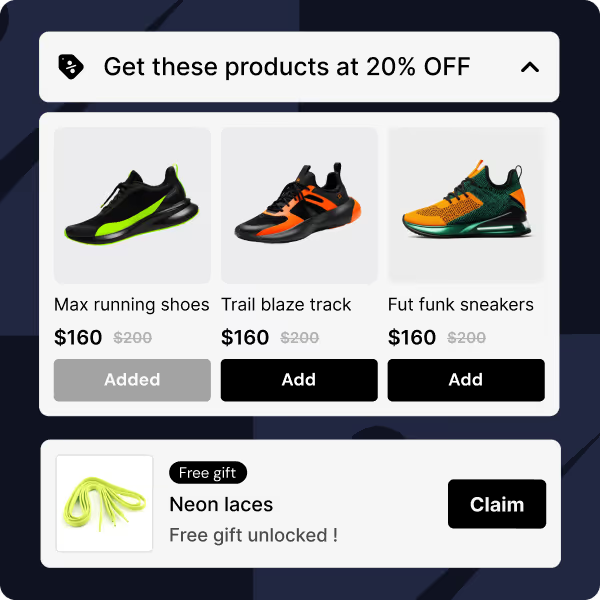
Goal‑based progress bars: Kite Discount & Free Gift gamifies free gift with purchase redemptions with on-brand goal-based progress bar settings. Create free gift thresholds and offer multiple free gifts (yes, Kite lets you set up multiple free gifts).
Auto & manual gifts: Automatically add gifts when shoppers meet thresholds or let them choose their gift in cart or checkout.
Single & multiple gift selection: Kite Discounts lets your customers choose single or multiple free gifts
Product page, cart & checkout free gift redemption: Kite Discount & Free Gift supports redemption in product page, cart and checkout. Redemption can be automatic or with a discount code.
Rule-based Triggers: Configure free gift promotions based on rules like cart value, purchase quantity, customer tags, location & more. You can also configure them as quantity breaks or free gift tiers.
Advanced BXGY campaigns: Create any type of free gift, i.e., a buy x get y promotion, with Kite’s dedicated buy get y settings. Customer tagging for free gift promotions: Run promotions based on purchase history, lifetime spend, customer tags, or geo‑markets for higher conversions on yoru free gift promotion.
Combined promo codes: Issue a single code that triggers multiple offers (product discounts, order discounts, free shipping).
Custom Discount logic: Kite Discount & Free Gift packs in a feature called Custom Discounts, which helps you set up promotions with sharp targeting and promotions with multiple layers & complex discount logic. So any kind of discount setup can be managed by Kite.
Native performance: Built on Shopify Discount Functions (no scripts), so it loads quickly, scales to handle large volumes (also due to its Custom Discount feature being built on Rust.
Integration with side cart apps: Kite Discount & Free Gift is integrated with most side cart apps like UpCart, iCart, and GemPages.
Best For: Shopify stores wanting to set up highly segmented free gift campaigns that can manage high traffic volume.
2. BOGOS: Free Gift Bundle Upsell
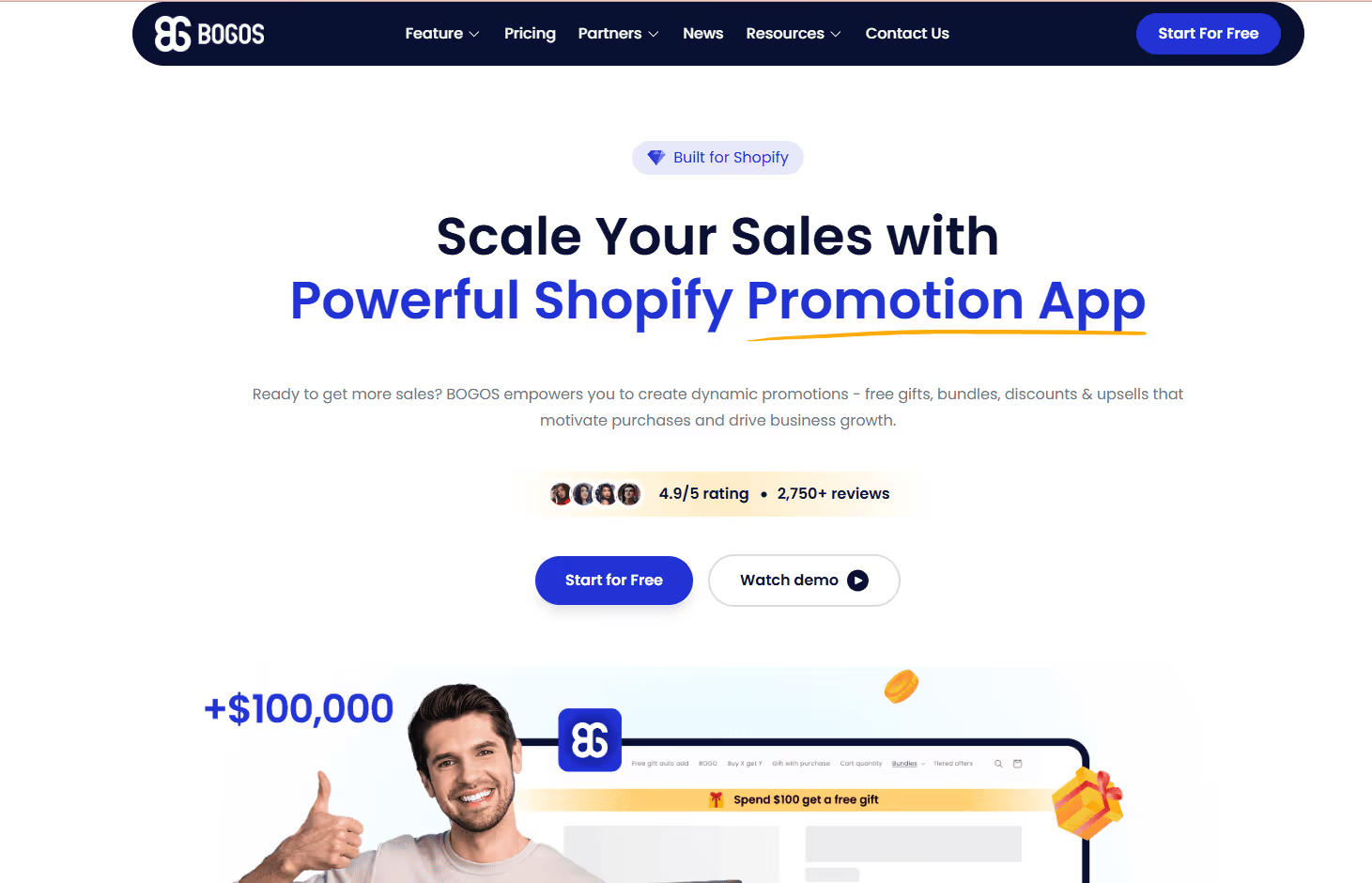
BOGOS (formerly Secomapp Free Gifts) is good at simple Buy‑X‑Get‑Y and free‑gift promotions.
It offers a good range of pre‑configured campaign types (Buy X Get Y, BOGO, Spend X Get Y) with an intuitive setup. Gifts can be auto‑added via cart sliders or product‑page widgets. However, not in checkout.
You can let customers choose their own gift, set multiple conditions (quantity + category spend, and apply advanced targeting by URL, location, order history, or customer tags.
Integration with Shopify POS and mobile apps means brick‑and‑mortar stores can run the same promotions in‑store.
Best for: Merchants who need flexible, ready‑made gift campaigns and bundles without complex discount logic. BOGOS lacks deep segmentation or custom discount functions; you can’t create progress bars or combine multiple promotions under one code.
3. Koala Free Gift BOGO Upsell
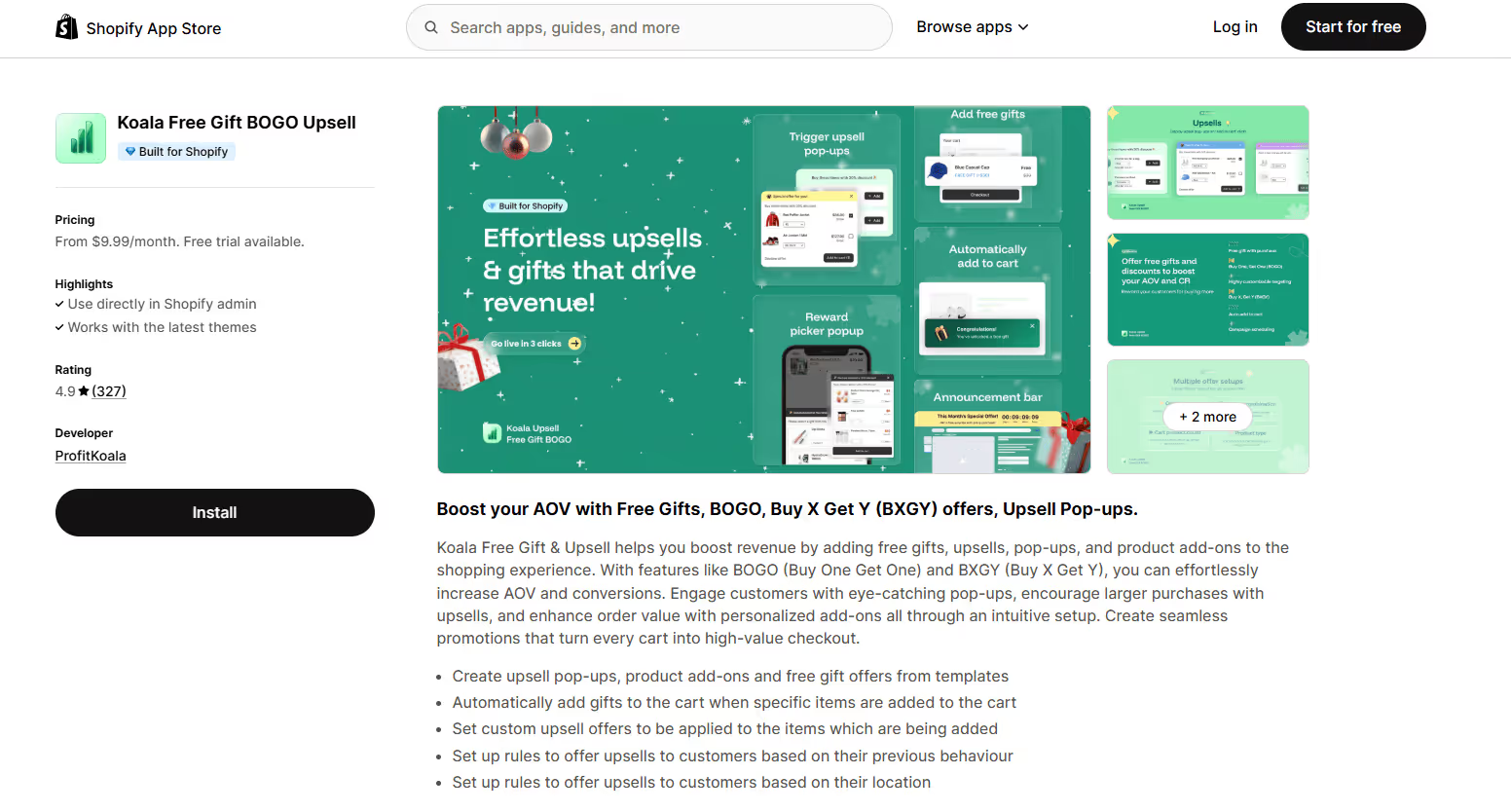
Koala focuses on pop‑up‑based upselling and product add‑on offers.
Its strengths lie in eye‑catching templates that display free gifts, BOGO or Buy‑X‑Get‑Y deals in pop‑ups or slide carts. The app automatically adds gifts when qualifying items enter the cart.
Koala offers behaviour and location‑based targeting.You can set up sales rules based on customer purchase history or geography. Merchants can create upsell pop‑ups, announcement bars, or product‑page upsells from templates, customize the appearance and run tiered discount offers.
Considerations: Koala uses pop‑ups heavily, which might interrupt the shopping flow on mobile. It also doesn’t support complex discount stacking or progress bars; it’s best for stores that want simple gift and upsell pop‑ups with location‑based rules.
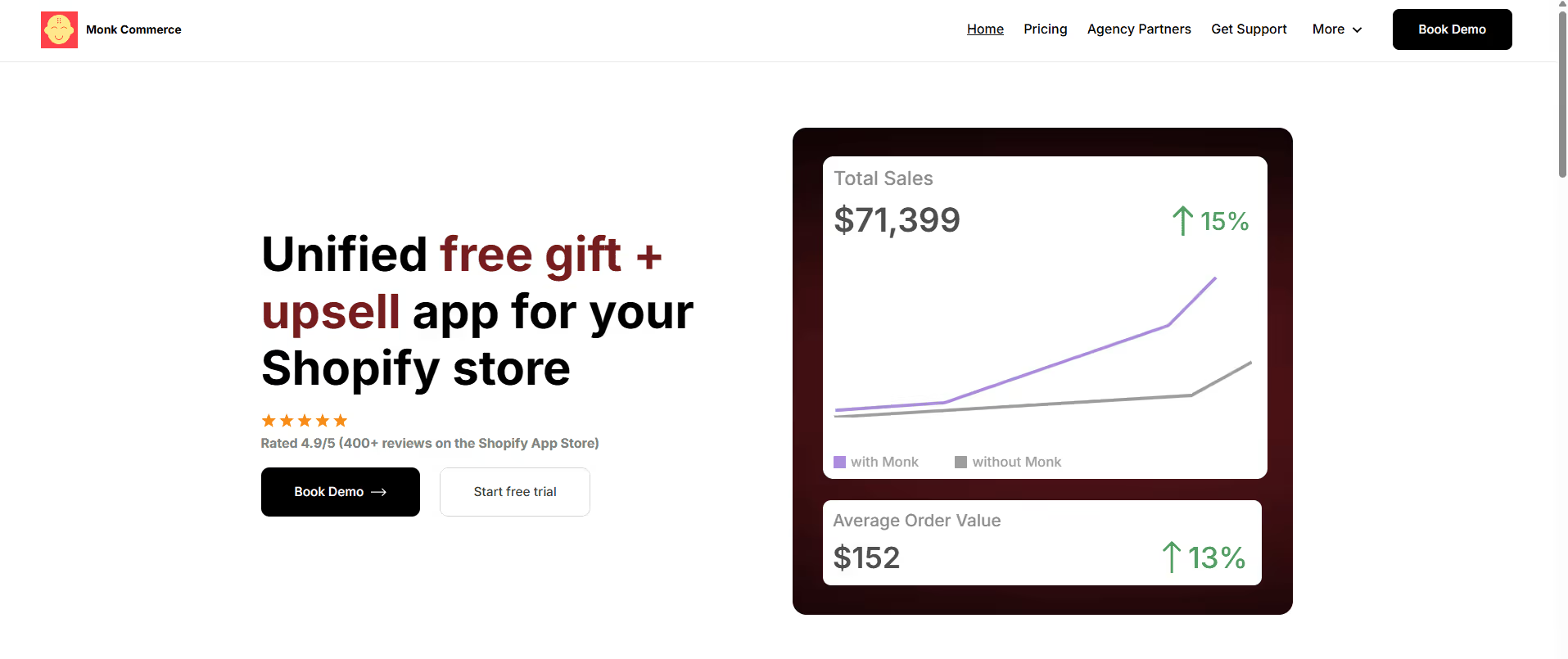
4. Monk Free Gift + Cart Upsell
Monk positions itself as a unified free‑gift, BOGO and upsell platform.
It combines tiered rewards bars with cart, product‑page and checkout upsells.
Merchants can offer BOGO deals or free gifts based on product type or cart value and display progress bars in the cart to encourage higher spend.
Customizable widgets: Adjust designs and text to match your brand and translate content for international stores.
Eligibility rules: Use triggers like cart value, product variants, or customer tags to control when offers appear.
Consideration: However, Monk is more expensive than most apps ($49/mo for up to 1,000 orders; $149/mo for larger stores). It’s well‑suited to high‑volume stores seeking a comprehensive upsell system; smaller stores may find the price hard to justify.
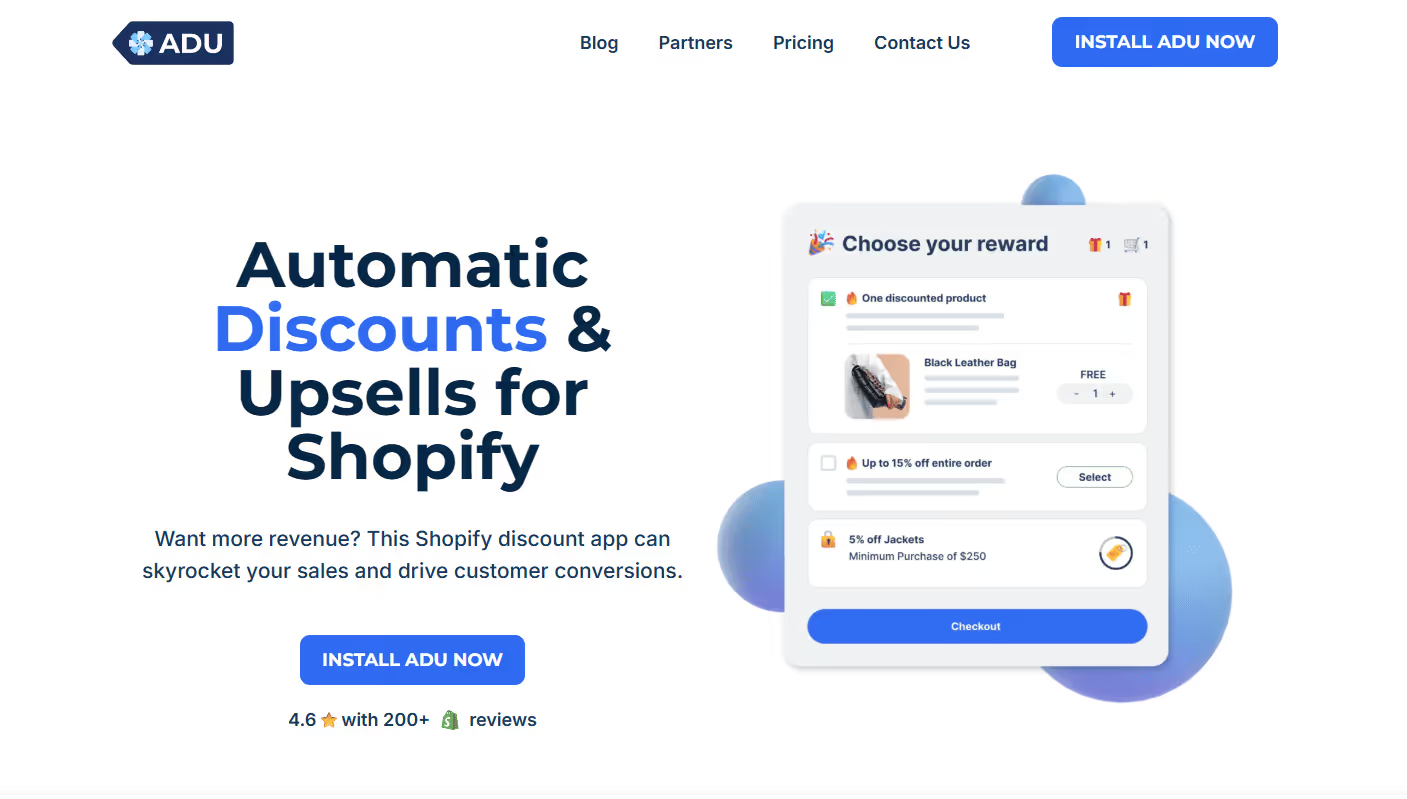
5. ADU: Automatic Discounts
ADU (by Tabarnapp) is primarily a discount automation engine that covers free gifts as part of its suite. It lets merchants create BOGO or gift‑with‑purchase rules and automatically apply the best deal to each cart.
Rule‑based automation: Set conditions (cart value, product quantity, customer tags) and let ADU apply the most valuable discount automatically.
Bulk & tiered discounts: Reward customers for larger orders without coupon codes.
Pre‑built promotions: Activate ready‑to‑use campaigns with one click, e.g., Black Friday flash sales. Discount stacking: Combine multiple discounts, set triggers, and schedule promotions for busy seasons.
Consideration: ADU charges a success fee in addition to subscription tiers: the free plan takes 2.9% of sales it converts; higher tiers reduce the fee but add a monthly cost. This pricing model may suit new or experimental stores, but it can become costly for high‑revenue shops. ADU lacks progress bars and deep gifting customization found in Kite or BOGOS.
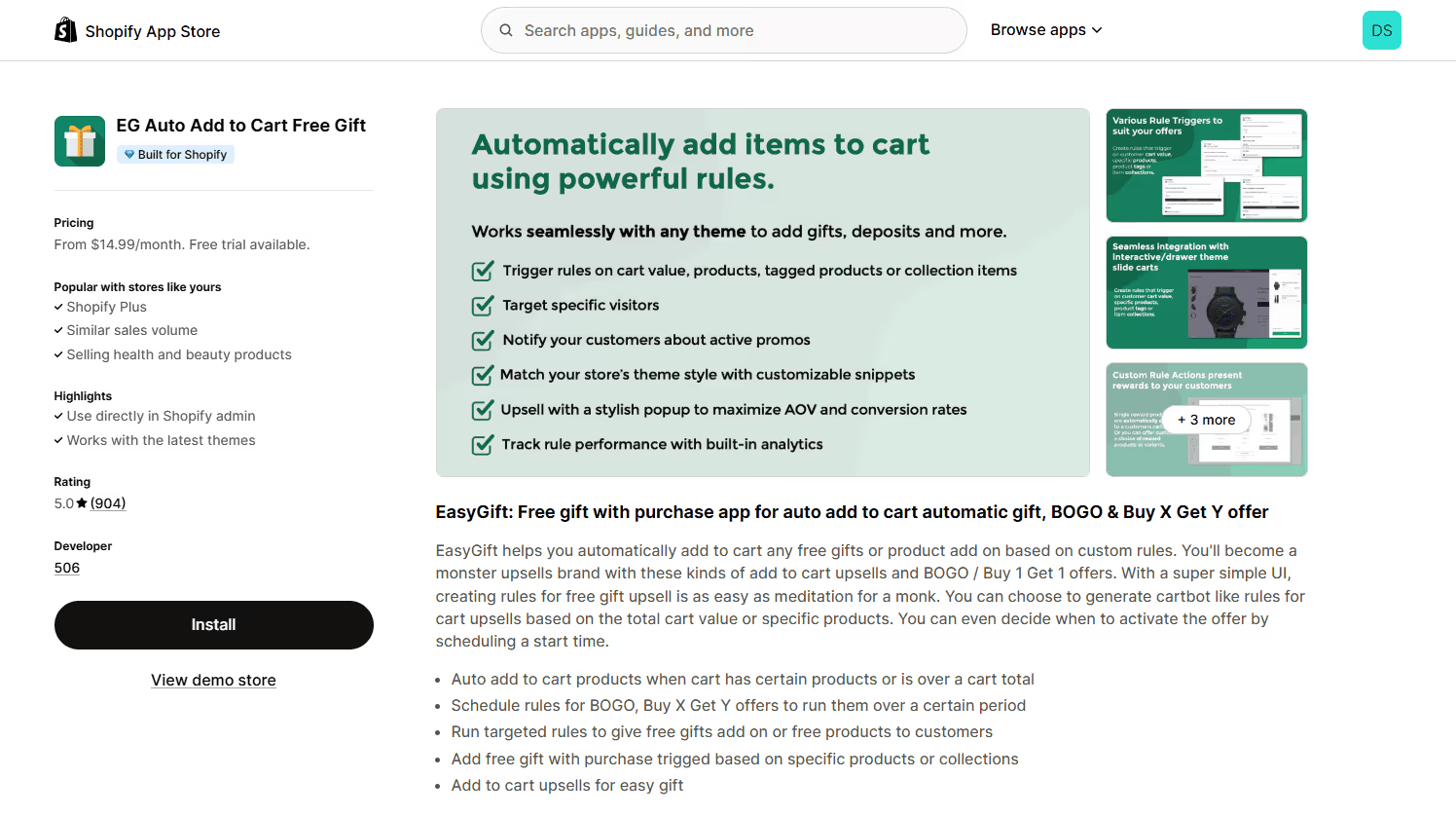
6. EG Auto Add to Cart (EasyGift)
EasyGift is popular for automating free gifts. Merchants can create cartbot‑style rules to auto‑add gifts or products when a cart contains specific items or reaches a certain value. It supports scheduling BOGO and Buy‑X‑Get‑Y offers to run during specific periods.
Rule‑based triggers: Add gifts when carts include particular products or exceed a dollar threshold.
Scheduling: Start and stop promotions automatically, perfect for flash sales or seasonal campaigns. Targeted rules: Offer free gifts to customers in certain locations or product segments.
Upsell add‑ons: Include additional products in the cart based on the same rule logic.
EasyGift excels at its narrow purpose, automatically adding free gifts. It doesn’t offer bundles, progress bars, or code‑based discount stacking. For stores seeking simple automation with granular rule controls, it’s a solid choice.
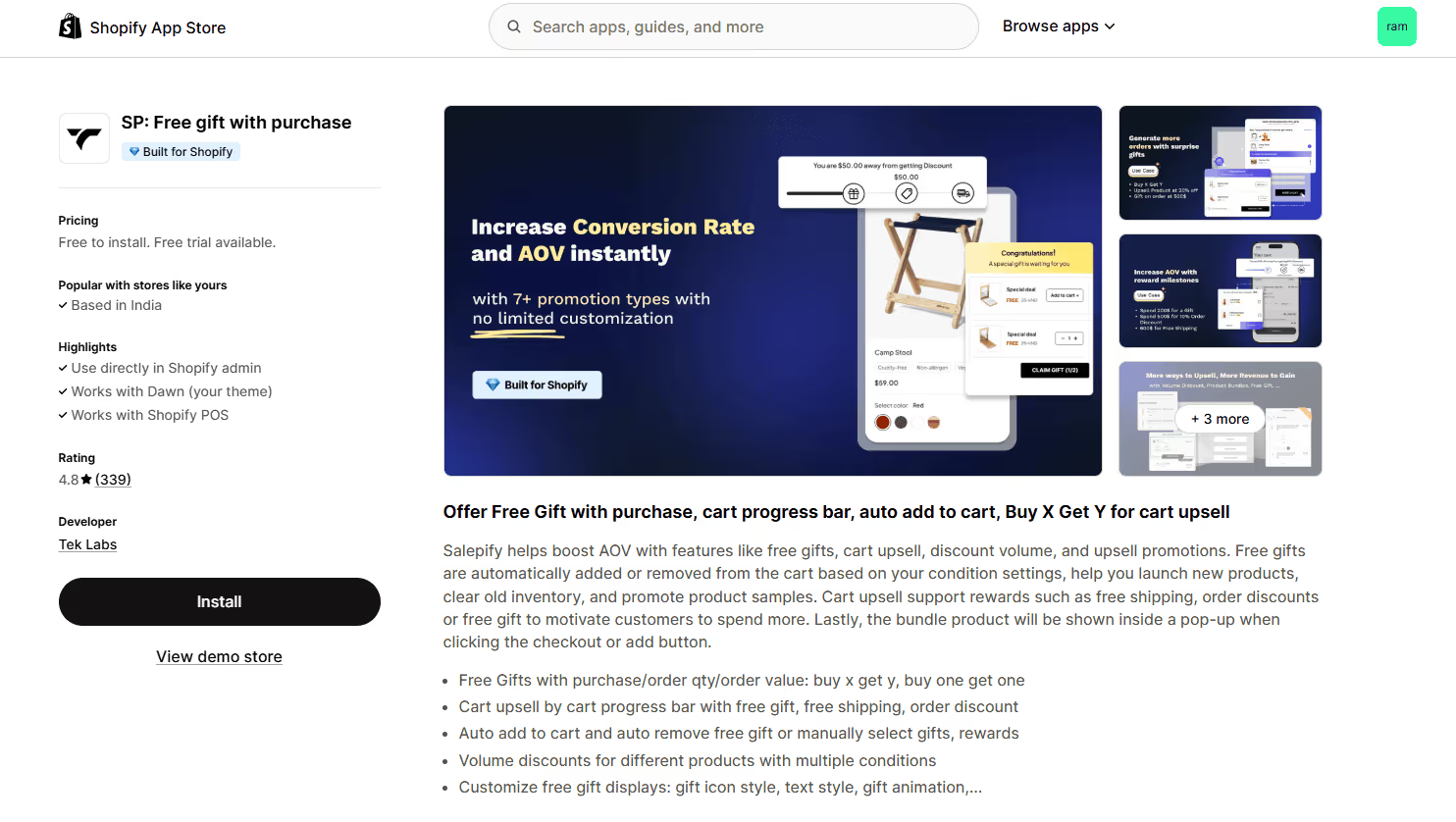
7. SP: Free Gift with Purchase (Salepify)
Salepify combines free gift automation, cart progress‑bar upsells, and volume discounts into one tool. Free gifts can be automatically added or removed based on order value or quantity rules, or customers can choose their rewards manually.
Key features:
Versatile gift rules: Buy‑X‑Get‑Y, BOGO, and free gifts triggered by cart value or item quantity.
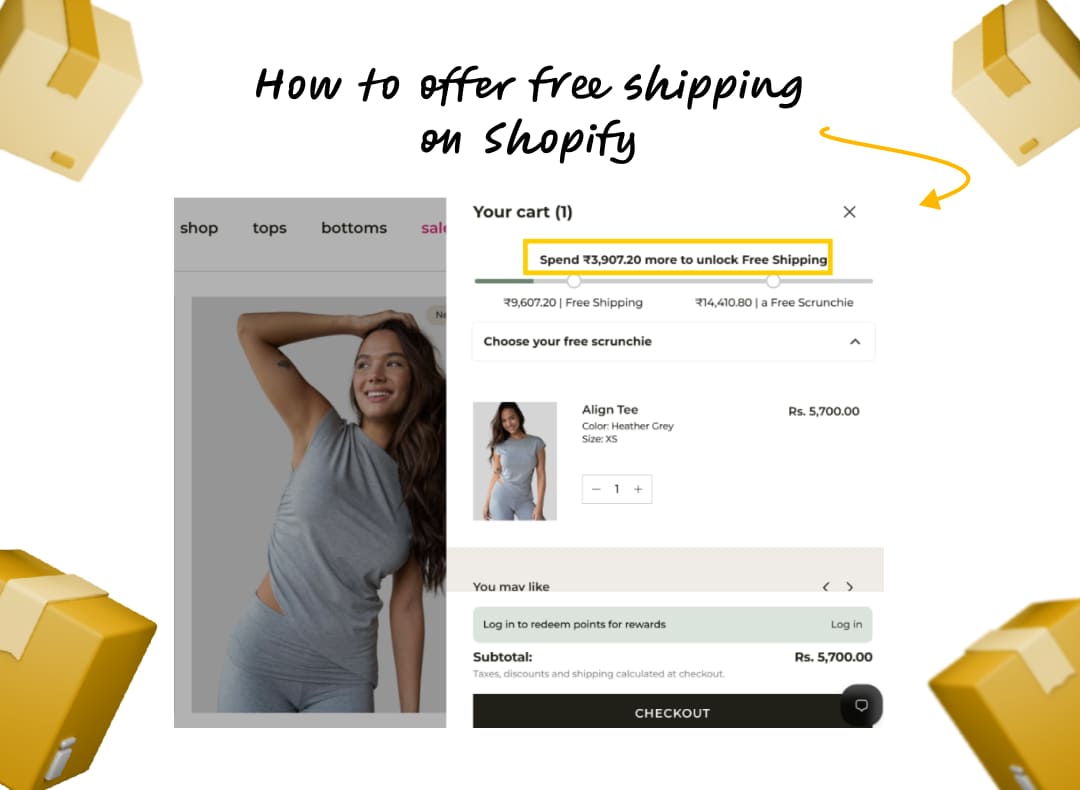
Cart progress bar: Reward customers with free gifts, free shipping, or order discounts as they increase spend.
Auto add & remove: Automatically add or remove gifts, or let shoppers select them from a pop‑up.
Volume & tiered discounts: Offer different pricing for larger quantities, with multiple conditions.
Customizable displays: Change icons, text styles, and animations to fit your branding.
Salepify’s free plan allows one active campaign and $1,000 in monthly revenue; paid tiers unlock unlimited campaigns, advanced styling, and multi‑language translations. The app supports Shopify POS, UpCart, and various discount/upsell tools. However, some users report occasional instability during high‑traffic events; this may be a concern for larger stores.
Tips for Choosing the Right Shopify Free‑Gift App
Define your promotion complexity. If you just need simple BOGO or auto gift rules, choose BOGOS or EasyGift. If you require tiered discounts, customer‑specific promotions, or multiple discount types under one code, you need a discount engine like Kite Discount & Free Gift
Check the infrastructure. Apps built on Shopify Discount Functions, such as Kite: Discount & Free Gifts, deliver faster load times and better compatibility with themes and slide carts. Apps relying on scripts may slow down your store or conflict with other apps.
Decide on gift selection. Automatic gifts are frictionless; manual gift selection boosts engagement. Kite Discounts supports both, including gift redemption directly at checkout, while most other apps only auto‑add gifts.
Targeting matters. If you want to reward VIP customers, offer location‑based promotions, or exclude certain products, look for apps with robust targeting. Kite Discount & Free Gift and BOGOS provide more sophisticated options than Koala or EasyGift.
Avoid app overlap. Running separate apps for discounts, gifts, and upsells can cause conflicts and slow your site. One comprehensive tool, like Kite Discount & Free Gift or Monk, can simplify management and improve stability.
4. Final Thoughts
All the apps reviewed here can run basic free‑gift promotions, but your choice should align with your business goals:
Choose Kite Discount & Free Gift if you want one platform that's packed with features like single & multiple gifts, high-converting free gift progress bars, tiered free gift promotion, redemption not just on product page & cart but also at checkout, and a robust discount engine built on Shopify Discount Functions.
Use EasyGift for straightforward automatic gift additions with flexible rule triggers.
Choose BOGOS if you need simple BOGO or bundle campaigns without complex discount rules.
Pick Koala or Monk for pop-up-based upsells, though they can be intrusive or expensive.Select ADU when you want automated discounts and are comfortable paying a success fee.Try Salepify if you prefer a cart progress bar and a combination of gifts and volume discounts, but watch for stability on peak days.
Hurrify customers to buy within a given timeframe with a sales countdown timer & improve conversions
Another popular Shopify checkout app is Checkout Promotions. The app comes with the ability to leverage a collection of highly robust visibility rules that help show customers one-click post purchase upsell promotions after an order payment has been made. Some of its key features include:
Features
AI recommended and manual recommendations for upselling.
Complete branding control.
Checkout Upsell for increasing AOV.
AI recommended and manual recommendations for upselling.
Pricing
Development
Free
Monthly Plan
$99/ month
Plus Plan
$99/ month
Plus Plan
$99/ month
FAQs
What is a Shopify free gift app?
What is the best Shopify free app for free gift with purchase promotions?
How does a free gift promotion work on Shopify?
Do I need coding skills to use a Shopify free gift app?
Can I offer multiple free gifts or tiered gift offers?
Will a free gift app slow down my Shopify store?
Sid B
Sid is the founder of Skai Lama and The Indian Dream Podcast. He is passionate about building SaaS and talks about eCommerce Growth, 0-1 Startups, Building Businesses and Brands, and Shopify.

.svg)
.svg)

.svg)
.svg)



%20(1).jpg)
.jpg)
.svg)









.svg)




.avif)


