
.svg)
.svg)

.svg)
.svg)



%20(1).jpg)
.jpg)
Our Apps Have Driven
5X AOV | 2X Conversions | $30M+ Additional Revenue
5X AOV | 2X Conversions | $30M+ Additional Revenue
.svg)


5.0 (3000+ Reviews)


Shopify Apps





.svg)

The quick answer is to use Shopify'sAutomatic Discount → Buy X Get Y.
Customers qualify by buying a product or reaching a minimum cart value, and the gift product is discounted to free.
Important limitation: In many Shopify setups, customers must manually add the gift to cart for the discount to apply. To remove friction, add a cart message with a direct gift link or use an app that automatically adds the gift.|
Best Solution: Apart from this, there are multiple limitations to setting up a free gift with purchase promotion directly on Shopify. Hence it is recommended you use a Shopify Free Gift app.
There are many nuances to setting up such a promotion. So lets explore this topic in detail.
A free gift with purchase is a promotion where customers receive an additional product at no cost after meeting a specific condition, such as purchasing a qualifying product or reaching a minimum cart value.
In Shopify, free gifts are implemented using discount logic rather than native “gift” functionality, which makes understanding setup rules and limitations especially important.
The easiest way to offer a free gift with purchase on Shopify without third-party apps is by using the automatic discount feature, specifically a "Buy X get Y" promotion. This allows you to make the gift with purchase product free without needing a discount code.
To set up automatic discounts for a gift with purchase promotion on Shopify, follow these step:
1. Access Shopify Admin: Navigate to your store admin > Discounts > Create discount > Automatic discount.
2. Name Your Discount: Choose a name such as “Free Gift over $100”. This name will appear during checkout, so make sure it’s short and clear for customers.
3. Select Discount Type: Choose the “Buy X get Y” option.
4. Configure Gifting Rules:
5. Select the Free Gift Product: Under the “Customer buys” section, choose your free gift product and set the “At a discount value” to “Free.”
6. Limit Maximum Uses (Optional): If you'd like to limit the gift with purchase to just one per order, you can set a maximum usage limit.
7. Save the Discount: Click “Save discount” to activate the promotion.
Keep in mind that only one automatic discount can be active at a time, so offering a tiered free gift with purchase ideas (e.g., “Spend $100, get X; Spend $200, get Y”) requires using additional gift with purchase apps or custom methods.
A major challenge with gift-with-purchase promotions using automatic discounts is that customers must manually add the free gift with purchase to their cart before checkout. This adds an extra step that may reduce conversion rates.
To encourage customers to take action, use
Use pop-ups, banners, or notifications across your store to encourage customers to take action. Example: “Spend $75 and get a free Nike Water Bottle (add it to your cart before checkout).”
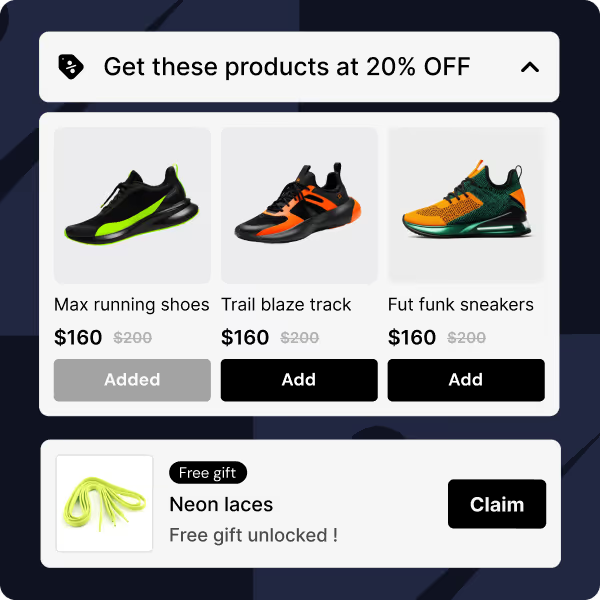
Shopify Free Gift Apps are useful when you want the free gift automatically added to the cart or need advanced logic such as tiered gifts, multiple gifts, or dynamic conditions. Apps also help set up on-brand widgets with smart UX features like a progress bar. All with no code.
With Kite Discount & Free Gift, you can create free gift with purchase promotions by setting conditions like order value or specific product purchases. The app will automatically apply the free gift once the conditions are met at the cart level. For detailed setup, check out our full guide here.
Kite is specialised in free gift set ups. You can auto‑add or manually customer‑chosen gifts on product page, cart and checkout. It comes with various widgets & progress bars which help drive conversions on free gift promotions. Priced atjust $19/month, Kite Discount & Free Gift a good investment for running a sharply segmented, free gift promotion on Shopify.
Easy Bundles lets you set up promotions that automatically offer a free gift when certain conditions are met within the bundle. The app is perfect if you want to offer free gift with bundles or set specific thresholds to trigger the promotion. For more details on how to use Easy Bundles for this, refer to our guide here.
Checkout Wiz helps you to add custom upsell offers, including free gifts, directly at checkout. You can set up various free gift promotions based on order value or products. The app streamlines the process, reducing friction in the checkout flow. Check out the full setup process in our guide here.
For complex promotions, Shopify Functions or custom development enables advanced rule logic, tighter discount control, and scalable promotional workflows. If the previous options don’t fit your needs, the final solution is to develop a free gift with purchase system through an external developer or agency. While this is typically the most expensive option, it offers the most tailored and effective solution for your store. The cost will vary depending on your requirements.
Not every free gift with purchase setup works the same way. The best option depends on your promotion complexity, automation needs, and technical resources.
Use the table below to quickly determine which setup is right for your store.
Here are the most widely used free gift product ideas:
You can offer free gift with purchase promotions at multiple points during the user journey.


Choose either one or multiple of these locations
A free gift with purchase promotion is a powerful promotional strategy. They help achieve the following:
To make your gift with purchase promotion truly effective, here are some strategies you can use:
Check out How Heat Hot Sauce Boosted AOV with Tiered Free Gift Offers
By using these tactics, you’ll keep your customers engaged and excited about what’s next, ensuring that your free gift promotion strategy stands out in a crowded marketplace.
If you're looking for inspiration on how to effectively implement a gift with purchase strategy, check out these two successful case studies:
Offering a free gift with purchase is a proven strategy for increasing sales and driving customer loyalty. Whether you’re offering a sample product, an exclusive item, or free shipping, this type of promotion can significantly boost conversions and help create memorable customer experiences.
Ready to implement your gift with purchase promotion? With the right tools, such as Kite, Easy Bundles. Checkout Wiz and the strategies outlined above, you’re well on your way to running a successful campaign.
Check list of top Shopify discount apps by our partner PluginHive.


.avif)

Free webinar
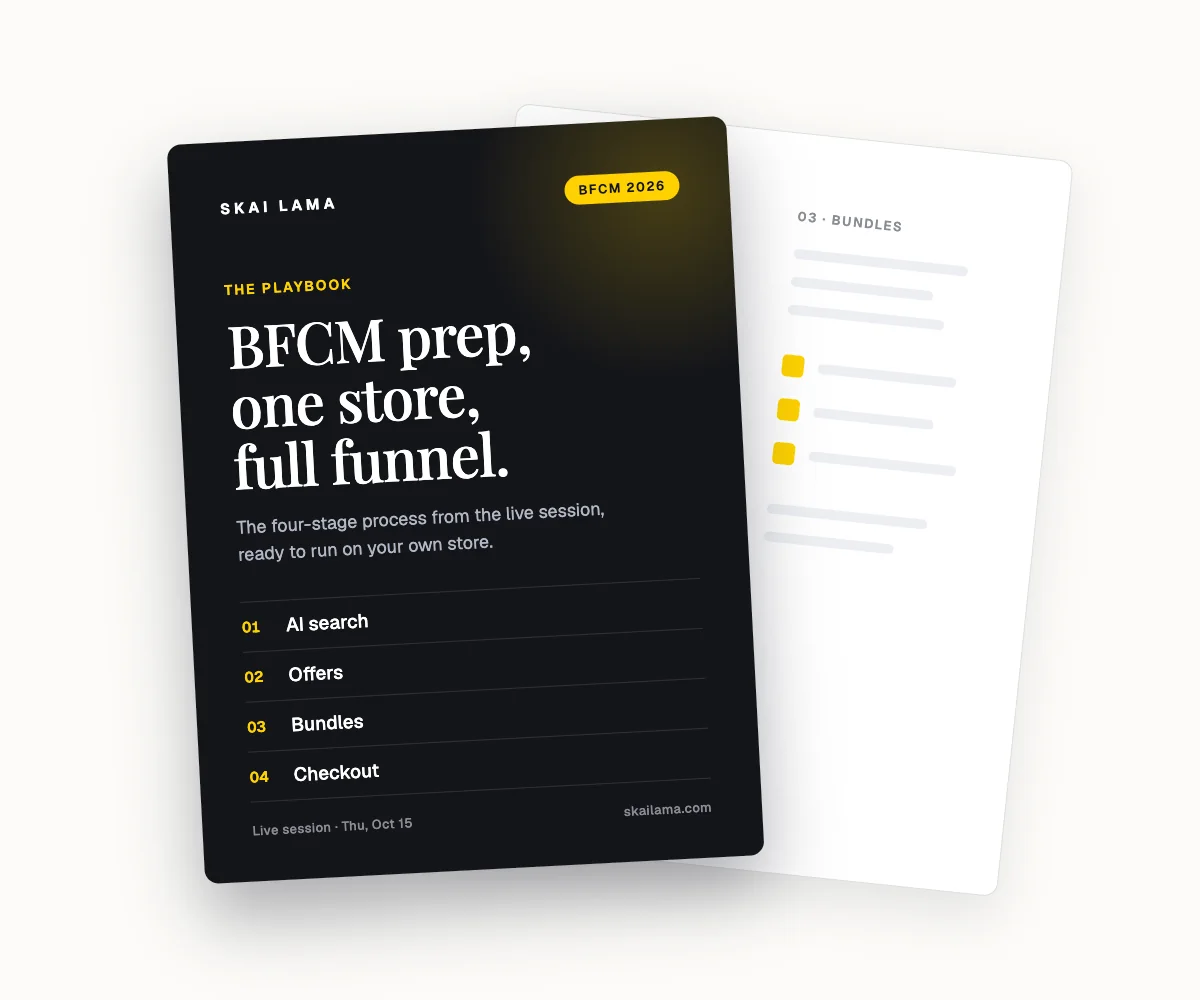
BFCM prep, live on one store.
We take one Shopify store through the whole BFCM funnel on screen, from AI search to checkout. You leave with the playbook to run the same on yours.
Thu, Oct 15
1 PM ET · 10 AM PT
60 minutes
Can't make it live? Register anyway. The recording and the playbook go to everyone who signs up.
Save your free seat
BFCM Prep Live. Thu, Oct 15 at 1 PM ET, 10 AM PT, 6 PM UK. 60 minutes.

