In this guide, I have covered 16 Shopify apps across seven goals: driving revenue and AOV, driving conversions, customer retention, inventory management, order tracking, revenue protection, and measuring performance.
I recommend starting BFCM app setup in October, not November. Stores that launch their BFCM campaigns in October are three times more likely to be top performers during the sale weekend.
For driving AOV, Kite (free gifts, BOGO, and tiered discounts built on Shopify Functions) and Easy Bundle Builder (bundles, gift boxes, and quantity breaks with the Cart Transformation API) are my top picks.
For driving conversions, Checkout Wiz is the standout pick for Shopify Plus stores. It brings checkout customization, full-page A/B testing, and post-purchase upsells directly to the checkout and post-purchase pages.
For retention, Klaviyo is the email and SMS standard for BFCM segmentation, and Smile.io is the loyalty layer that turns first-time BFCM buyers into repeat customers through Q1.
The apps in this guide are not just for BFCM. The best ones run year-round and compound returns well beyond the sale weekend.
Comparison Table of Shopify Black Friday (BFCM) Apps
App
Category
Key BFCM Features
Rating & Reviews
Pricing
Kite: Discount & Free Gift
Drive Revenue
✅ BOGO & Free Gift Campaigns ✅ Free Gift Auto-Add & Auto-Remove ✅ Combine Discounts: one code ✅ Tiered & Volume Discounts ✅ Cart Progress Bar ✅ Campaign Scheduling ✅ Customer Tag & Country Targeting ✅ Shopify Functions Native
The right Shopify Black Friday apps can be the difference between a record Black Friday Cyber Monday (BFCM) and a weekend of missed sales. This guide ranks the 16 best Shopify apps for Black Friday and BFCM across seven goals, from driving AOV and conversions to retention, inventory, and revenue protection, so you can build the right stack before the traffic hits.
Best Shopify Black Friday Apps to Drive Revenue and AOV
These apps drive higher cart values through discount campaigns, free gifts, product bundles, and post-purchase upsells. They are the highest-impact category for BFCM AOV.
1. Kite: Discount & Free Gift: Best for Discount Campaigns and Free Gift with Purchase
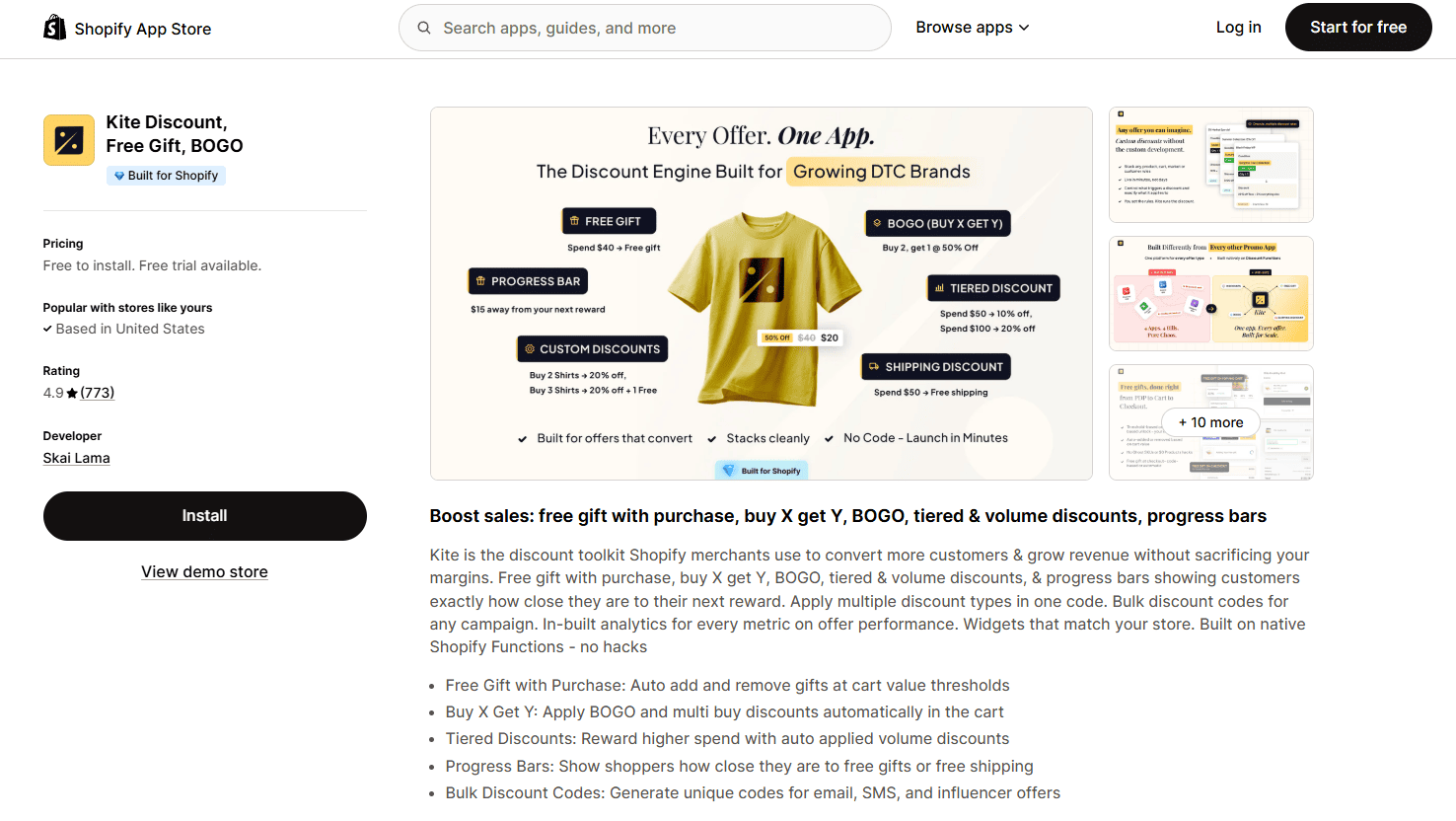
Kite: Discount & Free Gift is a Shopify discount and free gift app built entirely on Shopify Functions, running on Rust. That architecture matters during BFCM: zero page-load impact, , capability to scale, handle high-traffic sale weekends without the errors and more.
Most importantly, for BFCM, Kite Discount & Free Gift covers every major discount mechanic: free gift with purchase, BOGO and Buy X Get Y, tiered discounts, volume discounts, and a cart progress bar that shows customers how close they are to unlocking the next reward. You can stack these campaigns, run them on a schedule, and target them by customer tag, country, or discount code. A very handy feature of Kite is the ability to combine different discounts such as order, product or shipping discount under a single discount code. This means you don't need to market these promotions separately during BFCM, saving on advertising budget & simplifying your campaigns.
Key Features
Combine Discounts: One code for order, product and shipping discounts.
Free Gift with Purchase: auto-adds a gift product to cart when the threshold is met; no manual customer action needed. Auto-removal included.
BOGO and Buy X Get Y: supports the full range of buy-one-get-one and conditional free product variants
Tiered Discounts: spend $50 get 10% off, spend $100 get 20% off; drives customers to the next tier
Volume Discounts: buy 3 get 5% off, buy 5 get 10% off; supports bulk purchase incentives for BFCM
Cart Progress Bar: visual bar showing how close a shopper is to the next reward; increases average cart value
Campaign Scheduling: set campaigns to auto-start and auto-end by date and time; no manual management during the sale
Customer Tag and Country Targeting: VIP early access, geo-specific offers, or segment-specific gifts
Rich Analytics: revenue per campaign, gift redemption rates, and AOV lift data
Pricing
Free: up to 100 discount orders/month, including core campaign types (for stores on Basic and Grow Shopify plans)
Advanced & Plus: $49/month, for Advanced and Shopify Plus stores
7-day free trial on paid plans
Top Kite Case Studies
Topologie (Canada): $2.5M in revenue driven through free gift and tiered discount campaigns
Heat Hot Sauce (USA): +28% average order value lift from tiered free gift campaigns
Pros
Built on Shopify Functions. Genuinely the most stable discount architecture at BFCM scale, no storefront JavaScript errors
Covers the full BFCM discount playbook in one app: free gifts, BOGO, tiered and volume discounts, and progress bar
Campaign scheduling means you can configure everything in advance and let it run automatically during the sale
Auto-add gift feature removes friction, customers don't need to add the gift manually
Cons
Advanced targeting (customer tags, country rules) requires a paid plan
Analytics dashboard depth increases with plan tier; full reporting on free plan is limited
Best For
Shopify stores running free gift campaigns, tiered discounts, or BOGO mechanics during BFCM. Also the right pick for stores replacing Shopify Script Editor with a Shopify Functions-native app.
2. Easy Bundle Builder: Best for Product Bundles, Gift Boxes, and Quantity Breaks
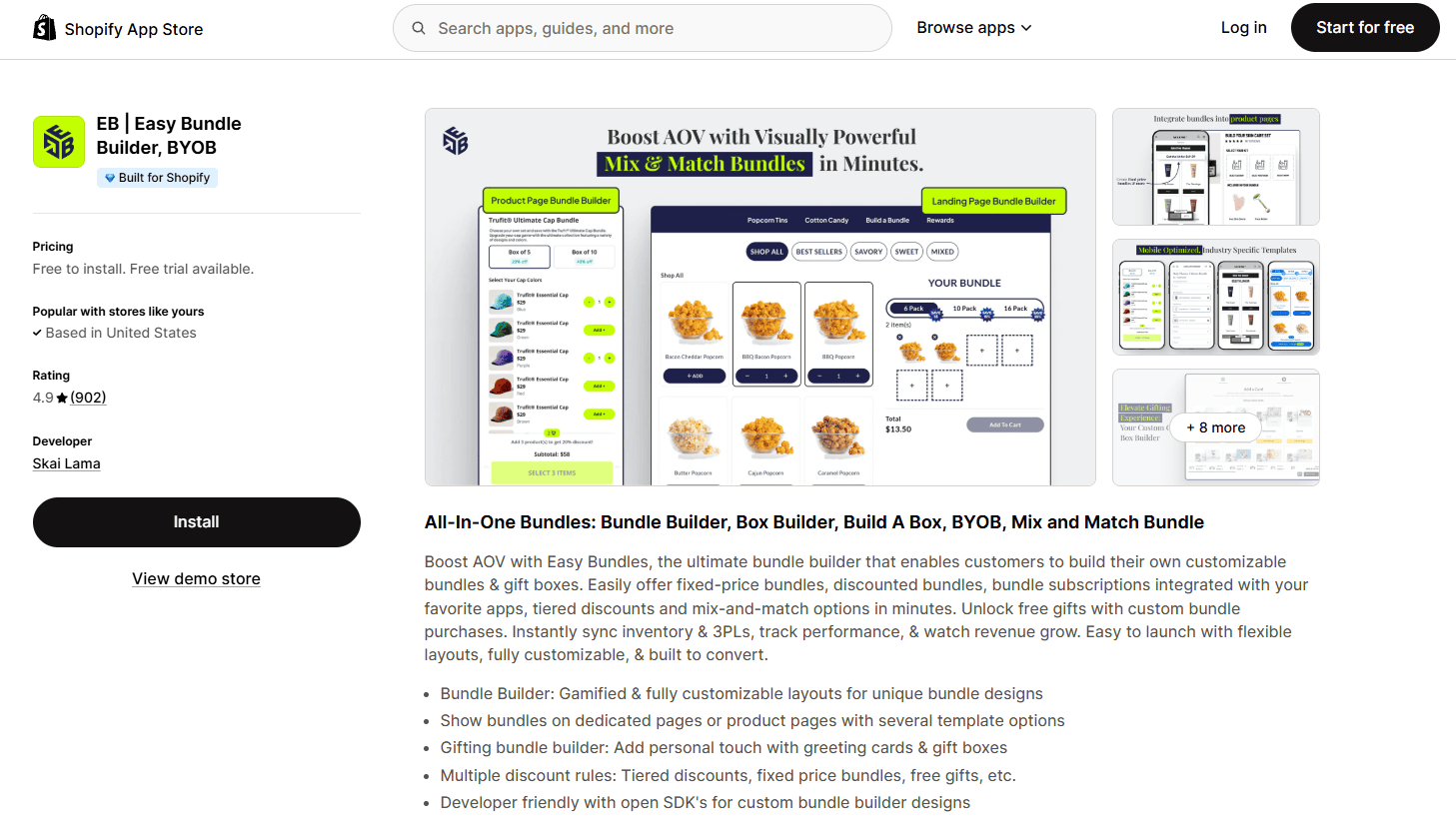
Easy Bundle Builder is a perfect Shopify BFCM app for creating bundles to increase AOV ad overall revenue. Shopify stores have generated $180M in bundle revenue through the app. It supports every bundle format relevant to Black Friday: build-your-own bundles (BYOB), mix and match, gift box builders, subscription bundles, fixed product bundles, and quantity breaks.
What makes Easy Bundle Builder a good choice compared to other bundle apps is its built in discount logic (BXGY offers, % off, price off & more); numerous design possibilities with a variety of temples and the use of the Shopify Cart Transformation API. Cart transform ensures bundle products appear as individual line items at checkout, not as a single bundle SKU. That means accurate inventory tracking, full compatibility with other Shopify apps, and no SKU hacks that break during Shopify updates. For BFCM, where inventory accuracy and app stability matter most, this architecture is a significant advantage.
Key Features
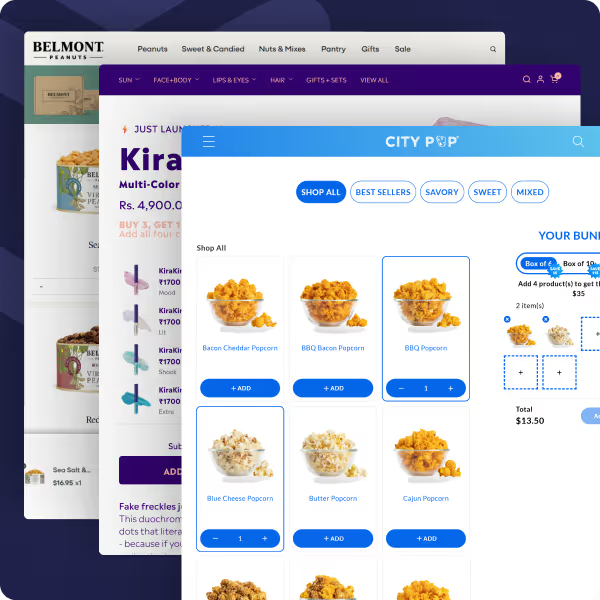
Build-Your-Own Bundle (BYOB): customers choose their own products from a curated selection, shown on a dedicated landing page or embedded on a product page
Mix and Match Bundles: fixed-price bundles where customers select from multiple product categories
Gift Box Builder: gift-specific bundle flow with wrapping options and personal message fields, optimized for holiday gifting
Subscription Bundles: bundle products on recurring subscription schedules (integrates with Recharge, Loop, Appstle)
Fixed Bundles: pre-configured bundles with variant selection, no customer customization required
Quantity Breaks: tiered pricing for volume purchases (buy 2 get 10% off, buy 4 get 20% off)
Pre-Curated Bundles with Variant Selection: bundle configurations where customers choose variants (size, color) within a curated set
Drag-and-Drop Design Builder: multiple design possibilities with full drag-and-drop control; create fully on-brand bundles matching store colors, fonts, and styling without code
Landing Page Bundles and Product Page Bundles: display bundles as a dedicated full-page experience or embed them inline/expandable directly on product pages
AI-Based Bundle Building: AI-powered bundle creation and AI product recommendations built into the app
Cart Transformation API: individual line items at checkout, no SKU hacks, full inventory compatibility
Discount Engine: percentage, fixed amount, or tiered discount structures
Multi-Language and Multi-Currency: full Shopify Markets support
Bundle Analytics: revenue per bundle, conversion rates, AOV impact
24/7 Customer Support: round-the-clock support on all plans
Developer-Friendly SDK: developers can use Easy Bundle Builder as a harness to build fully custom bundle experiences with their own front-end logic
Pricing
Free: up to $500 in bundle sales/month
Essential: $29/month (up to $3,000 in monthly bundle sales)
Growth: $49/month (up to $5,000)
Scale: $99/month (up to $10,000)
15-day free trial on paid plans
Top Easy Bundle Builder Case Studies
Evry Jewels (USA): $465K in bundle sales during a single Black Friday campaign using the Gift Box Builder
Cove (USA): $4.4M in total bundle revenue using Buy More Save More bundle flows
Simplified (USA): $31K in bundle revenue in just 24 hours using Build-Your-Own Bundle
Pros
Cart Transformation API: individual line items at checkout, accurate inventory, no SKU hacks, the most technically sound bundle architecture on Shopify
Covers every bundle type in one app: BYOB, mix and match, gift boxes, subscriptions, fixed bundles, quantity breaks
BFCM-proven at scale: Evry Jewels generated $465K during a single Black Friday campaign using the gift box builder
Free plan available for smaller stores testing bundles for the first time
5X ROI Guarantee: confidence-backed offering for merchants evaluating the paid tiers
Cons
Entry paid plan at $49/month may seem too much for a store wanting to set up a single type of bundle.
Free plan capped at $500/month in bundle sales; stores with active BFCM bundle campaigns will likely need a paid plan
Best For
Shopify stores in the health & wellness, food & beverages, fashion, beauty & skincare, home decors and toys industry. Reliable for running gift box campaigns, build-your-own bundle promotions, fixed bundles andquantity break offers during BFCM. Essential for stores that need bundle revenue to show up correctly in inventory and analytics.
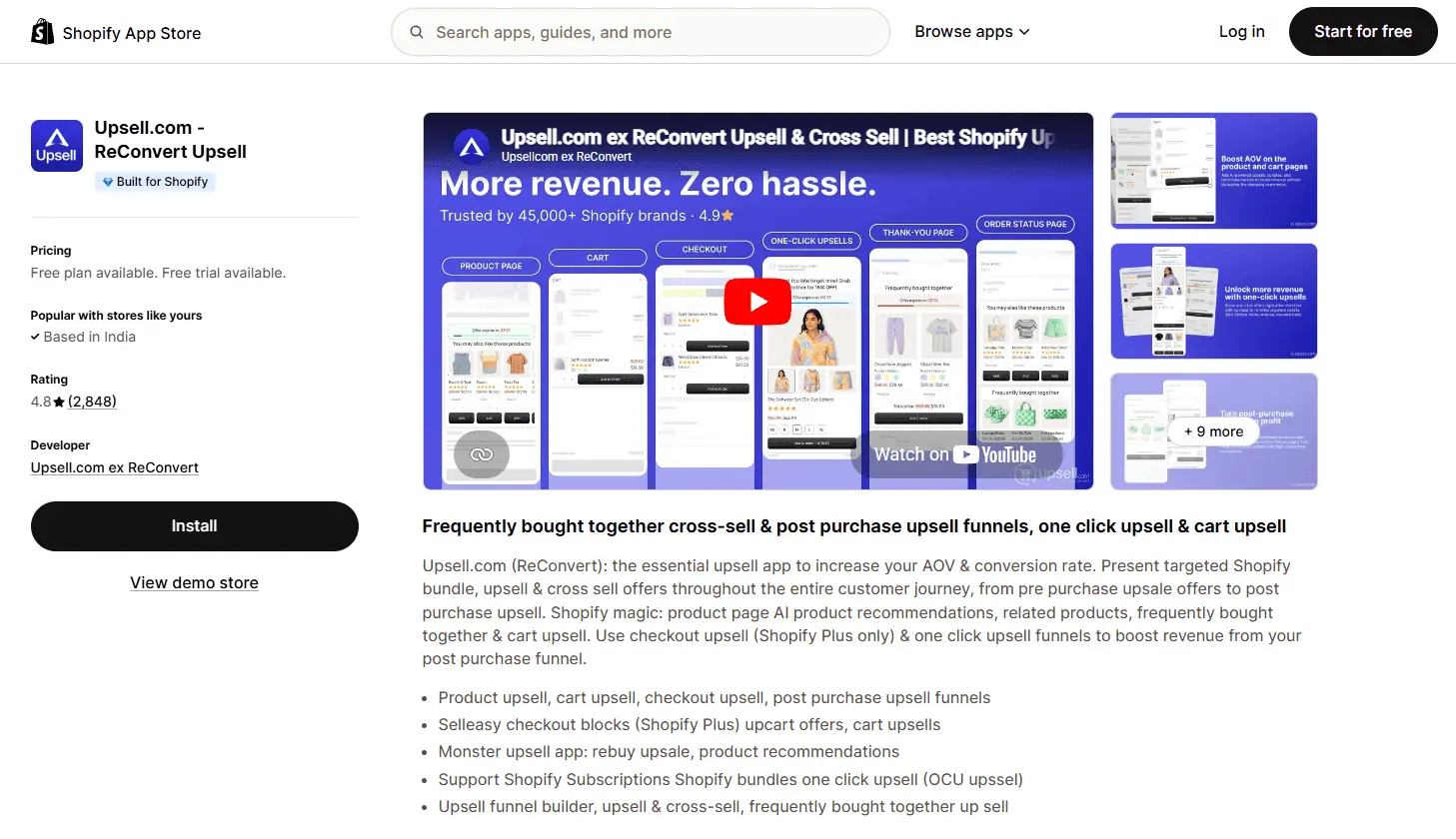
3. ReConvert: Best for Post-Purchase Upsells on the Thank You Page
ReConvert is a Shopify BFCM app used for post-purchase upsells, turning the thank you page into a second revenue touchpoint after every completed order. After a customer completes a purchase, ReConvert displays targeted upsell and cross-sell offers that can be accepted with a single click, without the customer needing to re-enter payment details.
For BFCM, the thank you page is one of the highest-converting placements for upsell offers because the customer has just made a purchase decision and intent is at its peak. ReConvert works on all Shopify plans for thank you page placement.
Key Features
One-click post-purchase upsells: customers add recommended products with a single click after checkout
Product recommendations: AI-based and rule-based recommendations based on what was purchased
Thank you page customization: full drag-and-drop control over the thank you page layout
Birthday collector: captures customer birthdays for future personalized campaigns
Survey widget: post-purchase attribution surveys ("How did you hear about us?")
Order tracking embed: shipment tracking widget directly on the thank you page
Reorder discount offers: discounts offered to encourage a second purchase from the confirmation page
Pricing
Free: up to 50 orders per month
Starter: $4.99/month (up to 100 orders/month)
Scale: $14.99/month (up to 1,000 orders/month)
Premium: $29.99/month (unlimited orders)
Pros
Works on all Shopify plans: thank you page upsells do not require Shopify Plus
Zero checkout friction: upsell offer appears after payment is complete, not during checkout
One-click accept: no re-entering payment details, highest possible upsell conversion rate
Affordable pricing: relevant even for small stores during BFCM volume spikes
Cons
Checkout page upsells shown during checkout require Shopify Plus and a different app
Pricing scales with order volume, which means BFCM-level order spikes can push you into a higher plan mid-weekend
Best For
Shopify stores on any plan wanting to add post-purchase upsells to the thank you page for BFCM. Especially effective as a complement to a checkout upsell app for Shopify Plus stores.
Best Shopify Black Friday Apps for Customer Retention
BFCM brings in a large number of first-time buyers. Retention apps convert those one-time purchasers into repeat customers through email and SMS campaigns, loyalty programs, and social proof.
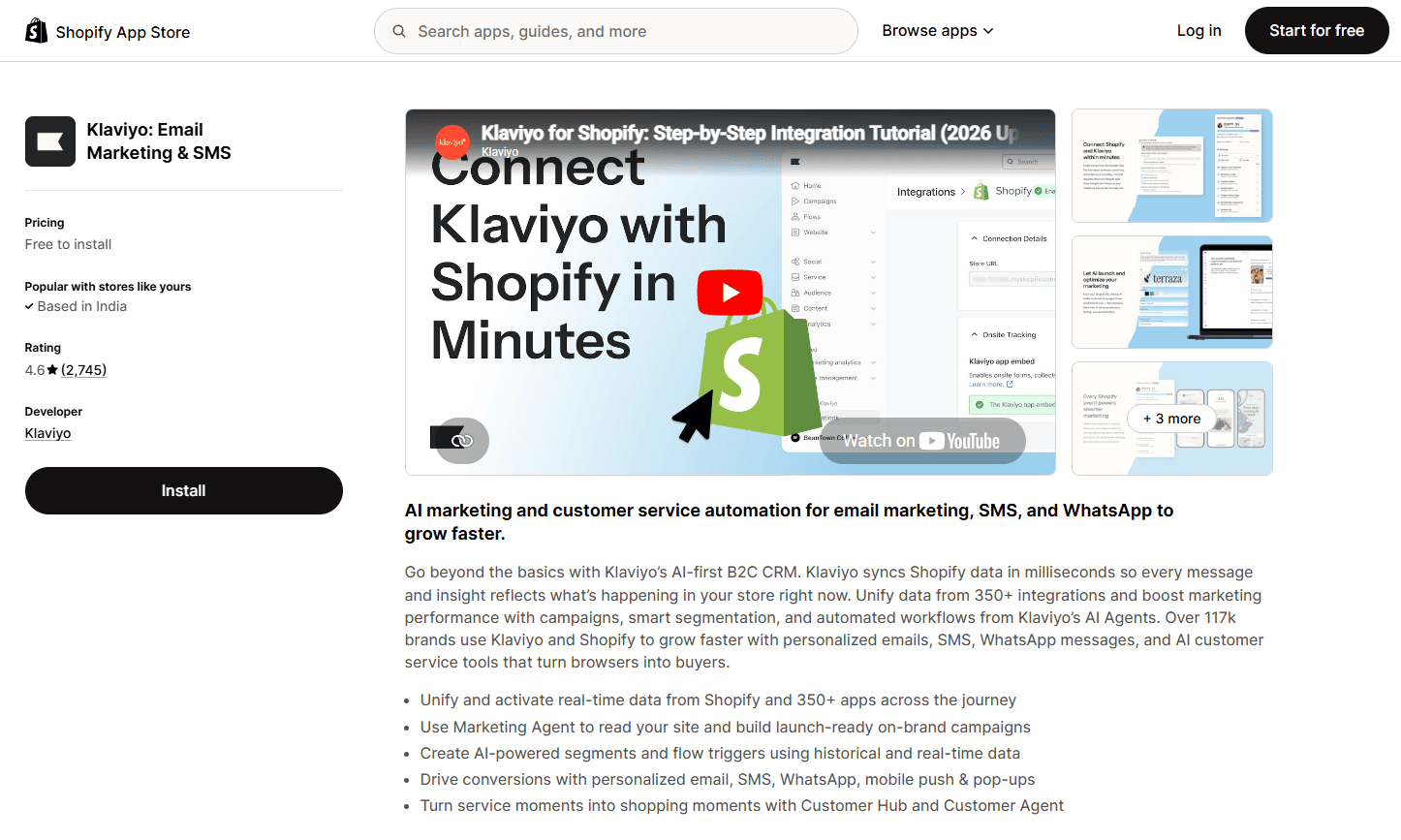
4. Klaviyo: Best for Email and SMS Marketing Segmentation
Klaviyo is a Shopify BFCM app for email and SMS marketing, built to run the segmented pre-sale, sale, and post-sale campaigns that drive the highest revenue during Black Friday and Cyber Monday. Its value for BFCM is in segmentation depth: you can build audiences based on purchase history, browsing behavior, loyalty tier, location, and engagement recency, and deploy separate campaign flows for each segment across email and SMS.
Pre-built BFCM flow templates cover the full pre-sale and post-sale sequence: VIP early access, abandoned cart recovery, post-purchase thank you flows, and win-back sequences for customers who browsed but did not buy. The automation runs without manual intervention once configured.
Key Features
Email campaigns and automated flows: pre-sale warm-up, early access, abandoned cart, post-purchase, and win-back
SMS campaigns: two-way text messaging with opt-in compliance built in
Advanced segmentation: build audiences on any combination of purchase, browse, or email engagement data
Predictive analytics: predicted spend, predicted next order date, and churn risk scoring
Pre-built BFCM templates: email and SMS flows designed specifically for Black Friday and Cyber Monday
A/B testing: subject lines, send times, and email content
Shopify sync: real-time order and customer data sync directly from Shopify
Pricing
Free: up to 500 contacts and 500 email sends/month
Email: from $20/month (scales with contact list size)
Email and SMS: from $45/month (scales with contacts and SMS credits)
Pros
Most powerful segmentation of any email platform for Shopify stores: can target by purchase history, predicted behavior, and engagement
BFCM-specific flow templates mean you can set up a full campaign sequence without building from scratch
Email and SMS in one platform: no need to manage separate tools
Integrates deeply with Shopify: order data, product catalog, and customer profiles sync in real time
Cons
Pricing scales sharply with list size: stores with large contact databases will see significant monthly costs
Learning curve for advanced segmentation and flow setup; not the easiest platform for first-time email marketers
SMS pricing is additional and based on credit consumption, which can be hard to predict during BFCM campaigns
Best For
Shopify stores with a meaningful contact list (1,000+) that want to run segmented pre-sale, sale, and post-sale email and SMS campaigns for BFCM.
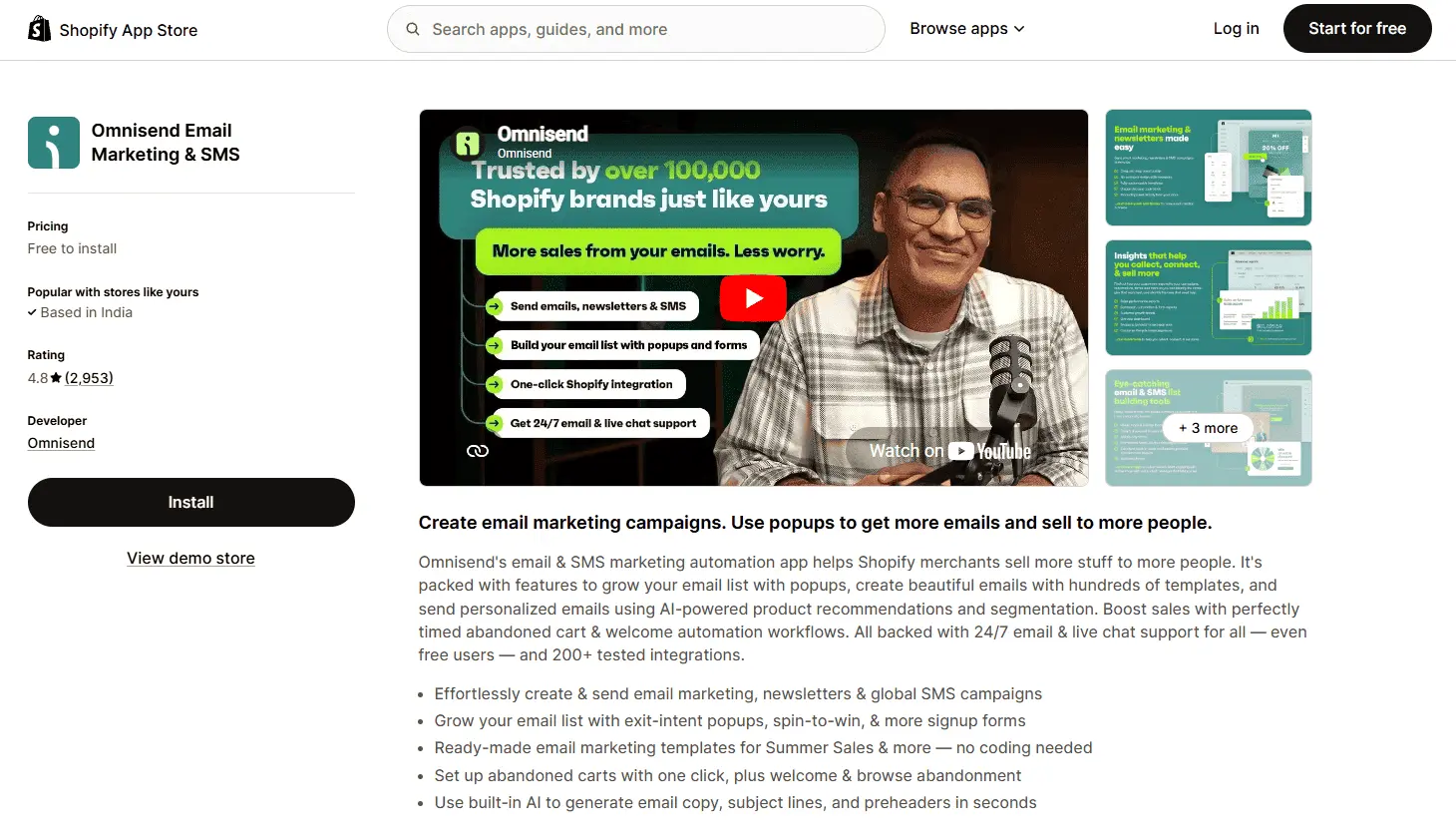
5. Omnisend: Best for All-in-One Email, SMS, and Push Notifications
Omnisend is a Shopify Black Friday app that runs email, SMS, and web push notification campaigns from a single platform, covering the full pre-sale and post-sale marketing cycle for Black Friday. It covers the same core BFCM use cases as Klaviyo (segmented campaigns, abandoned cart flows, post-purchase sequences) but at a lower price point for smaller stores and with a simpler interface that is easier to configure quickly before the sale.
Key Features
Email campaigns: drag-and-drop email builder with BFCM templates
SMS: text message campaigns and automations in one platform
Web push notifications: browser push for non-email subscribers
Automation workflows: abandoned cart, welcome series, post-purchase, and win-back flows
Segmentation: audience segments based on purchase history, email engagement, and custom events
Product picker: directly insert Shopify product listings into email campaigns
Pricing
Free: up to 500 emails/month and 60 SMS credits
Standard: from $16/month (500 contacts; scales with list size)
Pro: from $59/month (includes unlimited emails and priority support)
Pros
Email, SMS, and push notifications in one platform: covers more channels at a lower price than most alternatives
Simpler interface than Klaviyo: faster to set up for stores that do not need enterprise-level segmentation
Generous free plan for testing before BFCM
Strong automation templates for BFCM pre-sale and post-sale sequences
Cons
Segmentation is less granular than Klaviyo at the enterprise level
Reporting and analytics are more limited for larger stores with complex campaign structures
Less widely used than Klaviyo, which means fewer third-party integrations and community resources
Best For
Small to mid-sized Shopify stores that want email, SMS, and push notifications for BFCM without the cost and complexity of Klaviyo. The right choice if your list is under 10,000 contacts and you want multi-channel coverage.
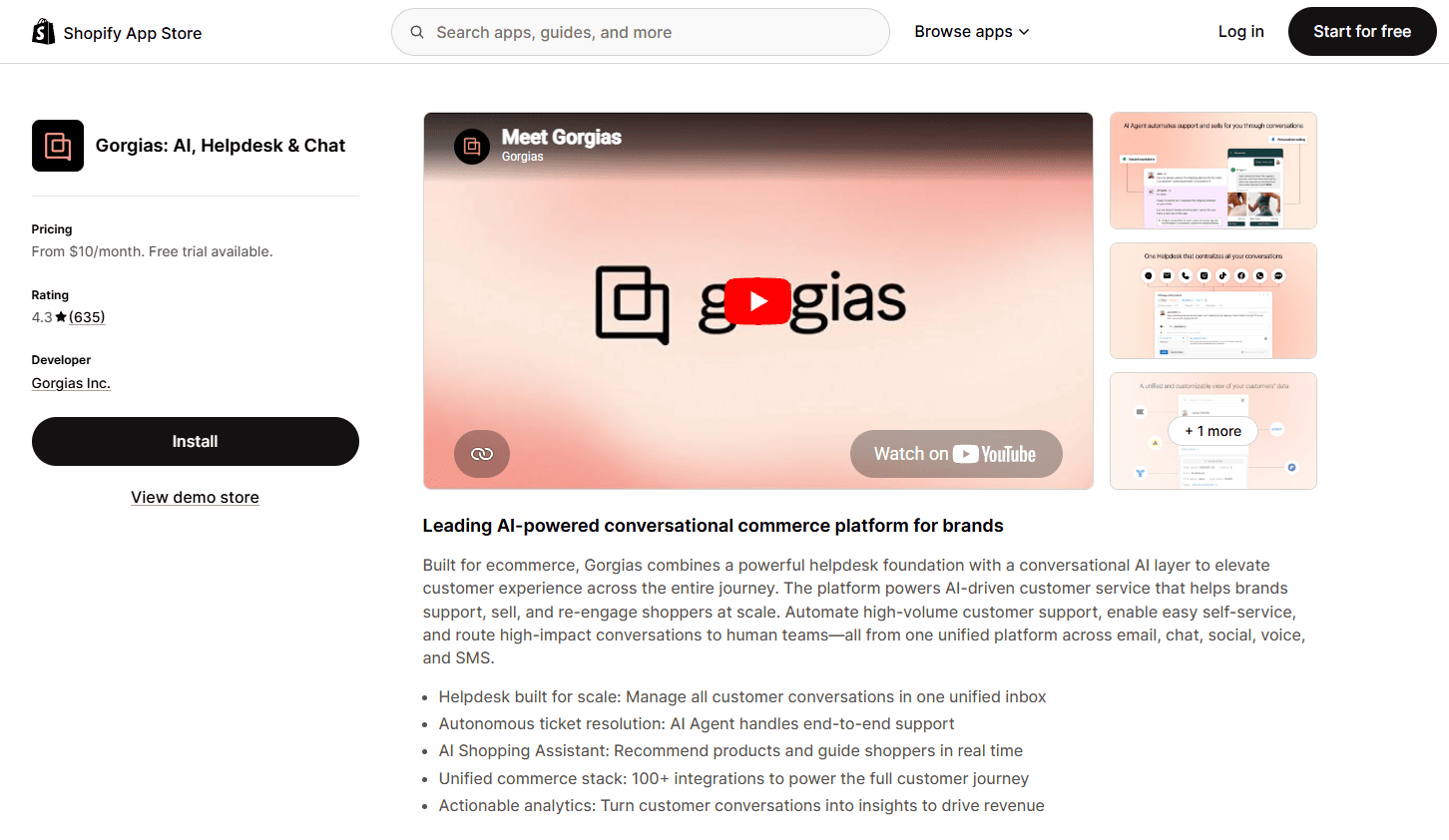
6. Gorgias: Best for Customer Support During BFCM
Gorgias is a Shopify BFCM app for customer support, helping stores handle the 3 to 5x spike in support tickets that BFCM brings without slowing down response times or losing customers to unanswered inquiries. It centralizes all support channels (email, live chat, social media, SMS) in one inbox and automates responses to common BFCM questions with macros and rules.
The Shopify integration is the key differentiator: support agents can view and edit Shopify orders directly from within a Gorgias ticket without switching tabs. That means order lookups, cancellations, and refund requests can be resolved in seconds during peak support volume.
Key Features
Unified inbox: email, live chat, Facebook Messenger, Instagram DMs, and SMS in one view
Shopify order integration: view and edit orders directly from the support ticket
Macros: pre-written response templates for common BFCM questions (order status, returns, discount codes)
Rules and automation: auto-tag, auto-close, and auto-respond to routine inquiries
Live chat widget: real-time chat support on the storefront
Customer timeline: full Shopify purchase history visible alongside every ticket
Pricing
Starter: $10/month (3 support agents, email and chat)
Pro: $300/month (up to 2,000 tickets/month, advanced automation)
Note: pricing scales with ticket volume, which can increase during BFCM
Pros
Shopify order integration means support agents resolve tickets without leaving Gorgias: fastest possible resolution time during BFCM
Macros and automation reduce the manual work of responding to high-volume BFCM support requests
Covers all support channels in one inbox: no toggling between email, chat, and social
Customer purchase history visible in every ticket: no asking customers to repeat their order number
Cons
Ticket-based pricing means costs increase proportionally with BFCM support volume; worth budgeting for plan overages
Initial setup and macro creation requires time investment before BFCM; last-minute installs reduce the benefit
Best For
Stores expecting high BFCM support volume who want to keep response times fast and avoid customer churn from unanswered inquiries during the sale weekend.
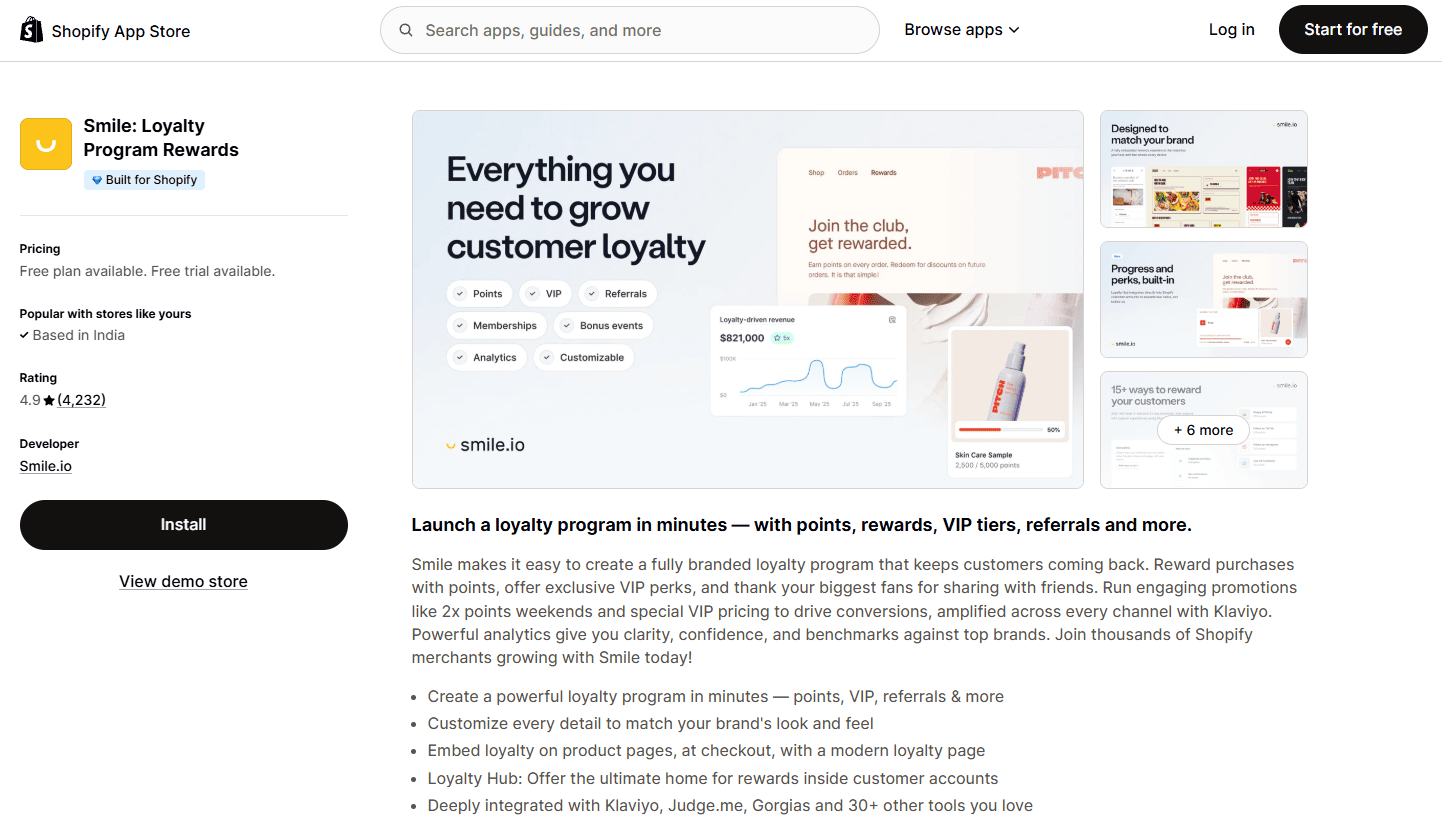
7. Smile.io: Best for Loyalty Programs and BFCM Retention
Smile.io is a Shopify BFCM app for loyalty and retention, turning the wave of first-time Black Friday buyers into repeat customers through points, VIP tiers, and bonus points campaigns. It is the most widely installed loyalty and rewards app on Shopify and handles BFCM-specific tactics including bonus points multiplier events and VIP early access.
The highest-impact BFCM loyalty strategy is running a bonus points multiplier event (2x or 3x points on all BFCM purchases), giving VIP members 24 to 48 hour early access before the public sale, and setting up a post-purchase enrollment trigger that adds BFCM first-time buyers to the loyalty program automatically.
Key Features
Points and rewards: customers earn points on purchases, redeemable for discounts
Referral program: incentivize existing customers to refer BFCM shoppers
VIP tiers: tiered loyalty levels with tier-specific perks and early access
Bonus points campaigns: time-limited events that multiply points earned during BFCM
Post-purchase enrollment: automatically enroll customers into the loyalty program after their first purchase
Loyalty widget: storefront widget showing points balance and redemption options
Pricing
Free: basic points program with limited customization
Starter: $49/month (full points and referral features)
Growth: $199/month (VIP tiers, bonus points campaigns, and Klaviyo integration)
Pros
Most widely installed loyalty app on Shopify: largest third-party integration ecosystem
BFCM-specific tactics: bonus points events and VIP early access are purpose-built for sale weekends
Turns BFCM first-time buyers into repeat customers through Q1 via post-purchase enrollment
Referral program drives new BFCM customer acquisition alongside retention
Cons
VIP tiers and bonus points campaigns require the Growth plan at $199/month; the most impactful BFCM loyalty features are not on the free or Starter plan
Loyalty programs take time to build: installing in November gives insufficient time to build a meaningful points balance before BFCM; install in October
Best For
Stores that have run at least one BFCM previously and want to convert this year's new buyers into repeat customers. Install and configure in October to allow time for loyalty balance building before the sale.
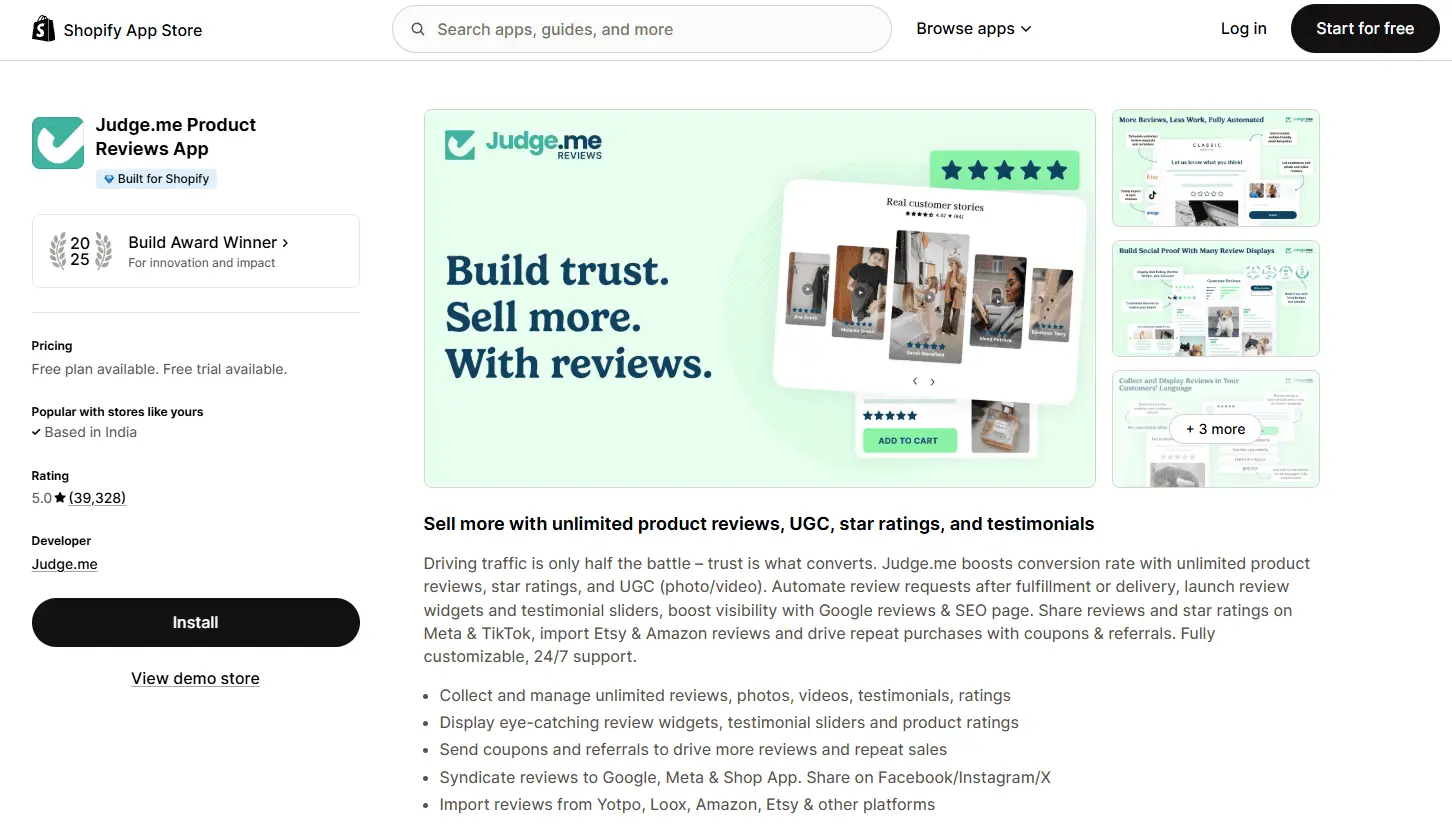
8. Judge.me: Best for Product Reviews and Social Proof
Judge.me is a Shopify BFCM app for social proof, ensuring product pages have the reviews and star ratings that convert new visitors arriving from BFCM ads. During Black Friday, a large share of traffic comes from people who have never bought from the store before. Reviews are the primary trust signal that converts that new audience at the product page level.
Key Features
Unlimited reviews on the free plan: no review count cap
Photo and video reviews: visual social proof beyond text reviews
Free plan covers unlimited reviews, photo reviews, and Google Shopping markup: one of the most generous free plans on the App Store
Fast-loading widgets: review displays do not slow down page speed during BFCM high-traffic periods
Automated review request emails mean ongoing review collection without manual follow-up
Easy import from other review platforms if switching before BFCM
Cons
Widget customization is limited on the free plan; brand-matched styling requires the paid Awesome plan
Q&A feature (useful for addressing pre-purchase questions during BFCM) requires the paid plan
Best For
Any Shopify store that needs solid product review coverage for BFCM without paying for it. The default recommendation for review social proof at BFCM unless you have specific enterprise requirements.
Best Shopify BFCM Apps to Manage Inventory and Demand
These apps prevent two of the most common BFCM revenue leaks: stockouts that happen without a recovery plan, and over-ordering that ties up cash. Get these in place before the sale.
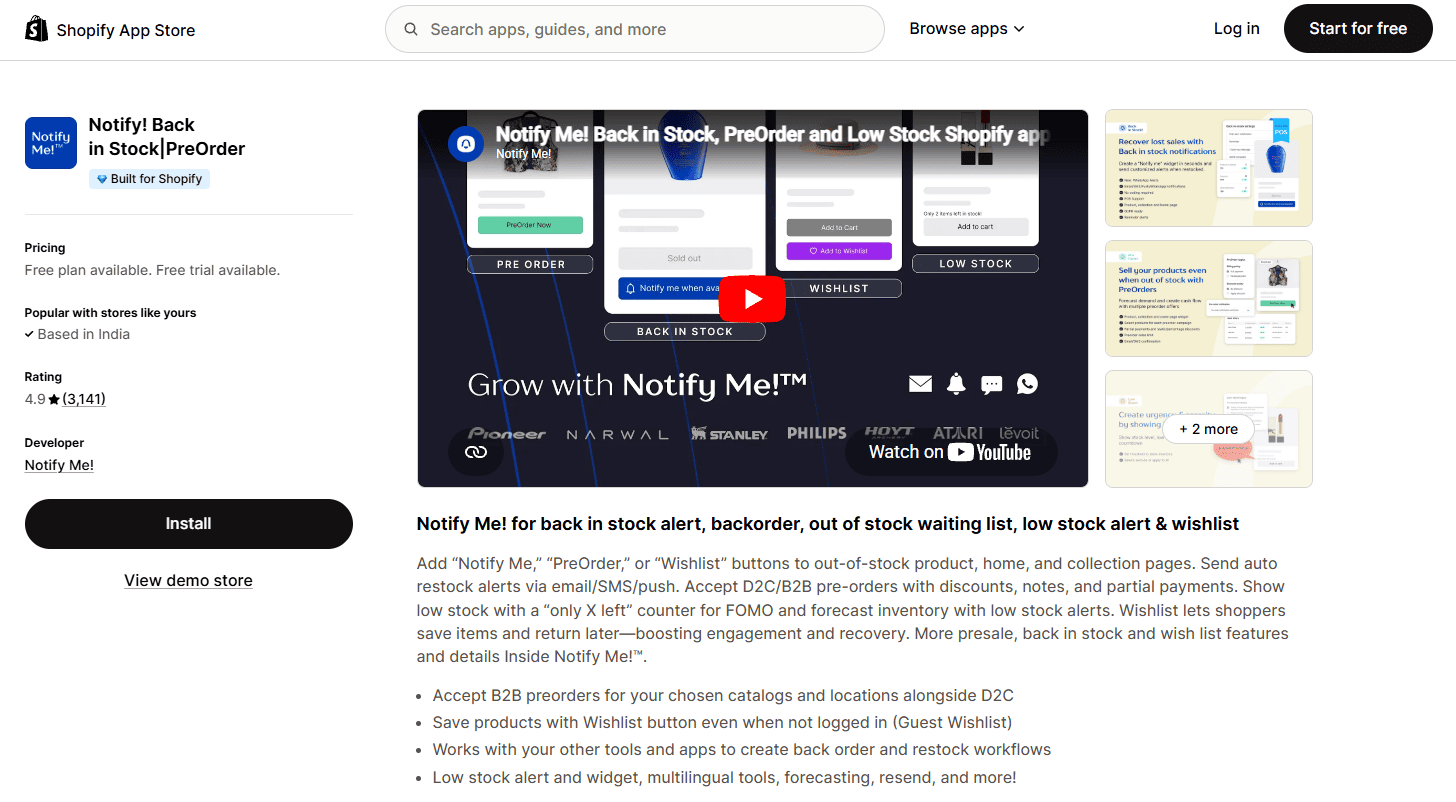
9. Notify! Back in Stock: Best for Capturing Demand When Products Sell Out
Notify! Back in Stock is a Shopify BFCM app for inventory demand capture, converting stockouts during the sale weekend into a waitlist that drives revenue when stock returns. The BFCM pattern is predictable: high-demand products sell out fast, customers who missed out leave without purchasing. Notify! captures that demand and converts it automatically when inventory is replenished.
Key Features
Back-in-stock alerts: email and SMS notifications sent automatically when inventory is replenished
Pre-order capture: take pre-orders on out-of-stock products with estimated restock dates
Waitlist widget: embedded on product pages, triggers on sold-out variant selection
Analytics: waitlist size per product, conversion rate from alert to purchase
Customizable notifications: branded email templates and custom notification timing
Pricing
Free plan available for basic back-in-stock alerts
Paid plans from $19.99/month (SMS alerts, pre-orders, and analytics)
Pros
Converts stockout situations into captured demand rather than lost sales
Pre-order capability means you can continue selling even when current stock is exhausted
Analytics show which products have the largest waitlists, directly informing restock priority
Easy to set up and activates passively as products hit zero inventory
Cons
Only generates value when products actually sell out; less relevant for stores with surplus BFCM inventory
SMS alerts and pre-order features require a paid plan
Best For
Stores running limited-edition BFCM drops, or any store where specific SKUs are likely to sell out quickly during the sale. Essential for fashion, beauty, and limited-run product categories.
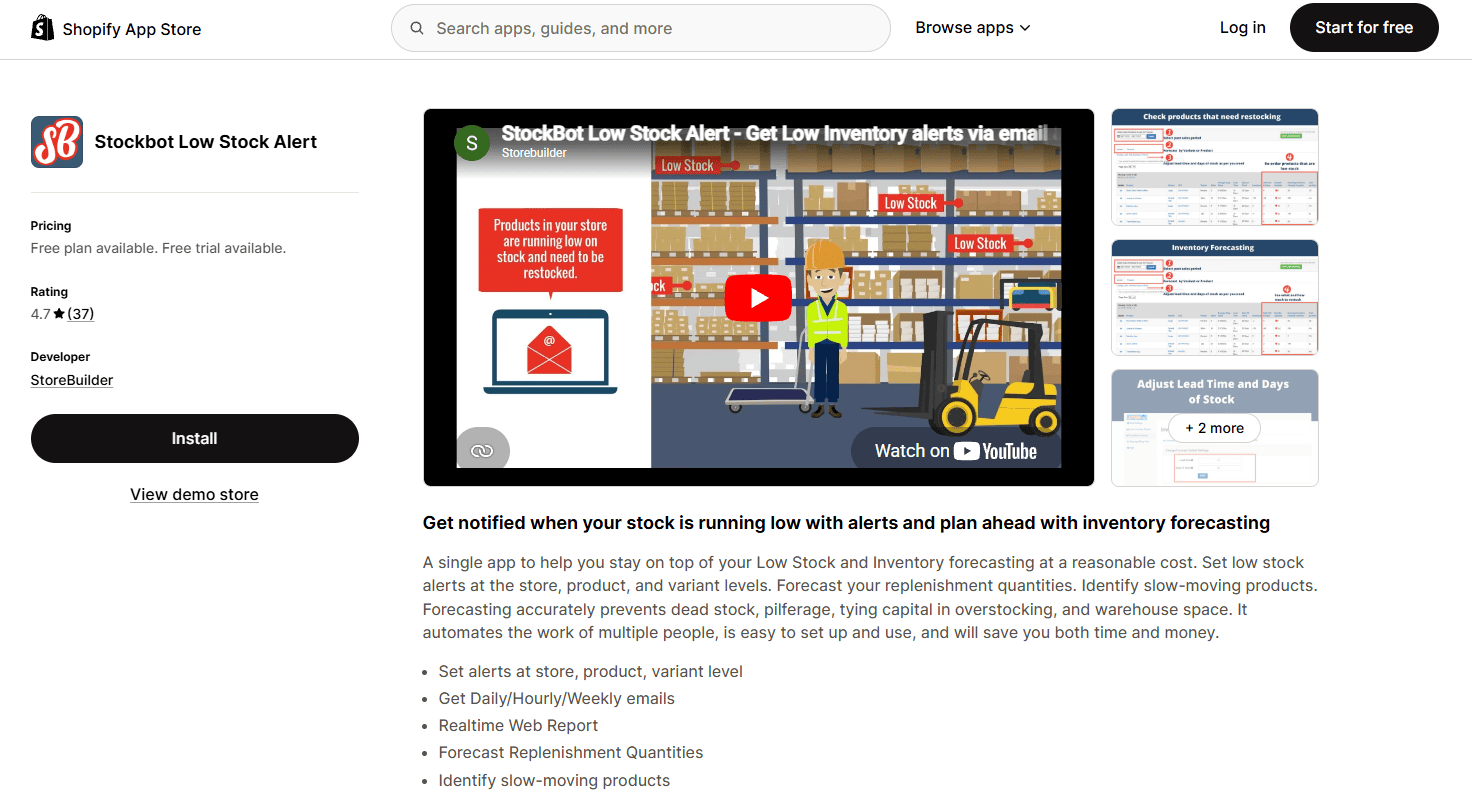
10. Stockbot: Best for Inventory Forecasting and Low-Stock Alerts
Stockbot is a Shopify BFCM app for inventory planning, using AI-driven forecasting to help stores order the right amount of stock and avoid BFCM stockouts or overstock situations. For BFCM planning, Stockbot projects sales scenarios based on historical velocity and sends automated alerts when inventory drops below defined thresholds during the sale.
Key Features
AI demand forecasting: predicts sales velocity based on historical data and trends
Low-stock alerts: automated notifications when SKU inventory falls below set thresholds
BFCM planning tools: project sales scenarios based on expected traffic and conversion lifts
Reorder point automation: set reorder levels per SKU and receive alerts when reached
Multi-location inventory support: tracks stock across multiple warehouses or locations
Pricing
Free trial available
Paid plans from $59/month (scales with SKU count)
Pros
Forecasting prevents both understocking and overstocking for BFCM, directly protecting margin
Low-stock alerts give teams time to reorder or adjust promotions before a live stockout
Multi-location support is relevant for stores with distributed warehouse operations
Cons
Requires at least one prior BFCM season of sales data for accurate forecasting; first-year stores get limited forecast value
Price point higher than other operational apps; cost may not be justified for very small catalogs
Best For
Stores with a catalog of 50+ SKUs that have run BFCM previously and want data-driven inventory planning rather than gut-feel stock ordering.
Best Shopify BFCM Apps for Order Tracking
BFCM order volumes spike, and so do "where is my order" support tickets. Order tracking apps proactively communicate shipment status to customers, reducing support load and improving the post-purchase experience.
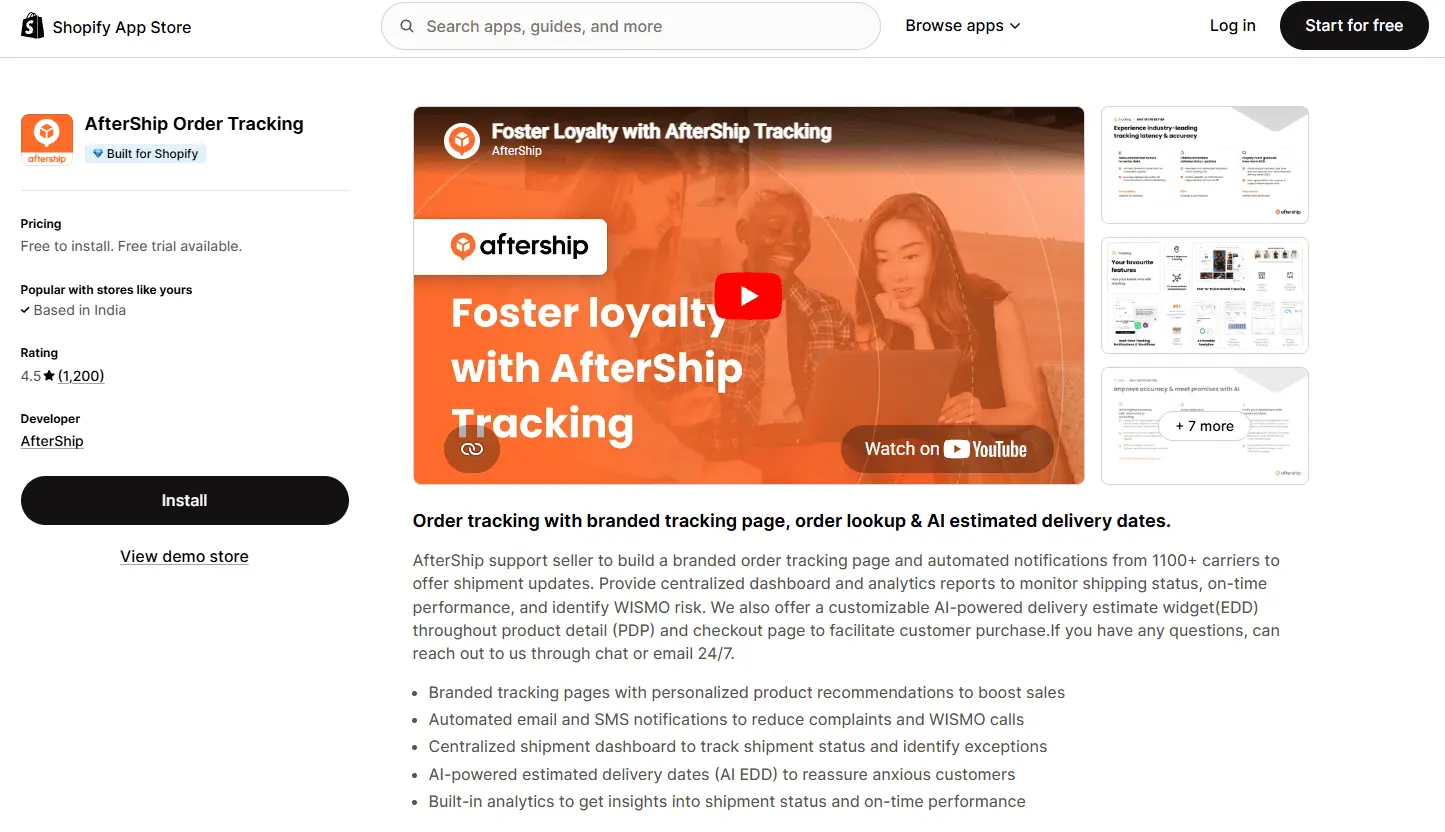
11. AfterShip: Best for Branded Order Tracking and Proactive Shipping Notifications
AfterShip is a Shopify BFCM app for order tracking, reducing the spike in post-purchase support tickets that comes with Black Friday shipping volume through proactive shipment notifications. During BFCM, carriers experience delays and tracking events can be slow to update. AfterShip's proactive notification system keeps customers informed without them needing to contact support, directly reducing WISMO (where is my order) ticket volume.
Key Features
Branded tracking page: custom tracking portal matching store branding, not a generic carrier page
Proactive notifications: automated email and SMS updates at each shipping milestone
Multi-carrier support: 1,100+ carrier integrations including FedEx, UPS, USPS, DHL, and Shopify Shipping
Estimated delivery dates: displays delivery windows on the tracking page
Analytics: shipment performance by carrier, exception rates, and transit time data
Pricing
Free: up to 50 shipments/month
Essential: $11/month (up to 100 shipments/month)
Pro: $119/month (up to 2,000 shipments/month, advanced analytics)
Pros
Proactive notifications dramatically reduce WISMO support tickets during BFCM shipping delays
Branded tracking page keeps customers engaged with your store after purchase instead of sending them to a carrier site
1,100+ carrier integrations cover virtually all Shopify shipping configurations
Returns portal consolidates BFCM return processing in one place
Cons
Pricing scales with shipment volume; BFCM order spikes may require a plan upgrade mid-weekend
Analytics and reporting are limited on lower-tier plans
SMS notifications are an add-on cost separate from the base plan
Best For
Any store with significant BFCM order volume that wants to reduce post-purchase support tickets and give customers a professional tracking experience during a period when carriers frequently experience delays.
Best Shopify BFCM Apps for Revenue Protection and Fraud
BFCM generates more chargebacks and fraud attempts than any other period of the year. Revenue protection apps handle chargeback disputes automatically, so you recover revenue that would otherwise be lost after the sale ends.
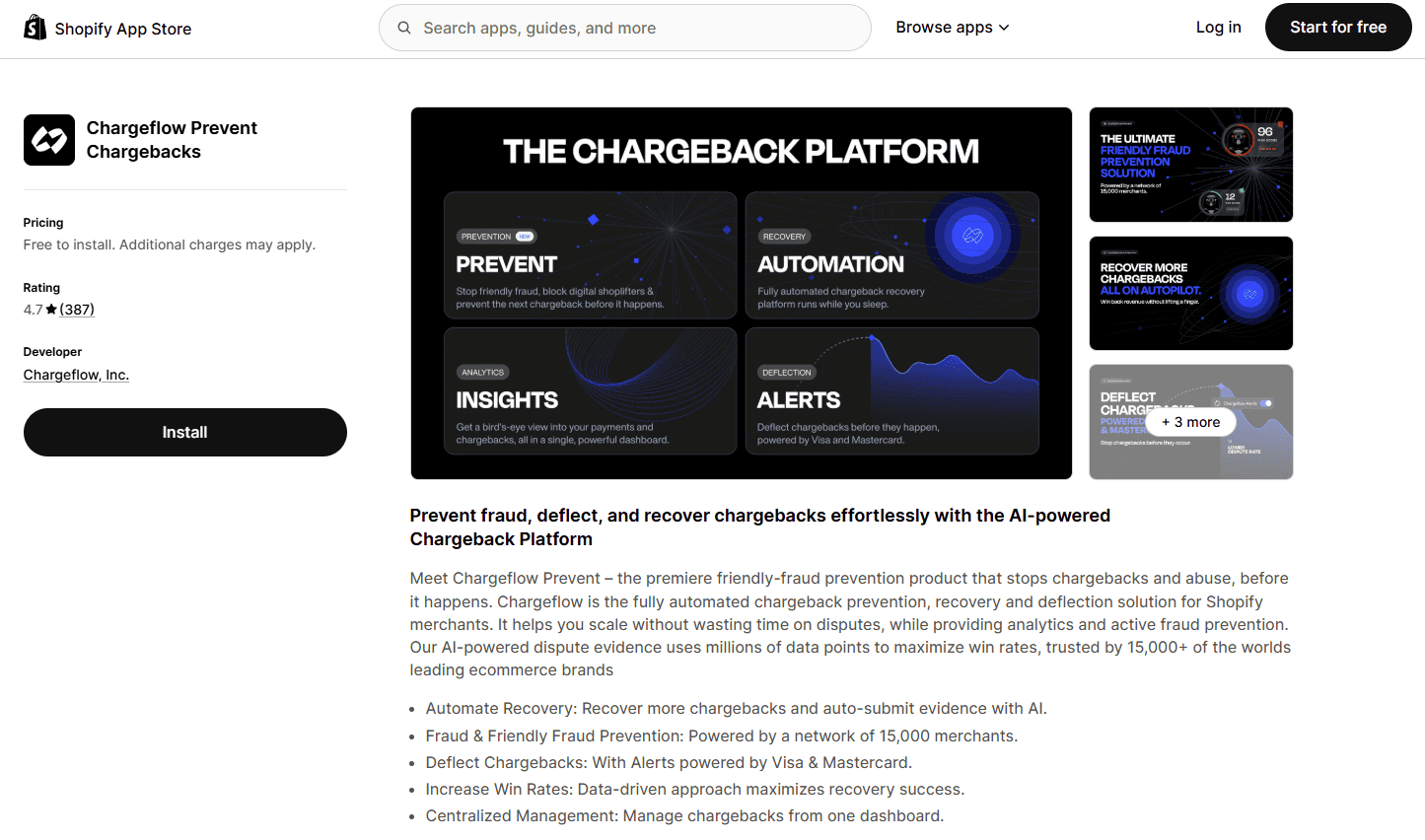
12. Chargeflow: Best for Automated Chargeback Management
Chargeflow is a Shopify BFCM app for revenue protection, automatically handling the surge in chargeback disputes that follows Black Friday and Cyber Monday orders. After BFCM, chargeback volumes spike as fraudulent transactions, buyer's remorse chargebacks, and item disputes all increase proportionally with order volume. Chargeflow submits automated dispute responses using transaction data and wins chargebacks that most merchants would never have the time to fight manually.
Chargeflow operates on a success-fee model: there is no monthly subscription. You pay only when a chargeback is won, which means the cost is directly tied to recovered revenue.
Key Features
Automated dispute responses: Chargeflow generates and submits responses to payment processors without manual intervention
AI-driven evidence compilation: pulls transaction data, order details, and delivery confirmation to build the dispute case
Success-based pricing: no monthly fee; you pay a percentage of successfully recovered chargebacks only
Multi-payment gateway support: covers Shopify Payments, PayPal, Stripe, and major processors
Fraud prevention alerts: flags high-risk transactions before chargebacks are filed
Pricing
Free to install and activate
Success fee only: typically 25% of recovered chargeback amount; no recovery = no charge
Pros
Zero upfront cost: success-fee model means no financial risk to install
Fully automated: dispute responses submitted without any merchant time investment
Directly relevant to BFCM: chargeback volumes peak in the weeks following the sale as fraudulent transactions surface
Covers multiple payment gateways from one dashboard
Cons
Success fee can represent a significant cost if BFCM generates high chargeback volume and most disputes are won
Automated responses may not handle all dispute types equally well; complex cases may benefit from manual supplementation
Best For
Any Shopify store with BFCM order volume above 200 to 300 orders. The higher the order volume, the more exposed you are to BFCM chargebacks, and the more Chargeflow's automation pays off.
Best Shopify BFCM Apps to Measure Performance
BFCM generates more ad spend and more conversion events than any other period. Attribution apps tell you which campaigns actually drove revenue, so you can make informed decisions for the post-BFCM and Q5 period.
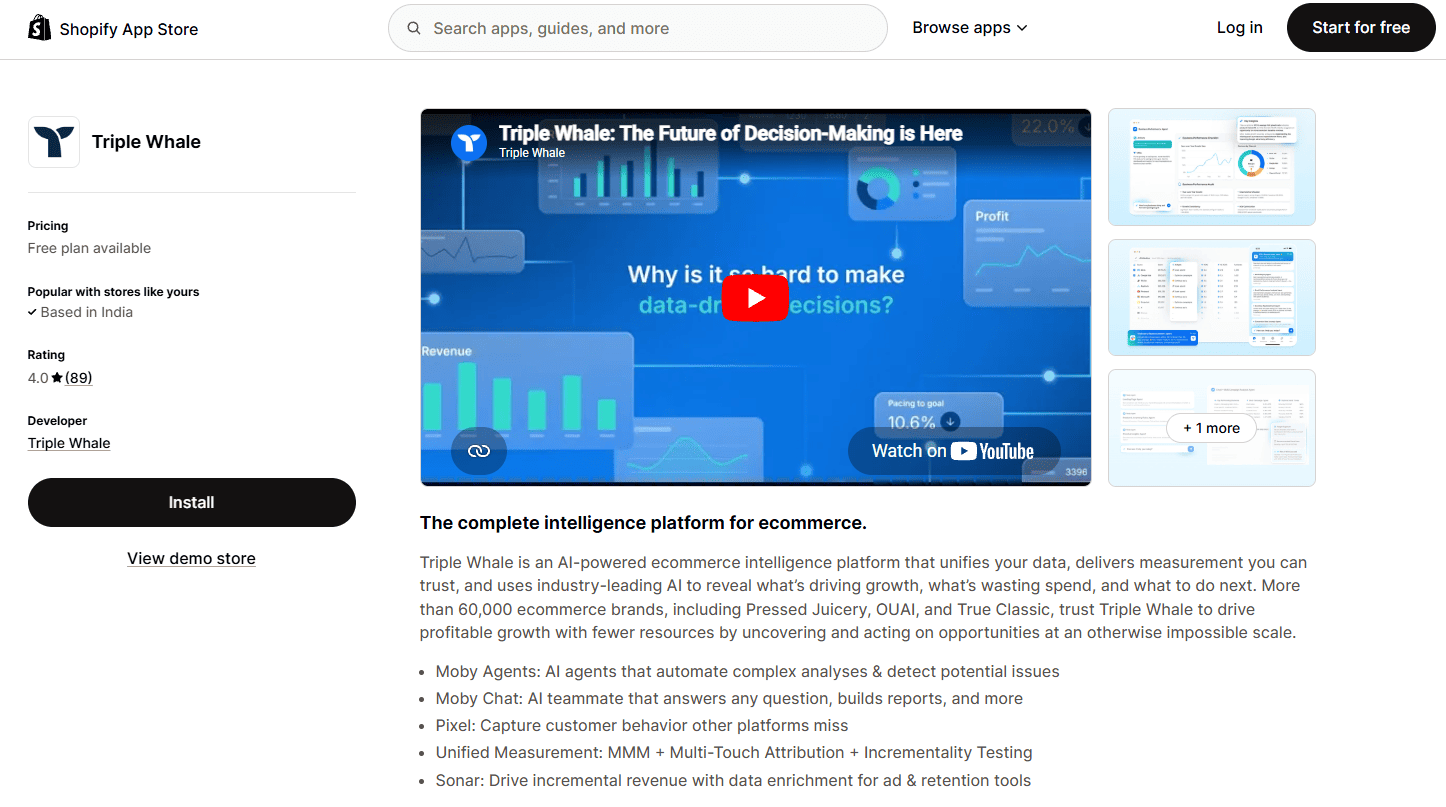
13. Triple Whale: Best for BFCM Attribution and Analytics
Triple Whale is a Shopify BFCM app for attribution and analytics, giving D2C brands accurate multi-touch attribution during the weekend when ad spend is highest and last-click data is least reliable. When BFCM ad spend is at its peak and Meta and Google attribution is distorted by iOS tracking loss, Triple Whale provides the accurate ROAS and channel performance data needed to make real-time budget decisions.
Triple Whale's Pixel tracks customer journeys across touchpoints and corrects for iOS tracking loss. Its real-time BFCM dashboard gives live revenue tracking during the sale weekend, so you can reallocate budget to what is working while the sale is live.
Key Features
Multi-touch attribution: tracks the full customer journey across paid channels, not just the last click
Triple Pixel: first-party pixel that tracks post-iOS 14 conversions that Meta and Google miss
BFCM real-time dashboard: live revenue, ROAS, and order tracking during the sale weekend
Creative analytics: performance breakdown by individual ad creative, not just campaign or ad set
Blended ROAS: combines all channel spend to give a single source of truth for BFCM marketing ROI
Cohort analysis: understand the LTV and repeat purchase behavior of BFCM customer cohorts over time
Anomaly alerts: automated notifications when ROAS or conversion rate drops significantly during the sale
Pricing
Paid plans from $129/month (scales with store revenue and feature tier)
No free plan; 14-day trial available
Pros
Most accurate attribution available for Shopify DTC brands: corrects for iOS 14 tracking loss that makes Meta and Google data unreliable during BFCM
Real-time BFCM dashboard allows live budget reallocation to highest-performing campaigns during the sale
Creative-level analytics reveal which specific ad assets drove BFCM revenue
Cohort analysis turns BFCM into actionable data for Q1 retention planning
Cons
Premium price point: $129/month and up; justified primarily for stores with $50K+ monthly ad spend
Not useful for stores that do not run significant paid media; organic-only stores have limited use for attribution tools
Full attribution accuracy requires 2 to 4 weeks of Triple Pixel data collection before BFCM; install in October
Best For
Shopify stores with meaningful paid media budgets for BFCM (Meta, Google, TikTok) that want accurate channel attribution and real-time performance visibility during the sale weekend.
Best Shopify Black Friday Apps to Drive Conversions
Conversion rate is the multiplier on all your BFCM traffic. This section covers the apps that address conversion directly: checkout optimization for Shopify Plus stores, dedicated BFCM landing pages, and sitewide urgency signals that turn browsers into buyers.
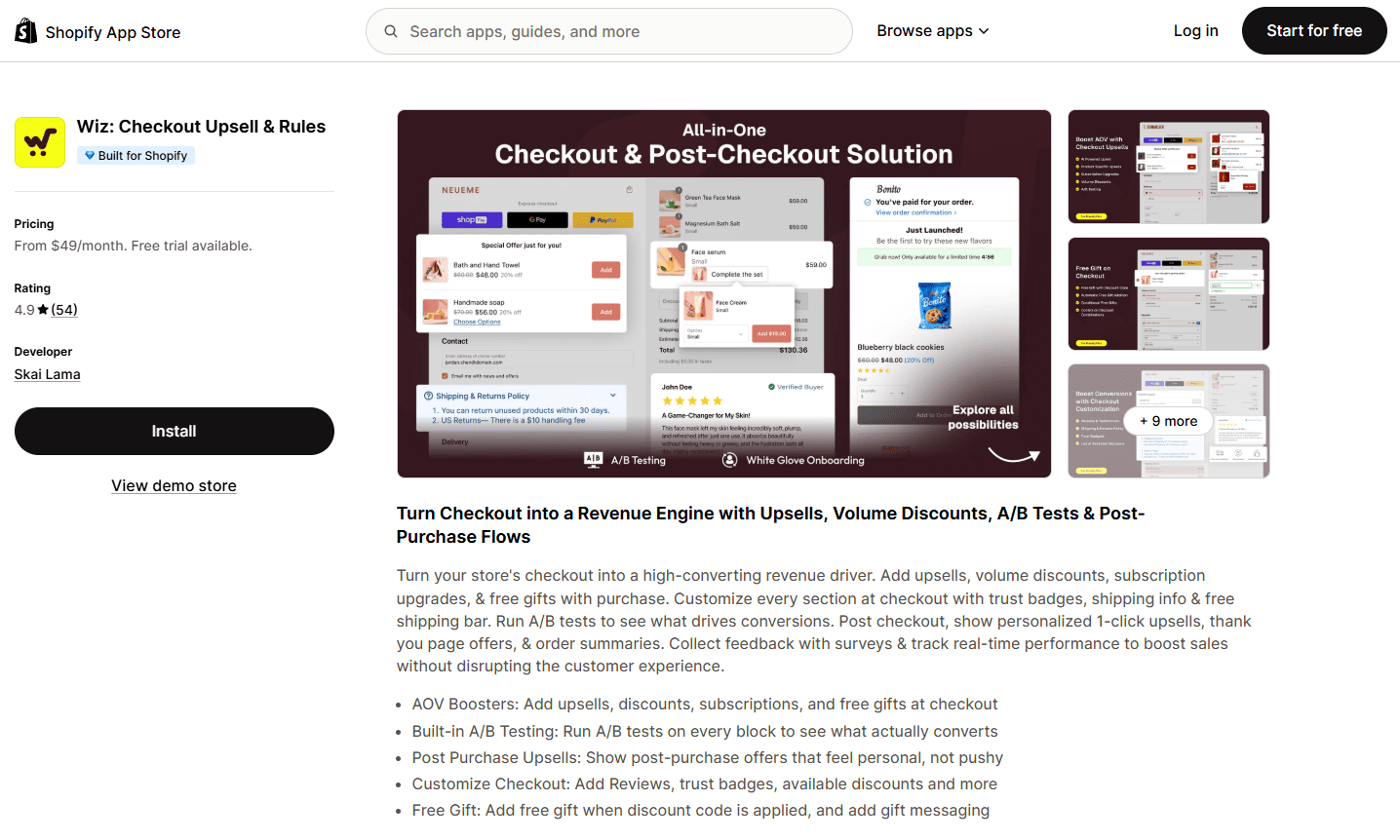
14. Checkout Wiz: Best for Checkout Conversion and Checkout Upsells (Shopify Plus)
Checkout Wiz is a Shopify BFCM app for Shopify Plus stores, built to increase checkout conversion rates through upsells, trust elements, and full-page A/B testing placed directly on the checkout page. It covers four pages in the post-purchase journey: the checkout page, the post-purchase page, the thank you page, and the order status page.
Per Shopify, checkout page customization is available on Shopify Plus only. This is a platform requirement that applies to all checkout apps, not a limitation specific to Checkout Wiz. For Plus stores, Checkout Wiz uses that access to deliver checkout upsells, trust badges, reviews at checkout, free gift triggers, and subscription upgrade offers, all configurable with drag-and-drop controls and no code.
Key Features
Checkout upsells: product recommendations shown on the checkout page itself, accepted without interrupting the purchase flow
Post-purchase upsells: one-click upsell offers shown immediately after payment confirmation
Full-page A/B testing: test entire checkout page variations (layout, widgets, copy) against each other with real conversion data
Widget-level A/B testing: test individual elements like trust badge placement or upsell position
Trust badges and reviews: security badges, payment icons, and product reviews displayed at checkout to reduce abandonment
Subscription upgrade upsells: offer one-time purchasers a subscription upgrade during or after checkout
Free gift with conditions: trigger a free gift offer based on cart value or product rules, shown at checkout
Address validation: reduces failed deliveries with real-time address checking
Discount and payment method control: hide, rename, or reorder shipping and payment options
Post-purchase surveys: attribution surveys on the post-purchase page
Pricing
Essential: $49/month (post-purchase upsells and thank you page customization; 14-day free trial)
Plus Growth: $99/month or $999/year (checkout upsells, trust badges, banners, all post-purchase features; 14-day free trial)
Checkout Concierge: $199/month or $1,999/year (all features plus custom onboarding, A/B testing, monthly optimization reviews, and custom development)
Top Checkout Wiz Case Studies
Arbor Made (USA): Checkout conversion lifted from 56% to 63% during BFCM through full-page A/B testing, a 16% lift at BFCM scale
Metaflow (USA): $889K in additional revenue generated through checkout upsells
Pros
Case study: Arbor Made increased checkout conversion from 56% to 63% during BFCM; a 16% conversion lift at BFCM-scale traffic is significant revenue
Full-page A/B testing is rare among checkout apps; most only offer widget-level tests
Covers the entire post-purchase journey (checkout, post-purchase, thank you, order status) in one app
Built natively on Shopify Checkout Extensions: no Checkout.Liquid workarounds, future-proof for Shopify mandatory migration
$5M+ in upsell revenue generated across merchant installs
Cons
Per Shopify, checkout page customization requires Shopify Plus. This is a platform requirement that applies to all checkout apps.
Best For
Shopify Plus stores that want to increase checkout conversion rates and add checkout upsells during BFCM. The A/B testing capability makes it especially valuable for stores running BFCM traffic at scale.
15. PageFly: Best for Building Dedicated BFCM Sale Landing Pages
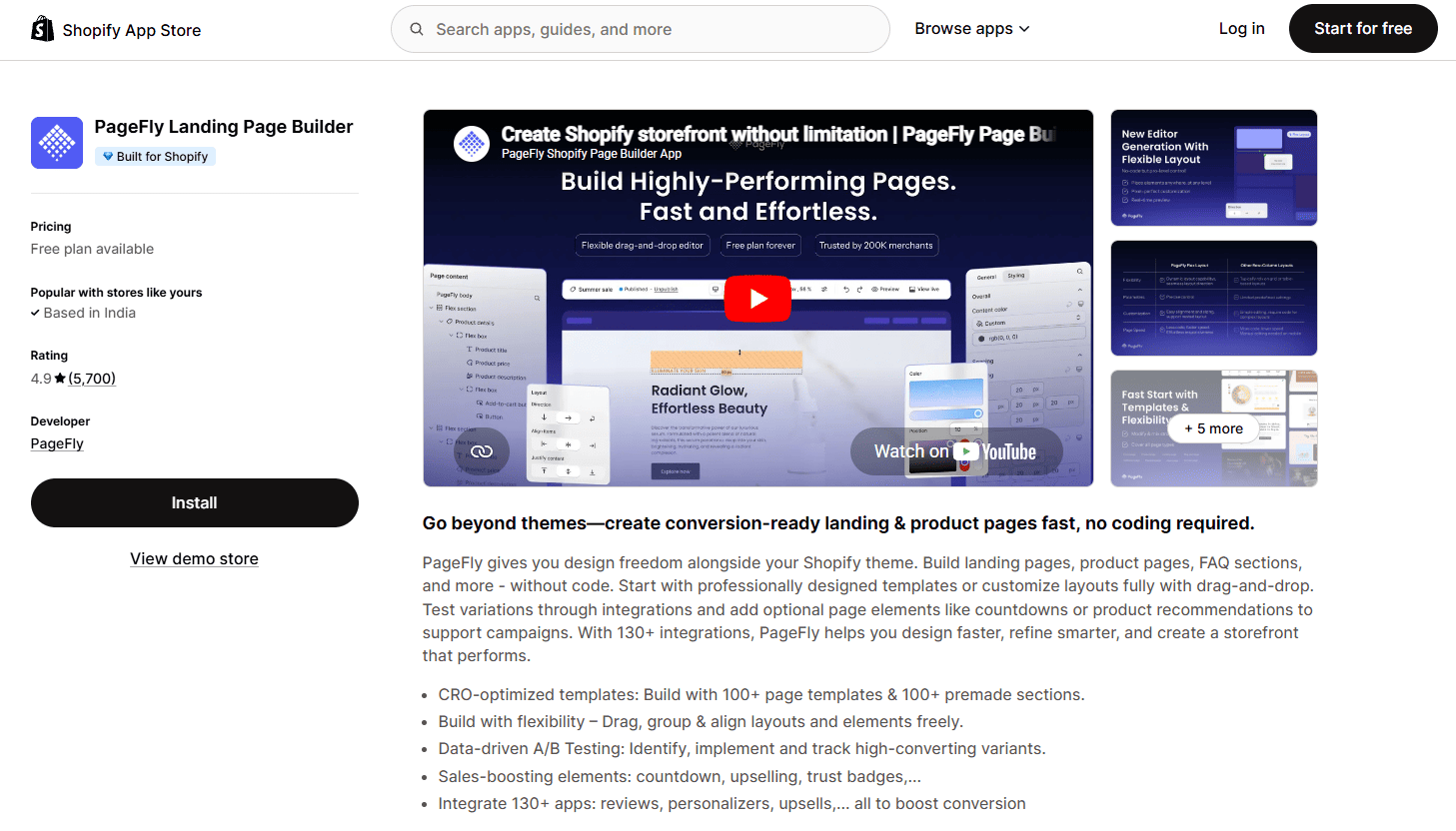
PageFly is a Shopify BFCM app used for building high-converting sale landing pages, dedicated Black Friday pages, and collection pages that give full control over layout and promotional messaging without touching theme code. For BFCM, the primary use case is creating a standalone sale page separate from the standard Shopify theme, where every element, urgency signal, and deal can be purpose-built for the campaign.
PageFly integrates with most major Shopify apps including countdown timers, email capture tools, and review widgets, so you can build a BFCM landing page that combines deal presentation with conversion optimization elements in one view.
Key Features
Drag-and-drop page builder: no-code creation of landing pages, product pages, and collection pages
90+ pre-built templates: BFCM-specific sale page templates available
Countdown timer integration: native support for urgency timers on landing pages
A/B testing: split test different page layouts and content variations
Mobile optimization: all pages fully responsive with mobile-specific controls
SEO settings: custom meta titles and descriptions per page
Analytics: page-level conversion tracking
Pricing
Free: 1 published page
Pay As You Go: from $24/month (unlimited pages, all templates)
Unlimited: $99/month (priority support and advanced features)
Pros
Fast setup: launch a dedicated BFCM sale page in hours, not days
No code required: marketing teams can build and update pages without developer help
Template library includes BFCM and seasonal sale layouts ready to customize
Works alongside existing Shopify theme without modifying theme code
Cons
Pages can become slow on mobile if too many elements or heavy images are added without optimization
Free plan is limited to 1 published page, which is not sufficient for a multi-page BFCM campaign
More complex layouts have a learning curve for users new to page builders
Best For
Stores that want a dedicated BFCM sale landing page separate from their main theme, or that want full layout control over their promotional pages without touching theme code.
16. Hextom: Ultimate Sales Boost: Best for Sitewide Urgency and Flash Sale Banners
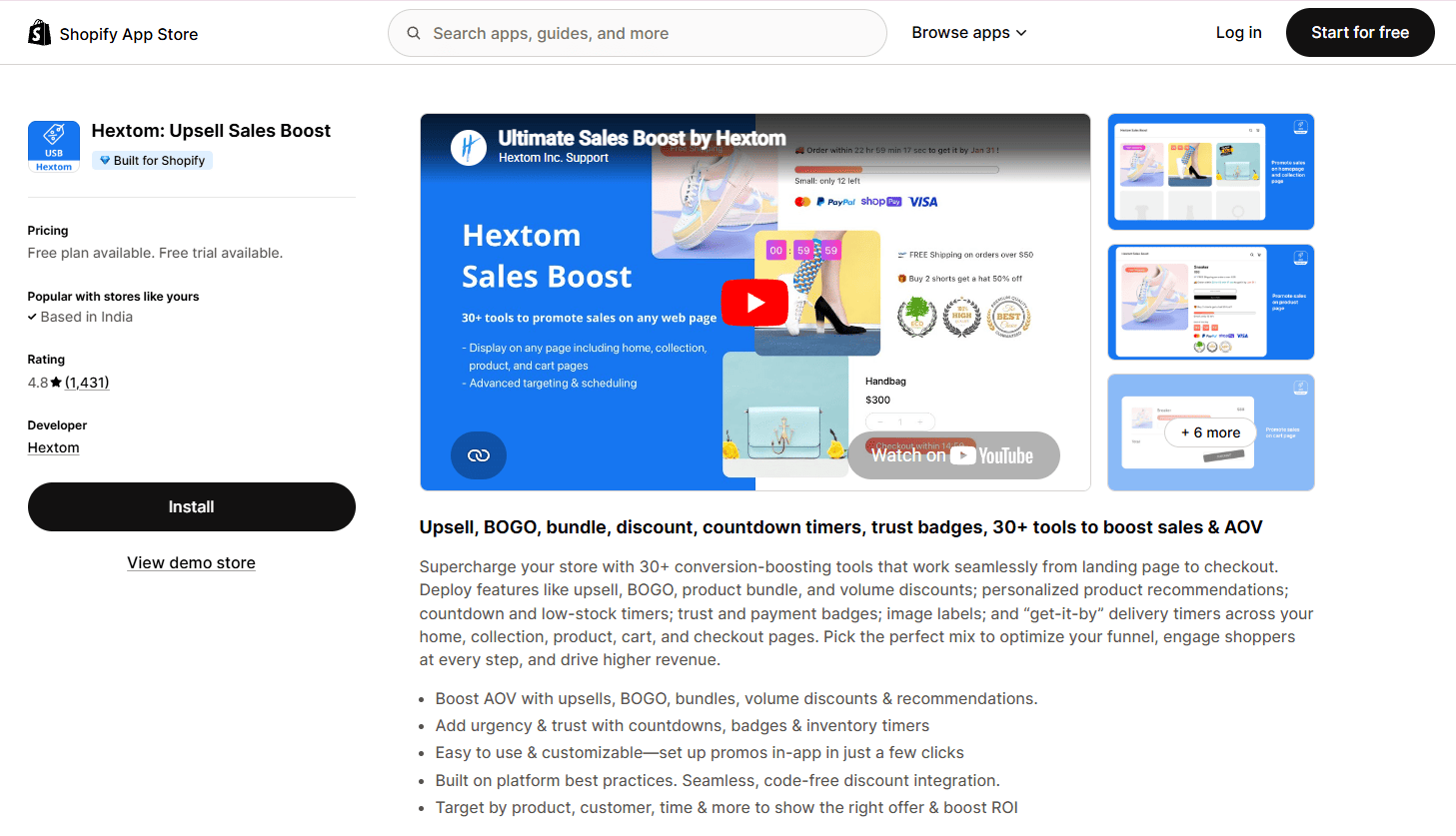
Hextom: Ultimate Sales Boost is a Shopify BFCM app used for adding sitewide urgency signals, countdown timers, and flash sale banners that convert BFCM browsers into buyers. It is the fastest way to add visible urgency elements across every page of the store without modifying theme code, and all widgets can be scheduled to match BFCM sale windows exactly.
The app supports over 30 widgets including countdown timers, stock scarcity notices, social proof bars, and sales pop notifications. Every widget can be scheduled to auto-start and auto-end with the BFCM sale, with no manual toggling required during the weekend.
Key Features
Countdown timers: page-level and sitewide timers synced to BFCM sale windows
Announcement bars: promotional banners for sale messaging, free shipping thresholds, and early access
Flash sale labels: overlay badges on product images showing sale percentage or deal type
Social proof notifications: recent purchase pop-ups and visitor count displays
Scheduling: all widgets auto-start and auto-end by date range
30+ widgets: covers the full range of BFCM urgency and conversion elements
Pricing
Free: up to 3 active bars and basic countdown timers
Growth: $9.99/month (all widgets, scheduling, and analytics)
Professional: $29.99/month (priority support and advanced customization)
Pros
Covers the full set of BFCM urgency elements in one app: timers, stock scarcity, sale badges, announcement bars
Scheduling means all urgency messaging activates and deactivates automatically; no manual intervention during the sale
Very low price point relative to the number of features
Widgets work without theme code changes
Cons
Default widget styles can look generic if not customized; requires configuration to match brand aesthetics
Social proof notifications (recent purchase pop-ups) can feel intrusive if overused during high-traffic periods
Free plan limited to 3 active bars, which is not enough for a full BFCM urgency setup
Best For
Stores that want sitewide urgency messaging, countdown timers, and stock scarcity signals for BFCM without a page builder or custom theme work. Best used alongside a discount app rather than as a standalone conversion tool.
How to Get the Most from Your Shopify Black Friday (BFCM) Apps
The apps above aretools, not strategies. How you install, configure, and connect them determineswhether they perform during the four highest-traffic days of the year. Here iswhat to do before, during, and after the sale.
1. Remove Unused Apps
Every inactive app adds pagerequests that slow your store down. Uninstall anything you are not activelyusing, and check your theme files for leftover code snippets from apps you havealready removed. Leftover scripts do not always get cleaned up automaticallywhen you uninstall an app.
2. Run a Performance Audit
Apps affect Core WebVitals including LCP, CLS, and INP. Run a performance check and identify whichapps are adding the most load time. A one-second improvement in page load canlift conversions by roughly 2%, which compounds significantly at BFCM trafficvolumes.
3. Test Your Full Customer JourneyEnd to End
Simulate a completepurchase from add to cart through checkout on both desktop and mobile. This isespecially important for bundle apps, discount stacking, and paymentintegrations. Checkout bugs are the most expensive ones to catch late.
4. Configure Your BFCM Promotions Early
Set up your automaticdiscounts, BOGO campaigns, and bundle offers well in advance so you can QA themproperly. Avoid making changes to discount logic right before or during thesale. An untested promotion change during peak traffic is an avoidable risk.
5. Set Up and Test Your Abandoned Cart Flows
Abandoned checkout recovery isone of the highest-ROI automations you can run during BFCM. Confirm your flowsare live, your timing is correct, and your messages reference your BFCM offersbefore the sale starts.
6. Configure Fraud Detection Before the Traffic Spike
BFCM brings a sharp increasein fraudulent orders alongside the legitimate ones. Configure your frauddetection settings in advance and use Shopify Flow to auto-tag or holdhigh-risk orders for review before they are fulfilled.
7. Keep Live Chat or Support Active During the Sale
Customer questions spikeduring BFCM. Having live chat or automated responses ready reduces abandonmentfrom unanswered pre-purchase queries. Faster responses mean more buyerscomplete their purchase.
8. Watch Your Inventory Sync Apps for Delays
If you use third-partylogistics integrations or multi-location inventory apps, monitor them closelyfor sync delays during peak hours. A lag between your inventory app and Shopifycan lead to overselling on fast-moving SKUs.
9. Freeze App Changes for the Duration of the Sale
No new app installs, no themeedits, no untested updates during the sale window. Stability matters more thanoptimization during peak traffic. Save any improvements for after BFCM ends.
10. Use Analytics Tools to Spot Friction in Real Time
If your conversion rate dropsduring the sale, session replay and heatmap tools can help you identify exactlywhere customers are getting stuck. Having these apps active before BFCM meansyou have data to act on, not just a number to investigate after the fact.
11. Re-Audit Your App Stack Once the Sale Ends
Remove any apps that were onlyneeded for the sale period. Document what worked, what caused conflicts, andwhat you would configure differently. This review is the starting point fornext year's BFCM prep.
Choosing the Best Shopify Apps for Black Friday (BFCM)
There is no single app that covers all of BFCM. The stores that perform best during the sale weekend run a stack of purpose-built tools across the categories that matter to their business: AOV, conversion, retention, inventory, and protection.
For most Shopify stores, the highest-ROI starting point is: Kite for discount campaigns and free gifts, Easy Bundle Builder for product bundles and gift boxes, Klaviyo for email and SMS segmentation, Smile.io for loyalty and post-BFCM retention, and AfterShip for order tracking and WISMO reduction. Shopify Plus stores should add Checkout Wiz for checkout page optimization.
Every app in this guide has a free plan or free trial. Start with the apps that address your biggest revenue leak from last BFCM and build from there.
Hurrify customers to buy within a given timeframe with a sales countdown timer & improve conversions
Another popular Shopify checkout app is Checkout Promotions. The app comes with the ability to leverage a collection of highly robust visibility rules that help show customers one-click post purchase upsell promotions after an order payment has been made. Some of its key features include:
Features
AI recommended and manual recommendations for upselling.
Complete branding control.
Checkout Upsell for increasing AOV.
AI recommended and manual recommendations for upselling.
Pricing
Development
Free
Monthly Plan
$99/ month
Plus Plan
$99/ month
Plus Plan
$99/ month
FAQs on Best Shopify Apps for BFCM to Increase Sales
What are the best Shopify apps for Black Friday (BFCM)?
When should I start setting up apps for BFCM?
How do I increase AOV during BFCM without cutting prices too deeply?
What is the best loyalty app for BFCM?
Do I need both Klaviyo and Omnisend?
Which Shopify apps are most important for Shopify Plus stores during BFCM?
Neetika M
Neetika is the founder of Skai Lama. Passionate about building SaaS, Product Development, and Marketing, she talks about eCommerce Growth, Product Bundling, Gifting, Retention, and Shopify.

.svg)
.svg)

.svg)
.svg)


%20(1).jpg)
.jpg)
.svg)









.svg)



.avif)


